1-10 QX-830 Compact Industrial Scanner User’s Manual
Configure the Scanner
Step 8 — Configure the Scanner
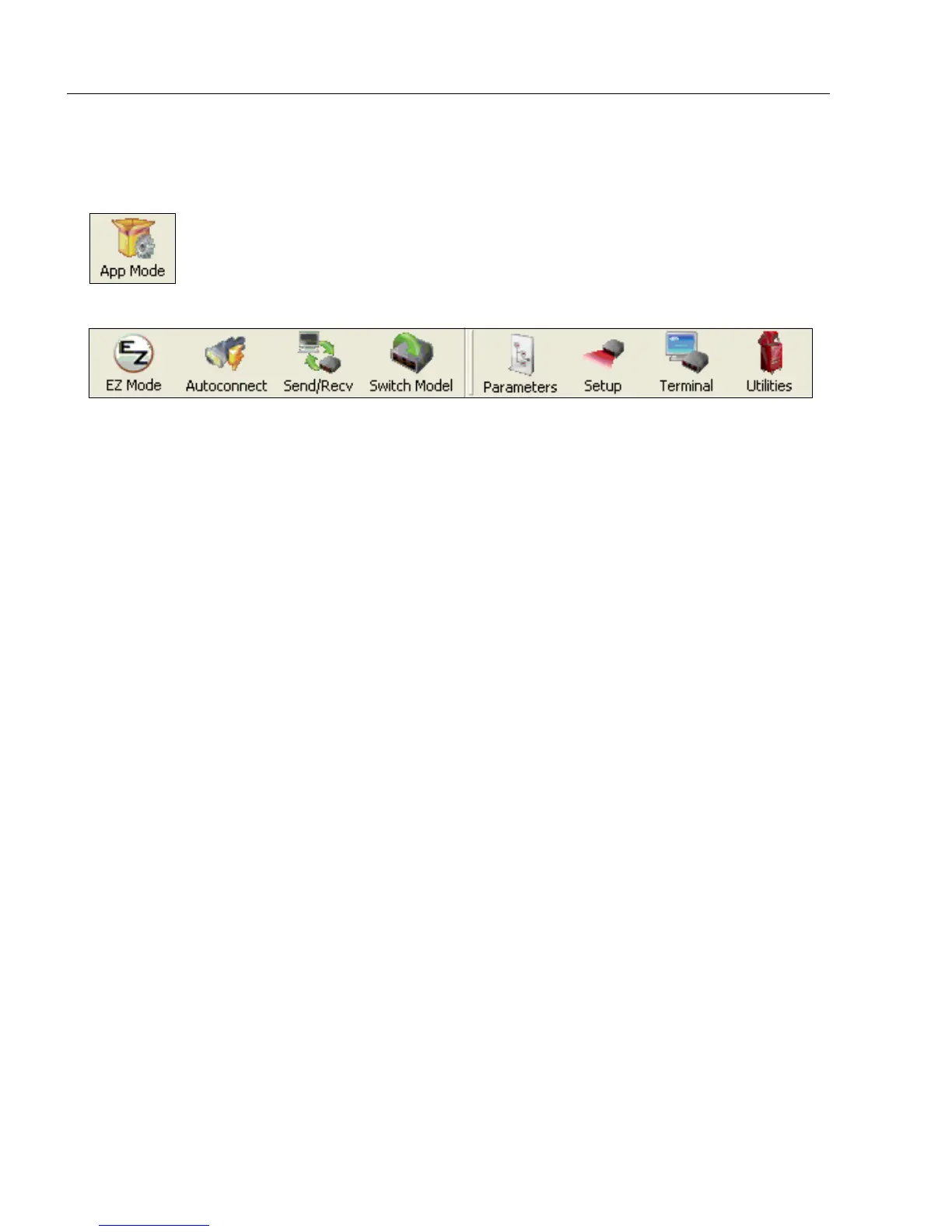
Click the App Mode button to make configuration changes to the scanner.
The following modes are accessible by clicking the buttons at the top of the screen:
• Click the EZ Mode button to return to EZ Mode.
• Click the Autoconnect button to establish communication.
• Click the Send/Recv button to send or receive commands.
• Click the Switch Model button to open the model menu, or to return to a previous model.
• Click the Parameters button to show the tabbed tree control views.
• Click the Setup button to show the tabbed interface views.
• Click the Terminal button to display decoded symbol data and to send serial commands.
• Click the Utilities button to access Read Rate, Counters, Device Control, Differences
from Default, Master Database, Digital Bar Code, and Firmware.
For further details, see Microscan ESP Help in the dropdown Help menu.



 To Next Page