7-16 QX-830 Compact Industrial Scanner User’s Manual
Digital Bar Code
Digital Bar Code
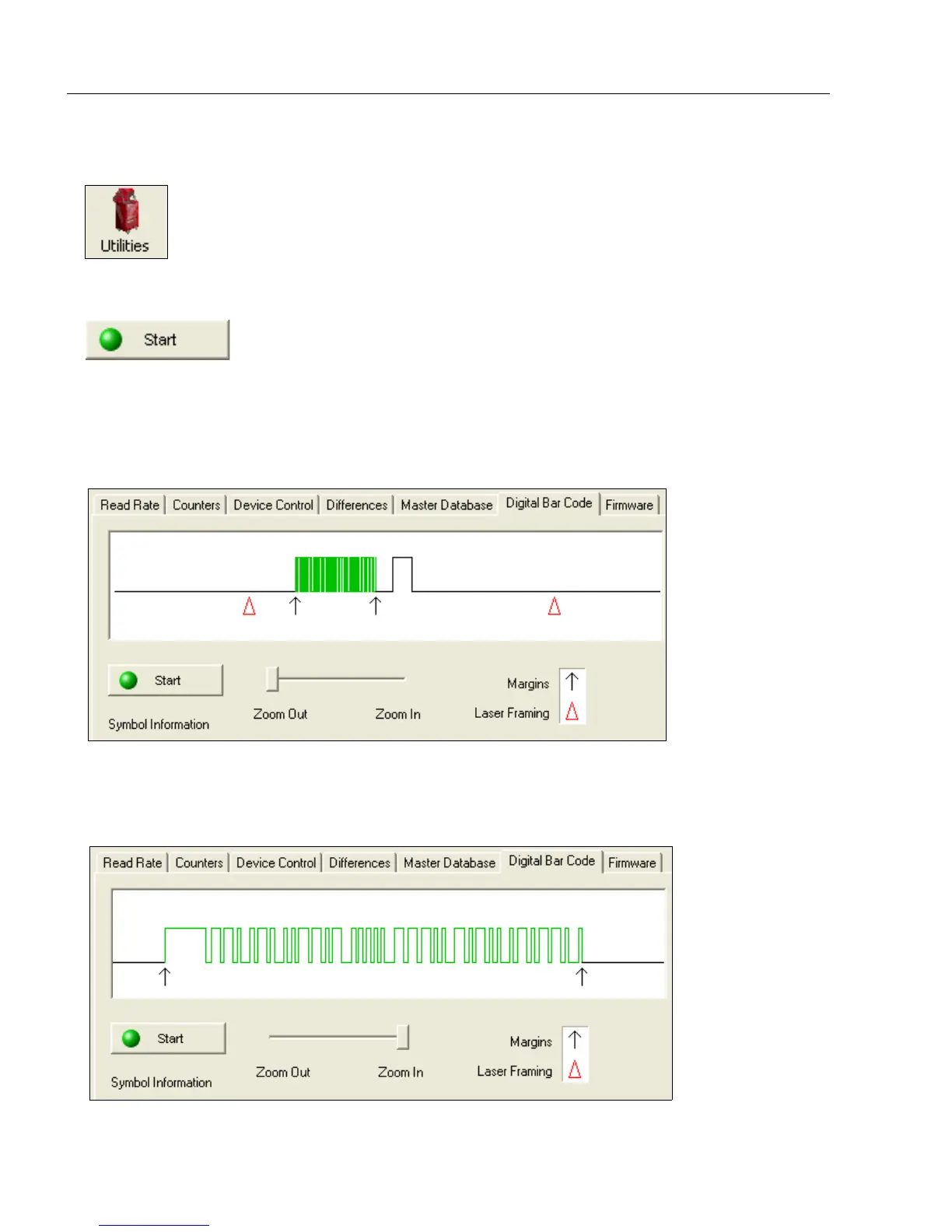
Click the Digital Bar Code tab and the Start button to view a digitized representation of
the symbol in front of the scanner.
This routine is useful for conveying a sense of the symbol’s readability and graphically
indicating bad or unreadable portions of symbols or extraneous “noise”. A green waveform
indicates a decoded symbol; a red waveform indicates an undecoded symbol or other object.
The red triangles represent the width of the scan beam relative to the symbol. The upward
pointing arrows indicate the symbol’s quiet zone.
Zoom In / Zoom Out
Increase the zoom level by sliding the Zoom lever to the right. It may be necessary to
scroll right or left to view the symbol’s waveform in its entirety.
Click the Utilities button and then the Digital Bar Code tab
to display the Digital Bar Code view.



 To Next Page