QX-830 Compact Industrial Scanner User’s Manual 1-9
Quick Start
Step 7 — Test Read Rate
Read Rate indicates the number or percentage of successful decodes per second achieved
by the scanner.
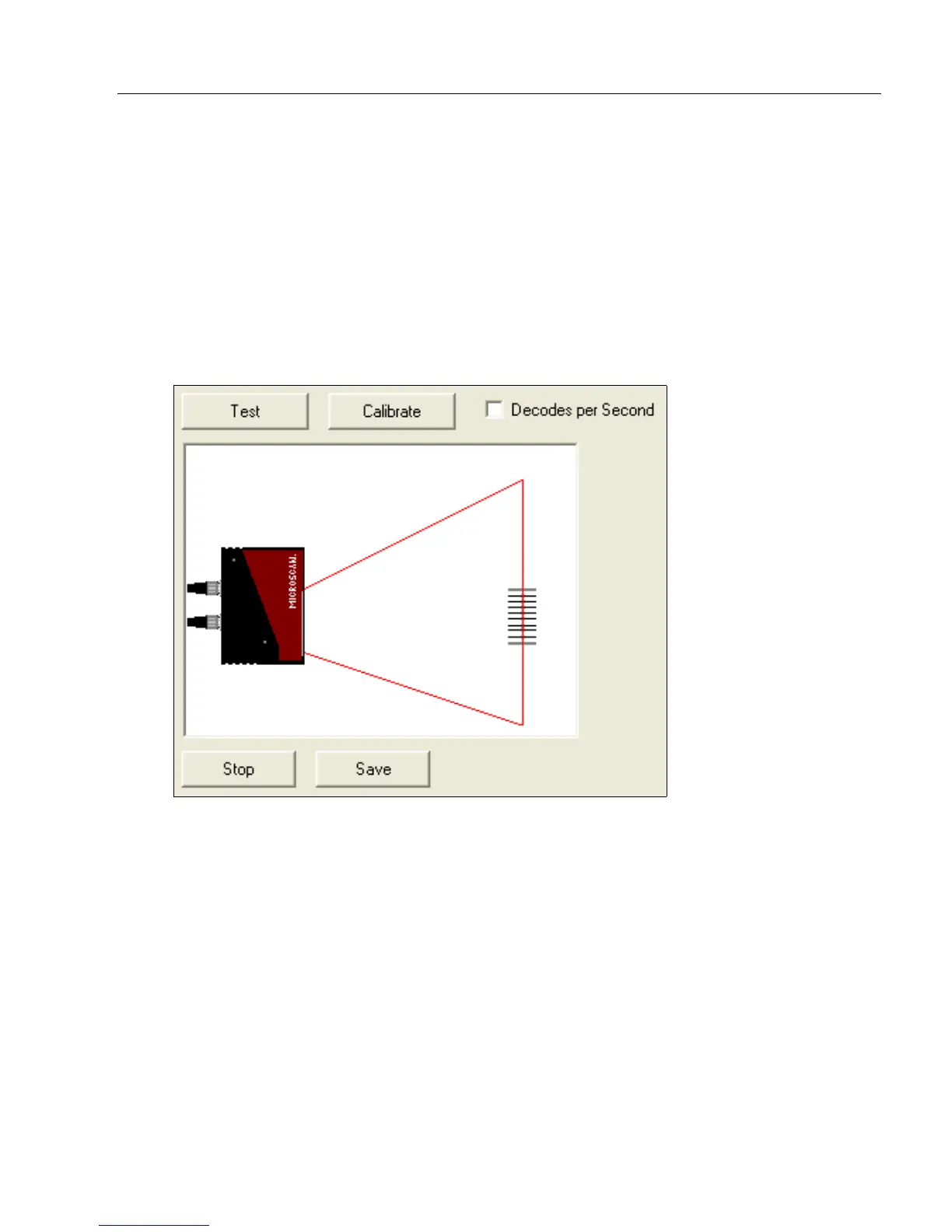
1. Click the Test button in ESP’s EZ Mode to start the Read Rate test.
Symbol data and read rate percentage information should appear in the Symbol
Information table in the bottom portion of the view. The Read Rate LEDs on the
side of the QX-830 will indicate the percentage of successful decodes per second.
2. Click Stop to end the Read Rate test.
Note: Read Rate can also be tested using the Read Rate interface in Utilities.



 To Next Page