5-112 QX-830 Compact Industrial Scanner User’s Manual
I/O Parameters
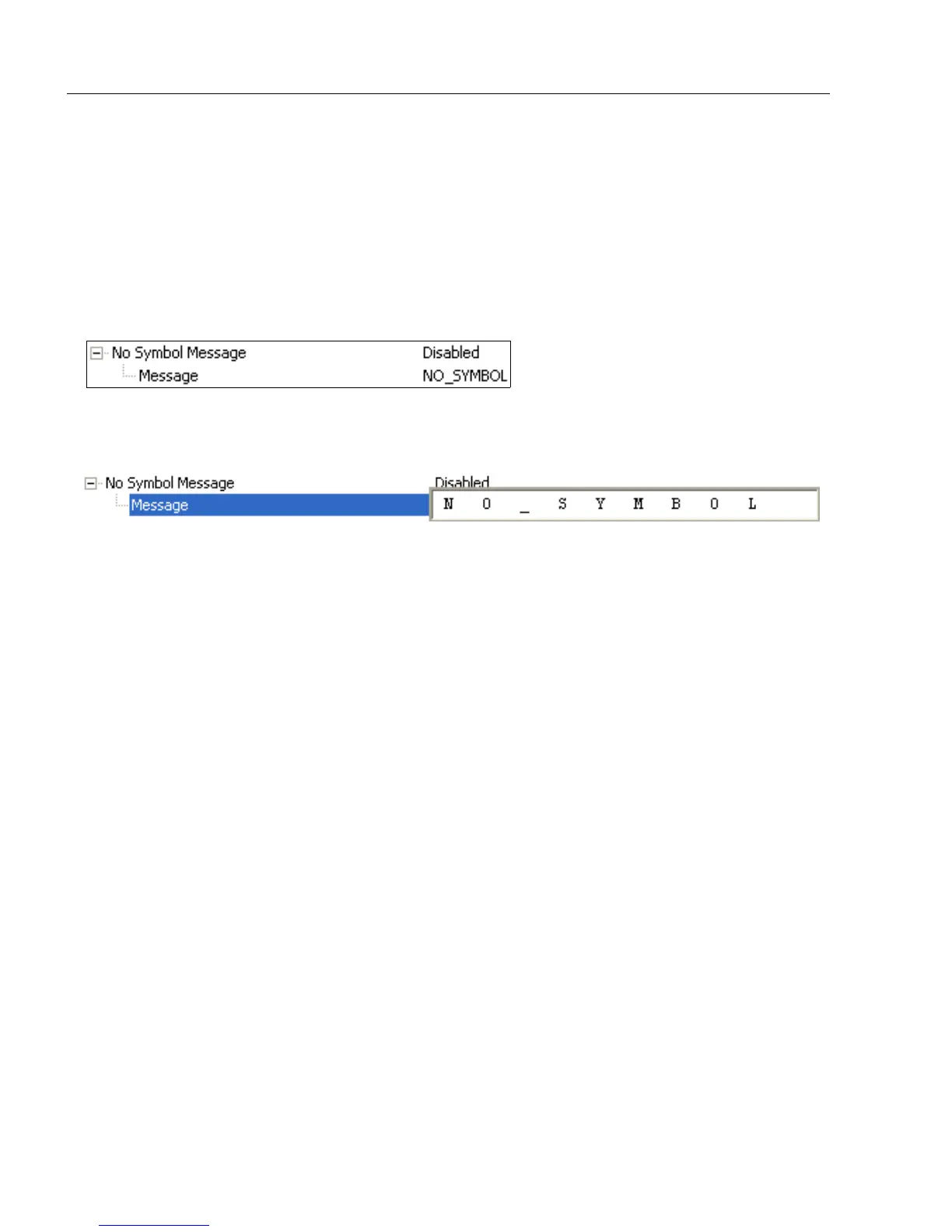
No Symbol Message
Useful in determining if a symbol is present and if user defined requirements for that
symbol are met. Can tell the user if an object does not qualify as a symbol.
Sets the requirements that will qualify an object or a symbol before outputting a decode or
message. When enabled, sends a message to the host whenever an object meets the
qualifications setup but is not decoded.
Note: When Symbology Identifier is enabled, the No Symbol Message is preceded by
the identifier for the symbology being used.
Message
Any combination of ASCII characters can be defined as the No Symbol Message.



 To Next Page