1-4 QX-830 Compact Industrial Scanner User’s Manual
Position Scanner and Symbol
Step 3 — Position Scanner and Symbol
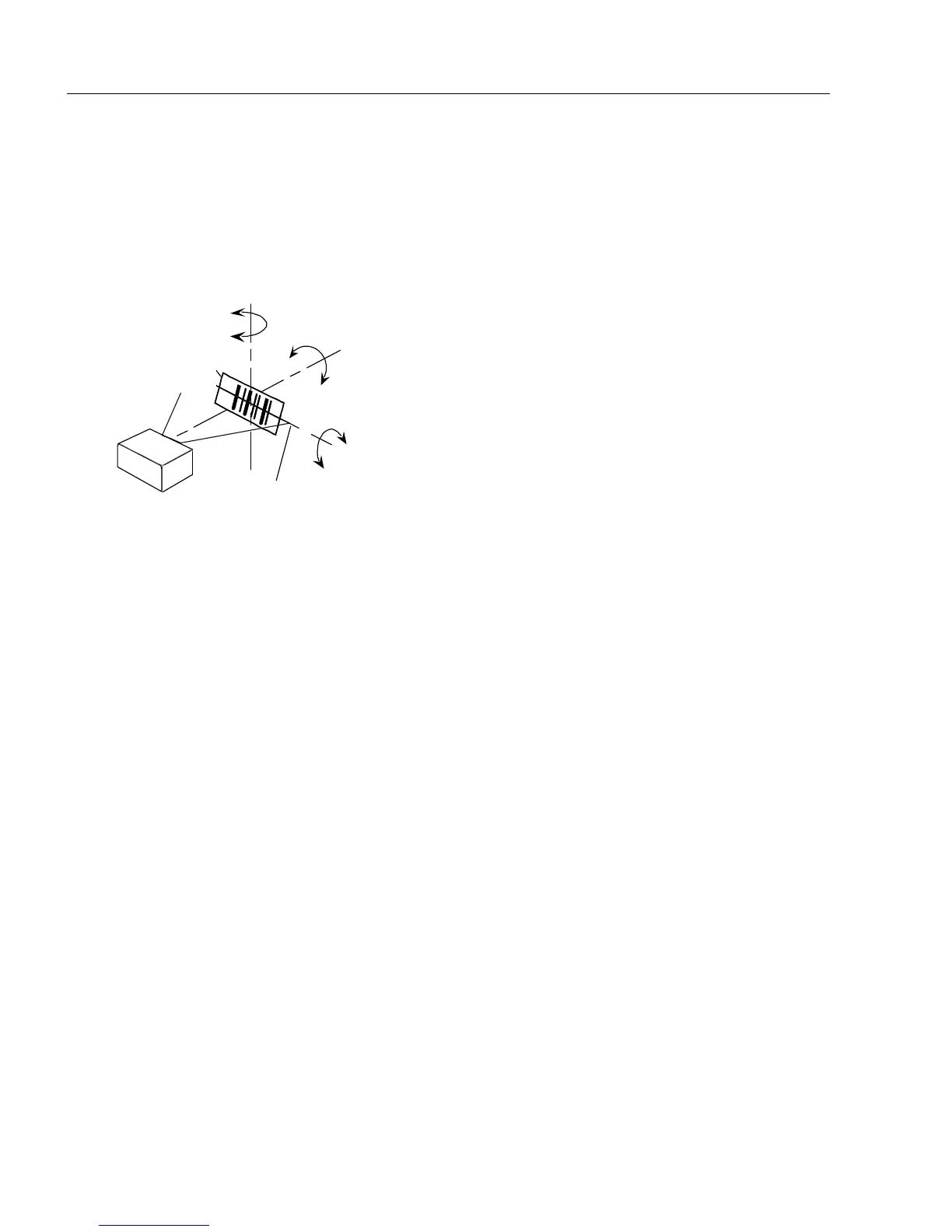
• Place a test symbol in a location with as little ambient light as possible.
• Position the scanner at the focal distance used in the application.
• Align the test symbol with the scanner’s field of view.
• Tip the scanner relative to the test symbol to avoid glare from specular reflection.
Pitch
axis
Bar code
label
Tilt
axis
axis
Scan line
Scanner
Pitch
Tilt
Skew
Symbol
Scanner
Maximum
skew, tilt,
and pitch:
±30°



 To Next Page