QX-830 Compact Industrial Scanner User’s Manual 5-105
Scanner Parameters
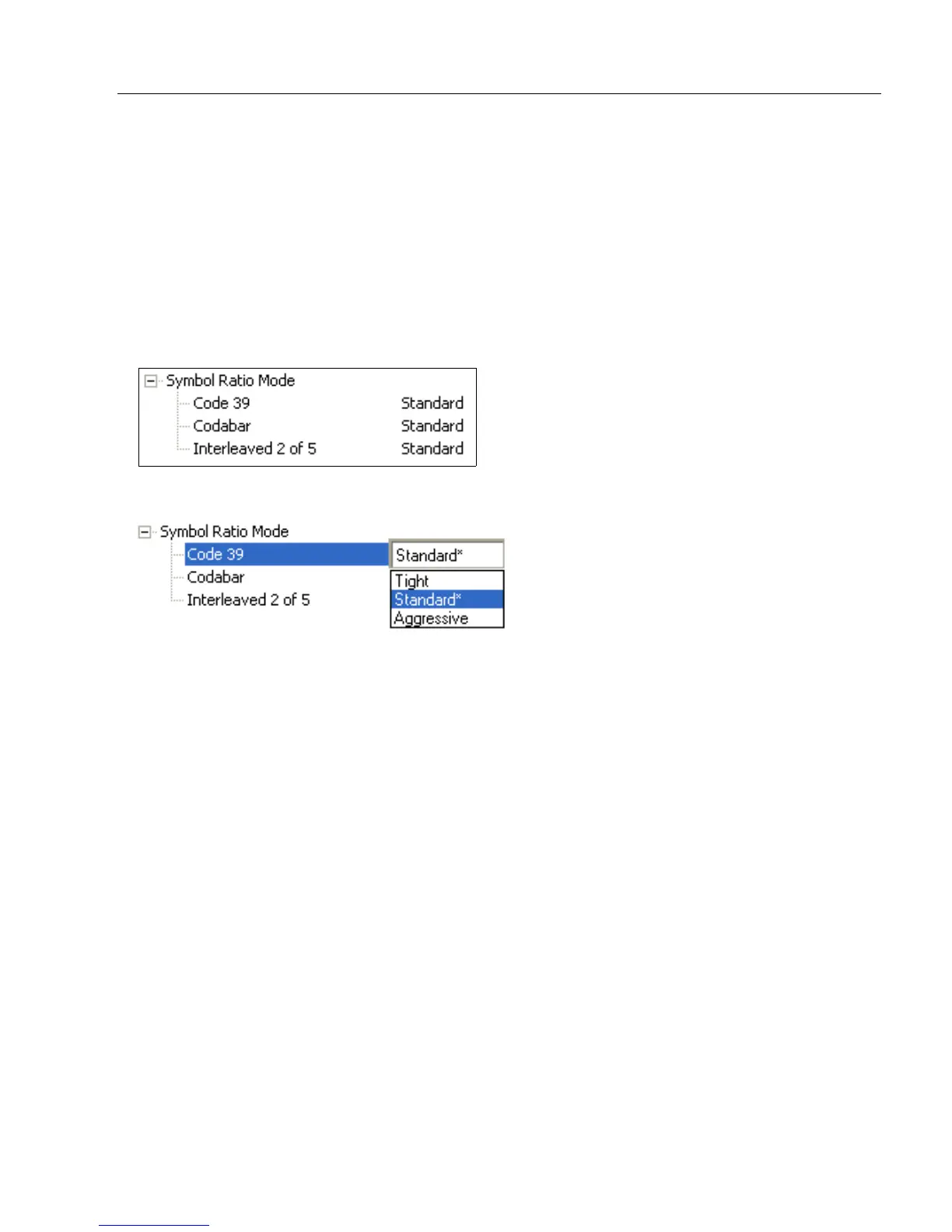
Symbol Ratio Mode
Symbol Ratio Mode is useful for determining how much quality and data security validation
will be applied when decoding a Code 39, Codabar, or Interleaved 2 of 5 symbol.
Tight ratios will only decode a high-quality symbol.
Standard ratios will decode most symbols.
Aggressive ratios will not validate the entire symbol before decoding. The ratios are
“loosened” to read poor-quality symbols. This setting is not recommended unless users
understand the potential ramifications: character substitution rate may increase dramatically
when Symbol Ratio Mode is set to Aggressive.
Code 39
Tight
Maximum ratio is set to 3.6:1. A Validate function, which compares the ratio between the
maximum and minimum bars in the symbol, is used for additional security. A Validate Bars
function minimizes the acceptance of skewed symbols.
Standard
Maximum ratio is set to 4.0:1. A Validate function, which compares the ratio between the
maximum and minimum bars in the symbol, is used for additional security.
Aggressive
Maximum ratio is set at 5.5:1. A Validate function is not used in this mode. This method
may be useful on long symbols where the spot velocity can change throughout the symbol
and effect the minimum and maximum bar values.



 To Next Page