QX-830 Compact Industrial Scanner User’s Manual 6-5
Terminal
Macros
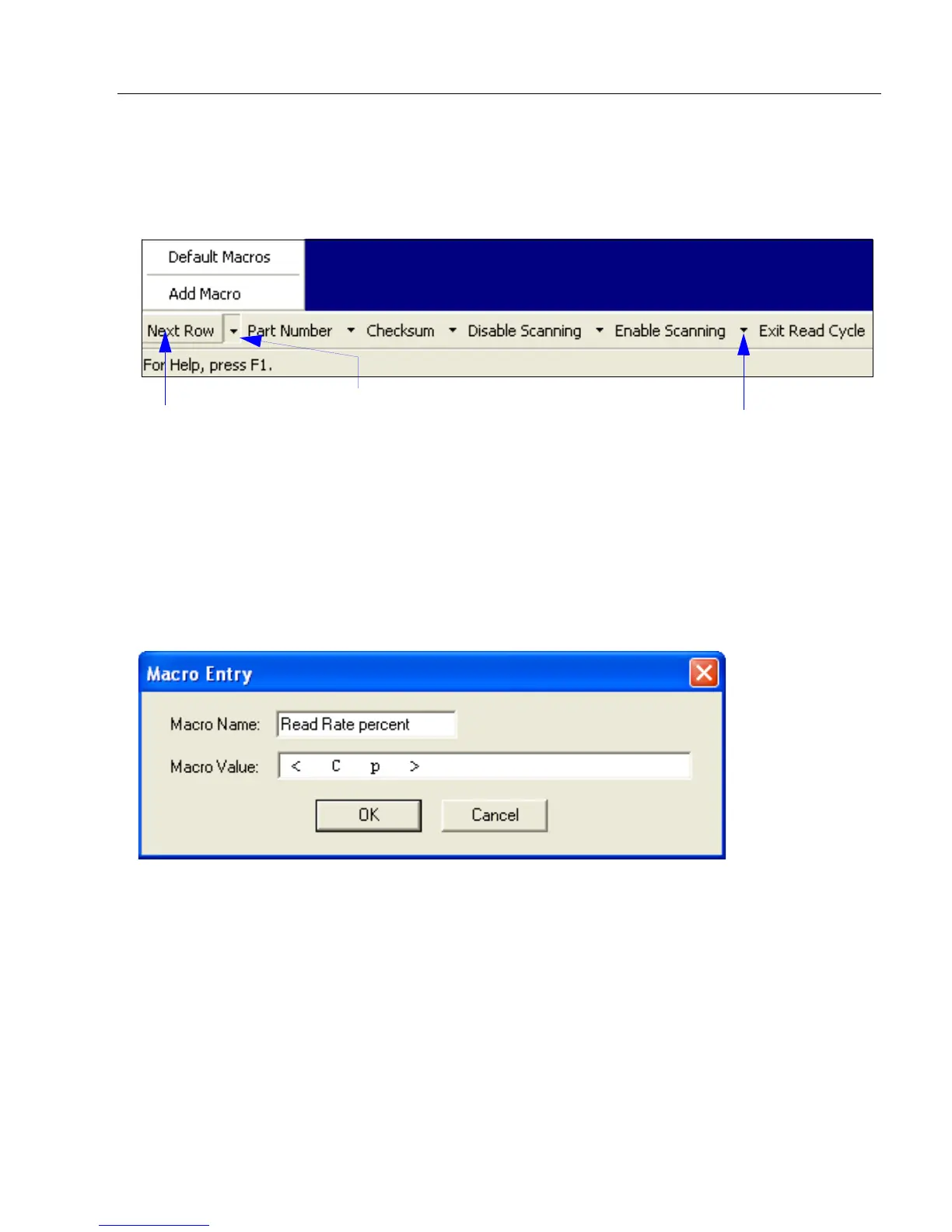
Macros can be stored in a macro selection bar, edited in a separate window, and executed
by clicking on the macro name.
Click a macro button to execute it in the Terminal.
If the macro is a command, it is sent to the scanner at the same time that it is displayed.
Editing a Macro
Click the arrow next to any macro and select Edit to display the following dialog:
Edit the macro value or type a new Macro Name in the text field provided and define it in
the Macro Value field. Click OK to save the entry.
Click on Next
Row to see the
next row of
macros
Click on the first arrow here to see Add
Macro or Default Macros.
When macros are defaulted, the entire
macro set is restored to the original
macro commands.
Click on subsequent
arrows to edit macros.



 To Next Page