QX-830 Compact Industrial Scanner User’s Manual 7-17
Utilities
Firmware
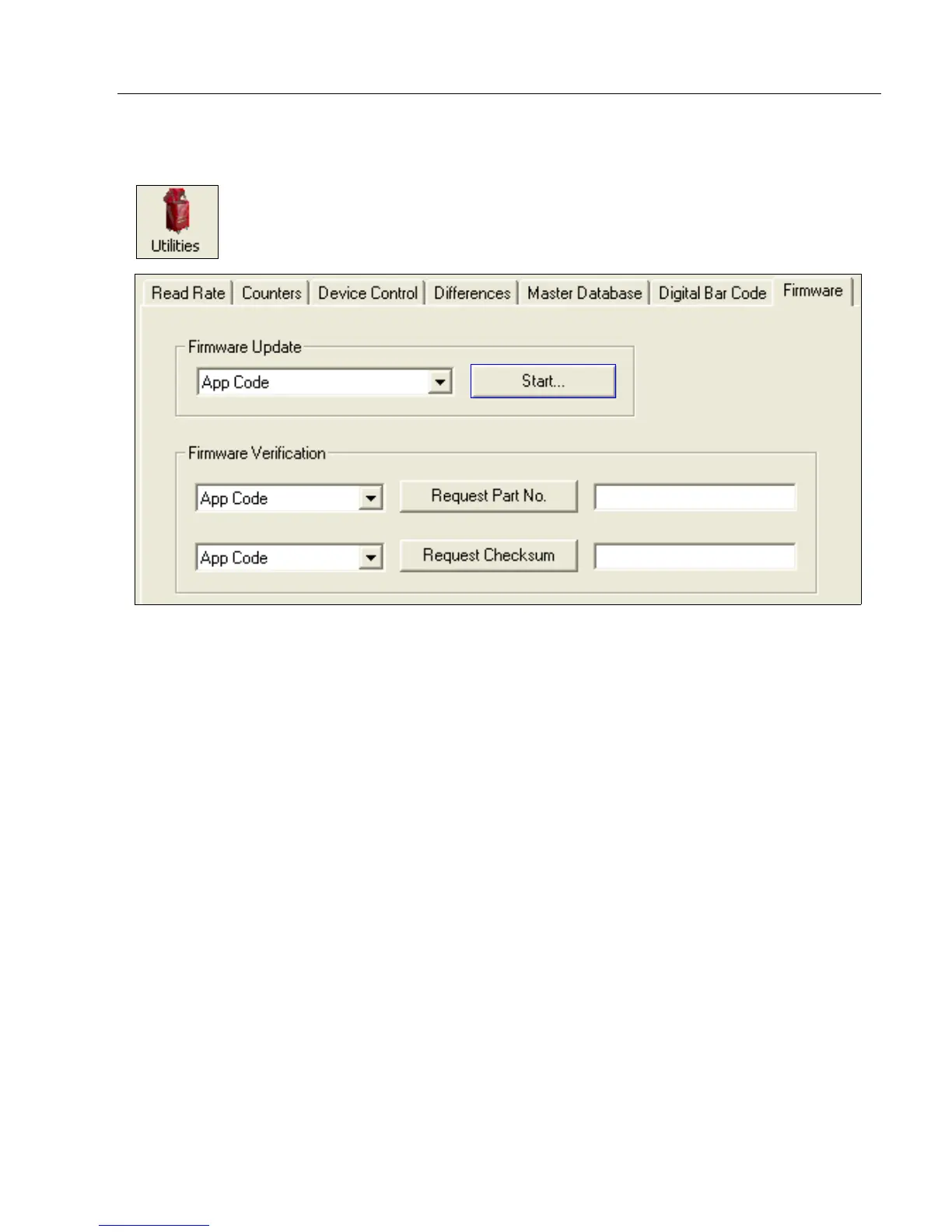
Firmware Update
Firmware Update is used to download application code to the scanner. Application code
versions are specific to the scanner. Consult with a sales representative before downloading
application code. If needed, application/boot code in the form of a *.mot file can be
requested.
To download application code:
1. First, be sure that the scanner is connected to the host computer.
2. Apply power to the scanner.
3. In the Firmware Update dropdown menu, select App Code. This will open a dialog
that allows the user to browse for the application code file.
4. Navigate to where the application code file (a
*.mot
file) is located on the host computer.
5. Allow approximately a minute for firmware to download.
As the application code begins to download, the scanner will be silent, the LEDs will
flash intermittently, and a progress indicator at the bottom of the ESP window will
show when the download is complete.
Caution: Do not interrupt power or disconnect the host cable while download is in progress.
Click the Utilities button and then the Firmware tab
to display the Firmware view.



 To Next Page