QX-830 Compact Industrial Scanner User’s Manual 5-117
Scanner Parameters
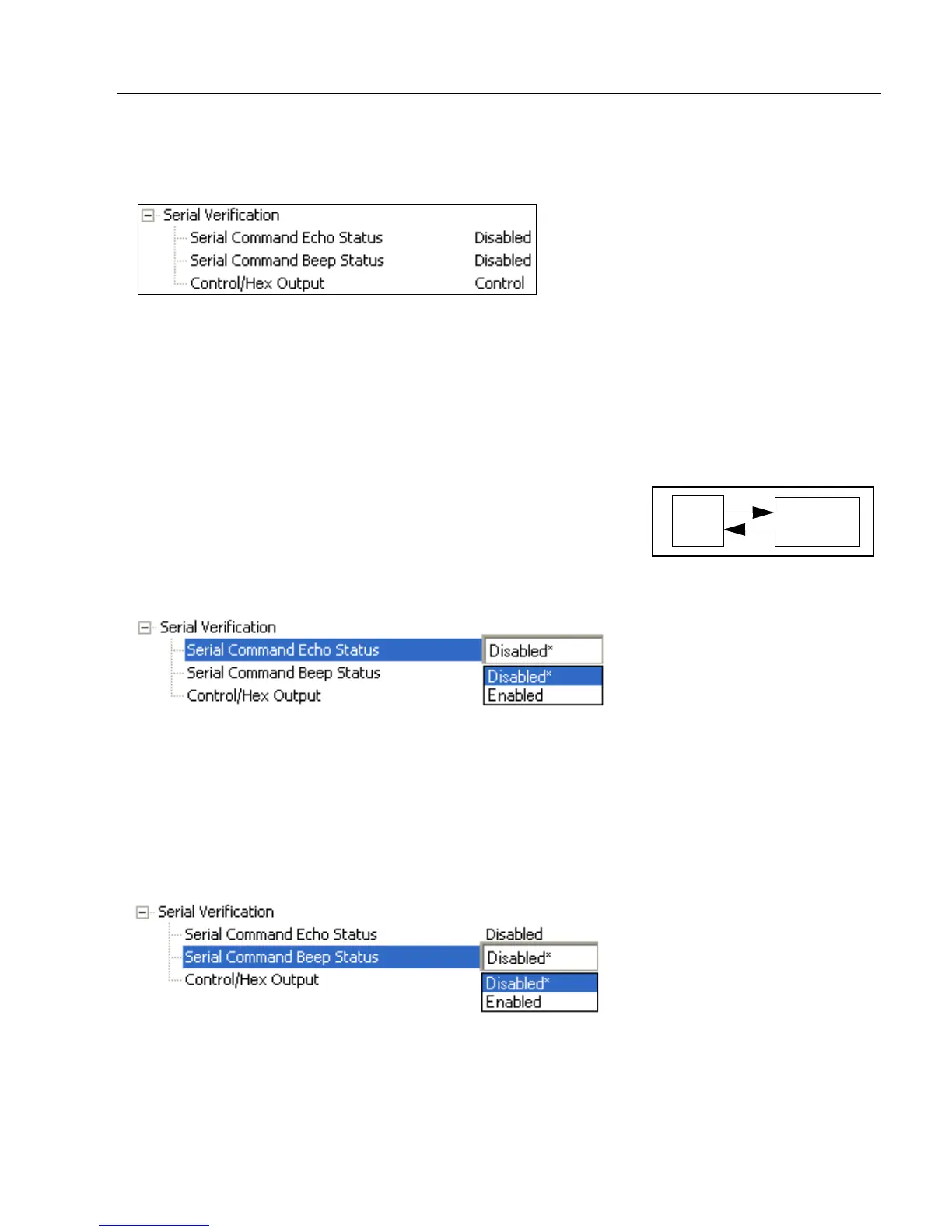
Serial Verification
Allows the user to verify configuration command status.
Serial Command Echo Status
This command is useful in removing any doubt about the scanner’s interpretation of any
configuration command.
For example, if the current preamble is “SOM” and <K701,1,START> is entered, the
scanner will echo back <K701,SOM> since the attempted entry “START” exceeds the
four character limit for that command. Therefore, it is rejected and the existing “SOM”
message is echoed back and remains the preamble message.
When enabled, a configuration command received from the
host is echoed back to the host with the resultant settings.
If a command with multiple fields is processed, some of the
fields may have been processed properly while others were
not. The changes will appear in the string echoed back so that the user will know which
fields did or did not change.
Serial Command Beep Status
Used to audibly verify the acceptance and validity of a command.
Causes the scanner to beep once whenever a K command is entered to indicate that the
command was accepted and processed.
If an invalid command is entered, the scanner beeps 5 times to indicate an invalid entry.
However, this does not necessarily mean that all data fields have been entered incorrectly.
Only one bad field needs to be found in order to activate the 5 beep response.



 To Next Page