QX-830 Compact Industrial Scanner User’s Manual 7-23
Utilities
Other Serial Utility Commands
Calibration without Menu
Sending the <@CAL> command from ESP’s Terminal initiates auto-calibration without
entering the auto-calibration menu. The calibrated parameters are determined by the
settings of the Calibration Options command.
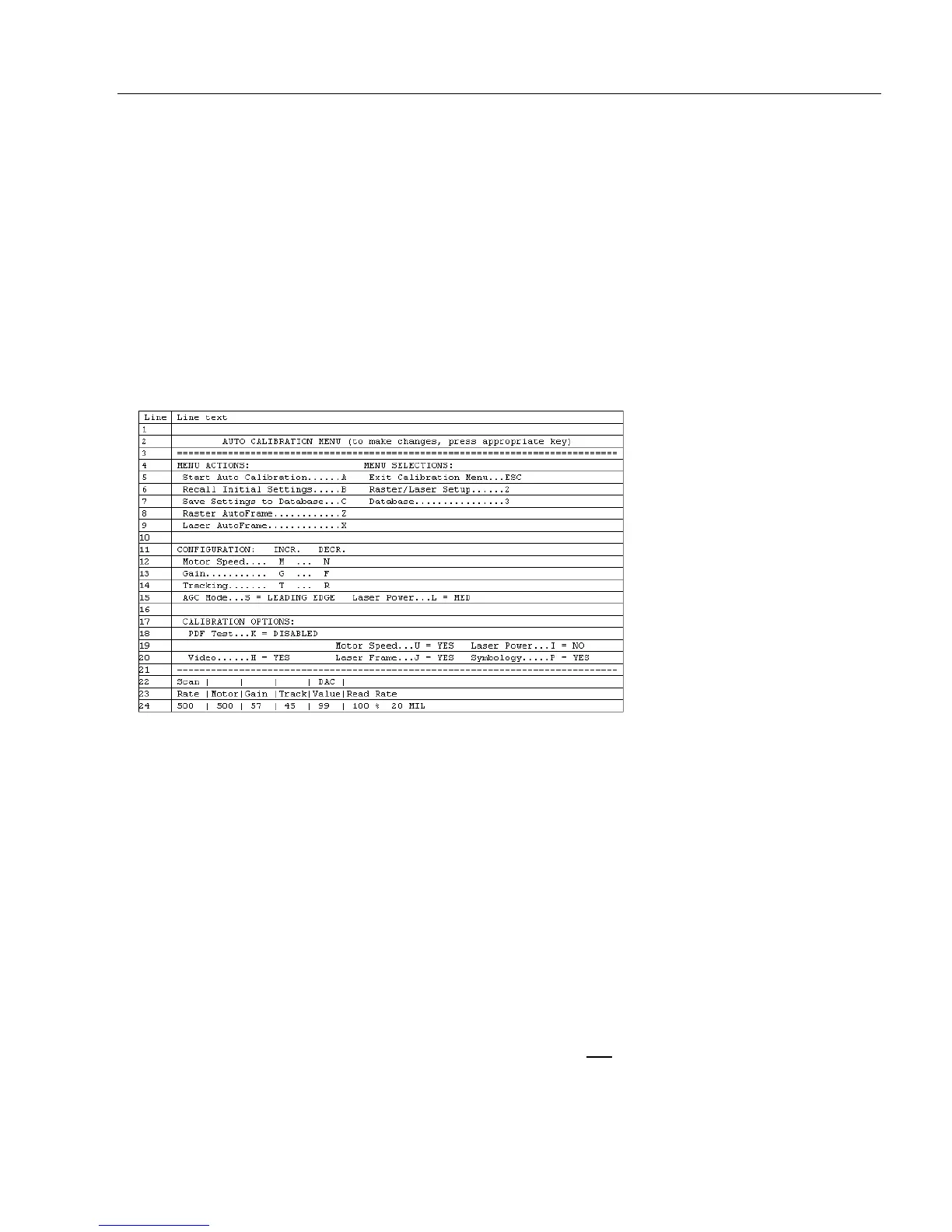
Calibration with Menu
Sending the <@> command from ESP’s Terminal enters the auto-calibration menu. The
initial state of the menu is determined by the settings of the Calibration Options command.
When the Auto Calibration menu is entered, or when calibration is beginning, all NOVRAM
settings that will be calibrated, manipulated during the calibration process, or configured
by the calibration menu are saved to an “initial” settings buffer:
•AGC Mode
•Gain
• Tracking
• Motor Speed
• Laser On Position
• Laser Off Position
• Laser Framing Status
• Laser Power
• Laser On/Off Status
Note: Calibration Options and symbology status are not
backed up. Any changes made
to Calibration Options, or any new symbologies detected, can only be restored by cycling
power or sending a “Recall” command: <Arp>, <Arc>, <Zrd>, or <Zrc>.



 To Next Page