7-18 QX-830 Compact Industrial Scanner User’s Manual
Firmware
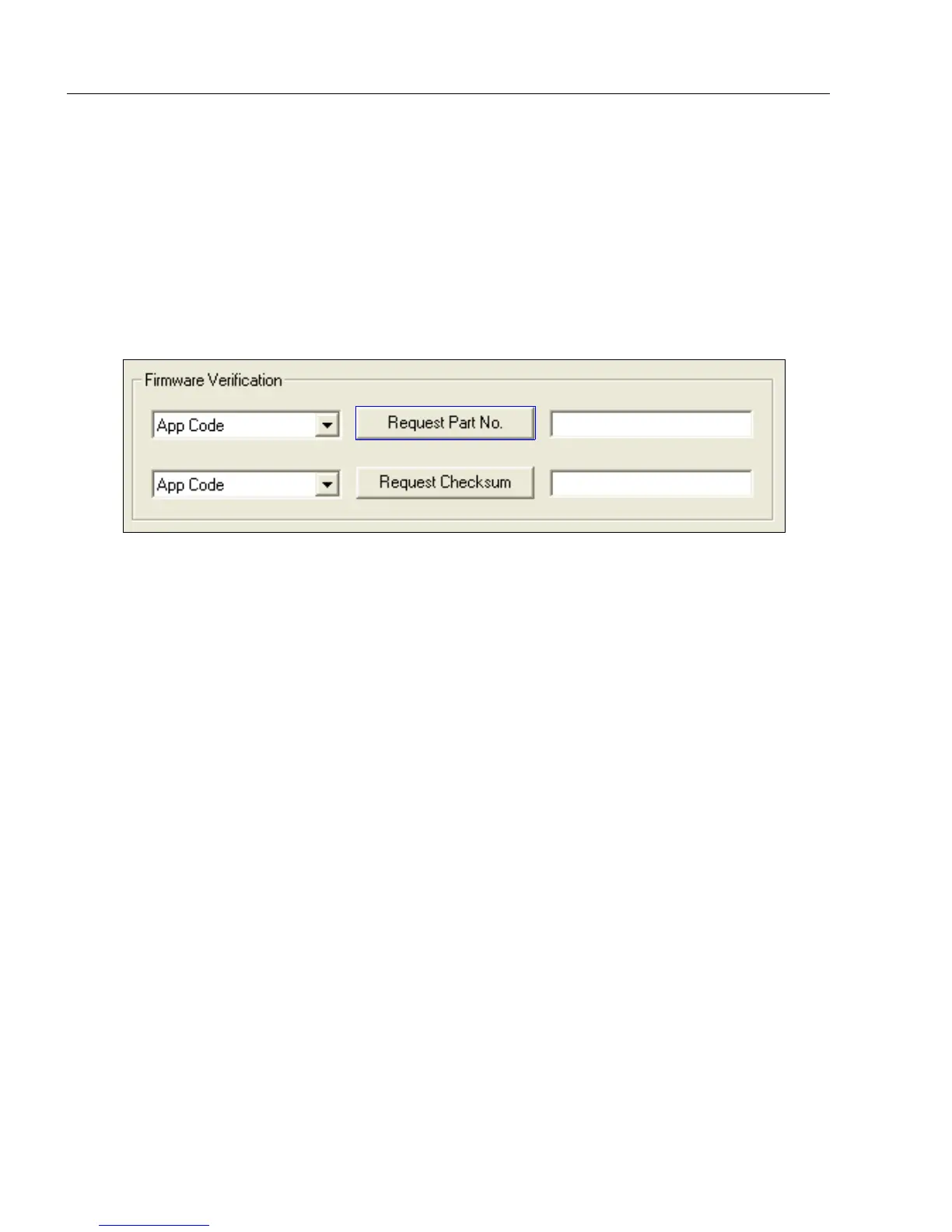
Firmware Verification
Request Part Number
Send a request to the scanner for application code, boot code, or FPGA code part numbers.
1. Click the Firmware tab.
2. Select App Code, Boot Code, or FPGA Code from the dropdown menu to the left of
the Request Part No. button.
3. Click the Request Part No. button to see the part number displayed in the text field
to the right.
Request Part Number by Serial Command
• When <#> (a request for all product part numbers) is sent, the scanner returns:
<#b/BOOT_P/N><#a/APP_P/N><#p/PROFILE_P/N>.
• When <#a> (a request for the application code part number) is sent, the scanner returns:
<#a/APP_P/N>.
• When <#b> (a request for the boot code part number) is sent, the scanner returns:
<#b/BOOT_P/N>.
• When <#f> (a request for the FPGA code part number) is sent, the scanner returns:
<#f/FPGA_P/N>.



 To Next Page