QX-830 Compact Industrial Scanner User’s Manual 2-5
Using ESP
Model
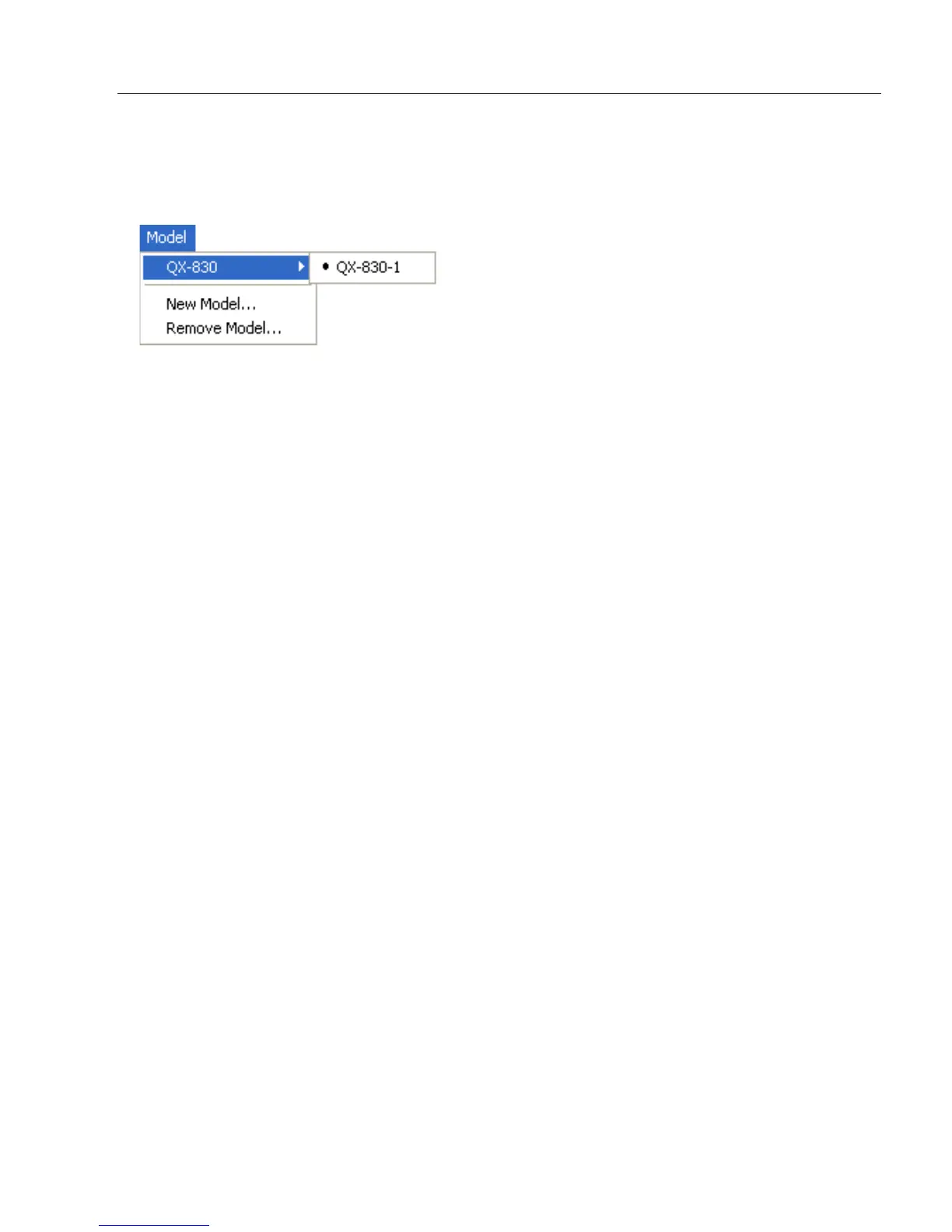
The Model dropdown menu shows a list of recent scanners that have been used with ESP.
When a different model is chosen, the connection to the present model is terminated.
To connect to another model, select New Model, choose a new model from the pop-up
menu that appears, and click OK.
Note: When an ESP file is saved, the settings of all the models defined in that file are saved.



 To Next Page