QX-830 Compact Industrial Scanner User’s Manual 5-85
Scanner Parameters
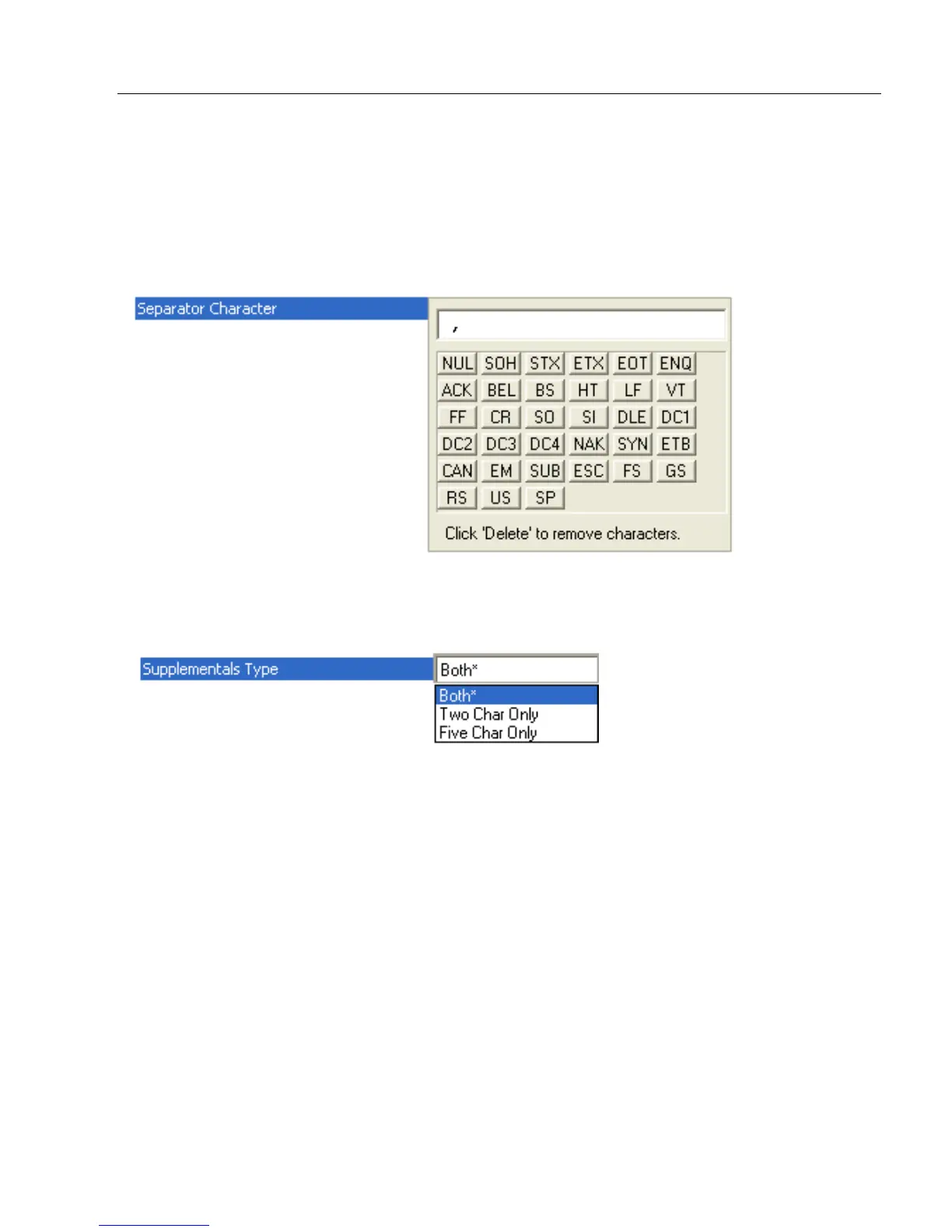
Separator Character
As required by the application.
Allows the user to change the separator character from a comma to a new character.
Note: Whenever Separator Character is defined as a comma (
, ) sending a <K473,s?>
command from ESP’s Terminal will return the current settings, including the separator
character comma which appears after the separator status comma.
Supplementals Type
As required by symbology used in application.
Allows the user to select 2 character or 5 character supplements, or both.
Both
Either 2 character or 5 character supplementals will be considered valid.
Two Characters Only
Only two character supplementals will be considered valid.
Five Characters Only
Only five character supplementals will be considered valid.



 To Next Page