QX-830 Compact Industrial Scanner User’s Manual 5-95
Scanner Parameters
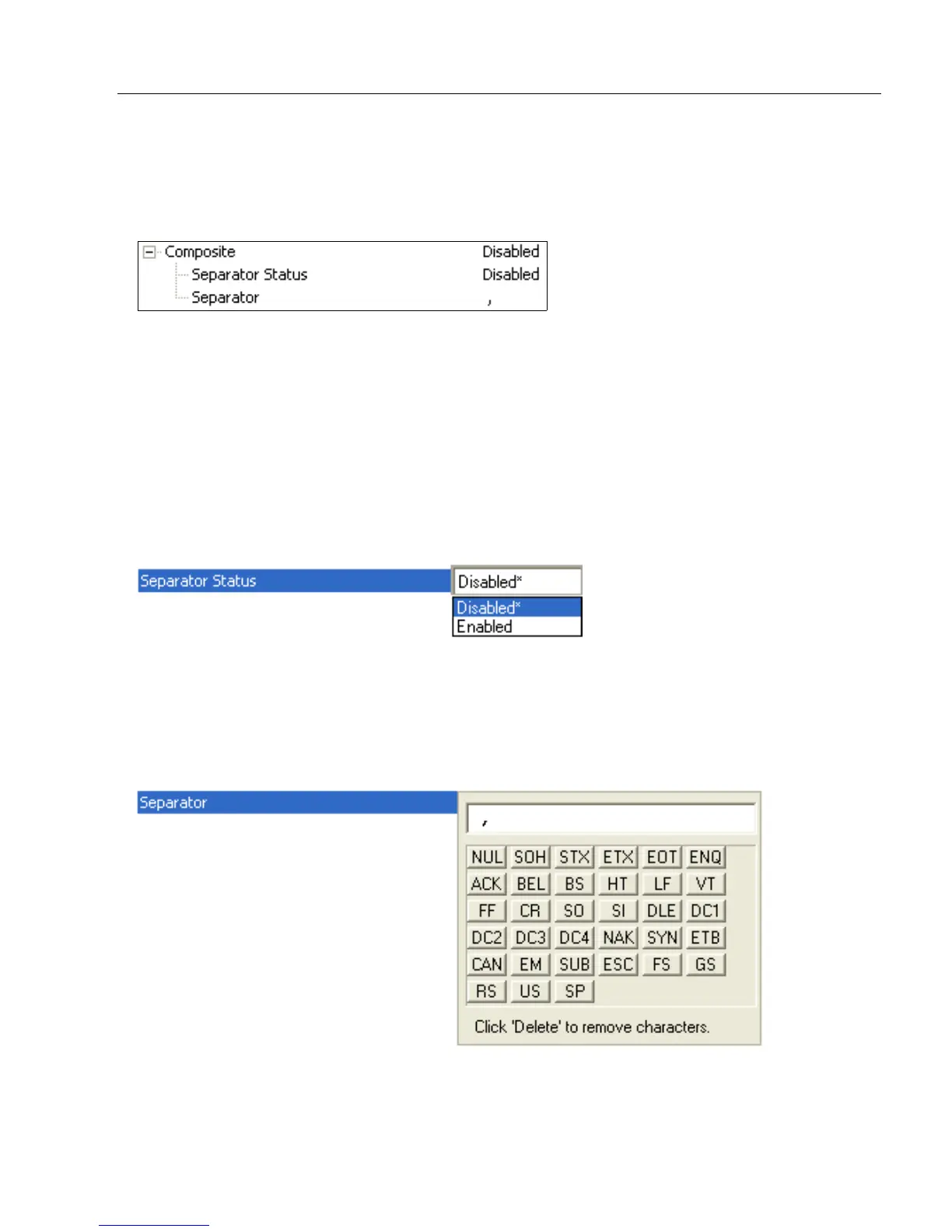
Composite
When set to Enabled or Required, will decode the 2D composite component of a linear
symbol. The linear symbol can be DataBar-14, DataBar Expanded, DataBar Limited,
EAN-128, UPC-A, EAN-13, EAN-8, and UPC-E.
Enabled
If Composite is set to Enabled, the scanner will decode both the 2D composite and linear
components. However, if the 2D composite component is not decoded, the linear data will
be sent by itself at the end of the read cycle.
Required
If set to Required, the scanner must decode both components, or a No Read will occur.
Separator Status
Allows the user to distinguish between the main and Supplemental symbols.
Separates the linear and the composite component.
Separator
The Separator Character will be the same as the character defined in the Multisymbol
Separator field.
As required by the application.
Allows the user to change the separator character from a comma to a new character.



 To Next Page