QX-830 Compact Industrial Scanner User’s Manual 5-101
Scanner Parameters
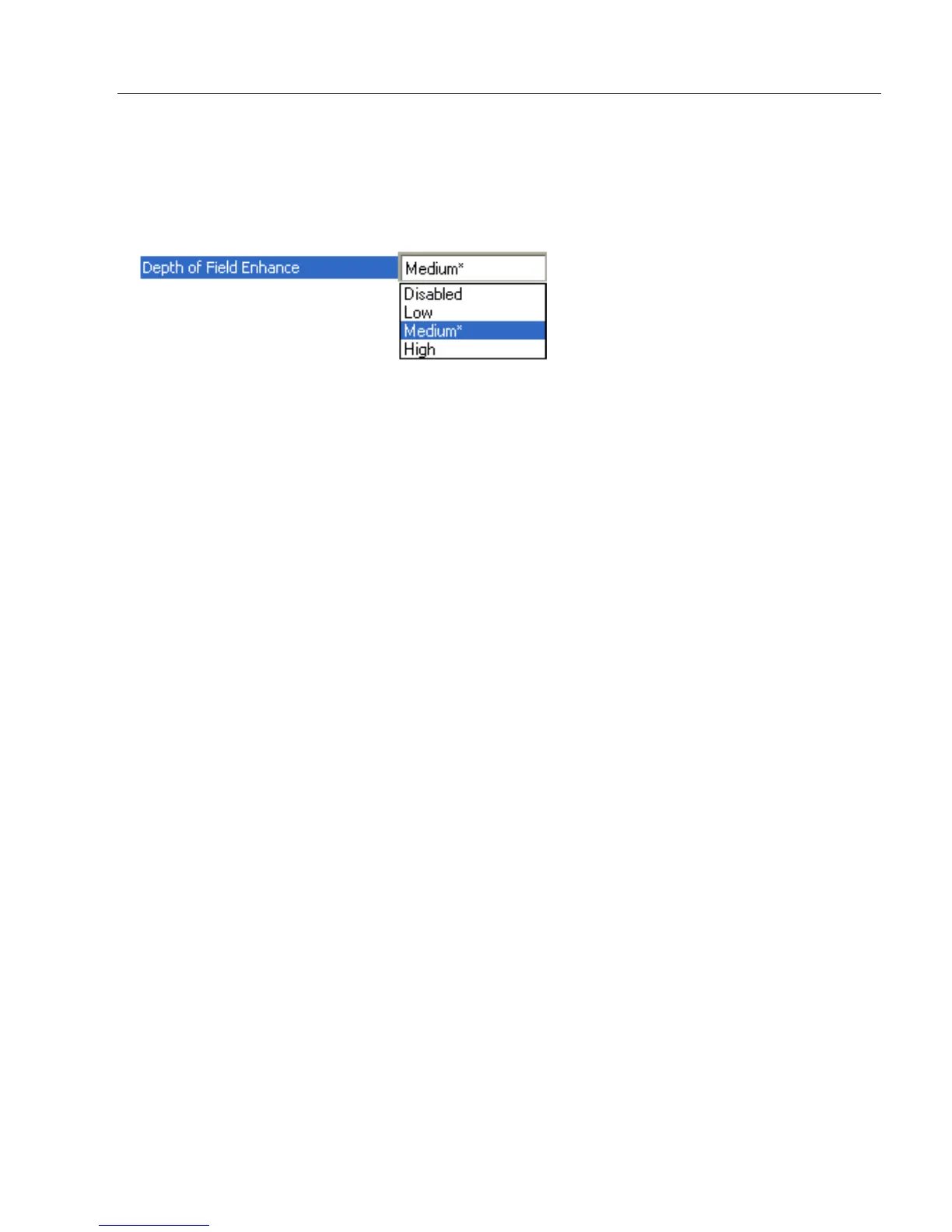
Depth of Field Enhance
The Default Depth of Field Enhance setting of Medium will be ideal for 75% of all depth
of field issues. Low and High account for the other 25%.
Note: Any setting other than Disabled will increase processing requirements.
Disabled
No extra processing of elements is performed to extend depth of field.
Low
Minimal additional processing of elements is performed to extend depth of field. The Low
setting is not recommended for most applications that require Depth of Field Enhance.
However, some focus and printing issues may make this the optimal setting.
Medium
Some additional processing of elements is performed to extend depth of field. The
Medium setting is the most likely to be useful in applications that require Depth of Field
Enhance.
High
Additional processing of elements is performed to extend depth of field. The High setting
is not recommended for most applications that require Depth of Field Enhance. However,
some focus and printing issues may make this the optimal setting.



 To Next Page