QX-830 Compact Industrial Scanner User’s Manual 5-103
Scanner Parameters
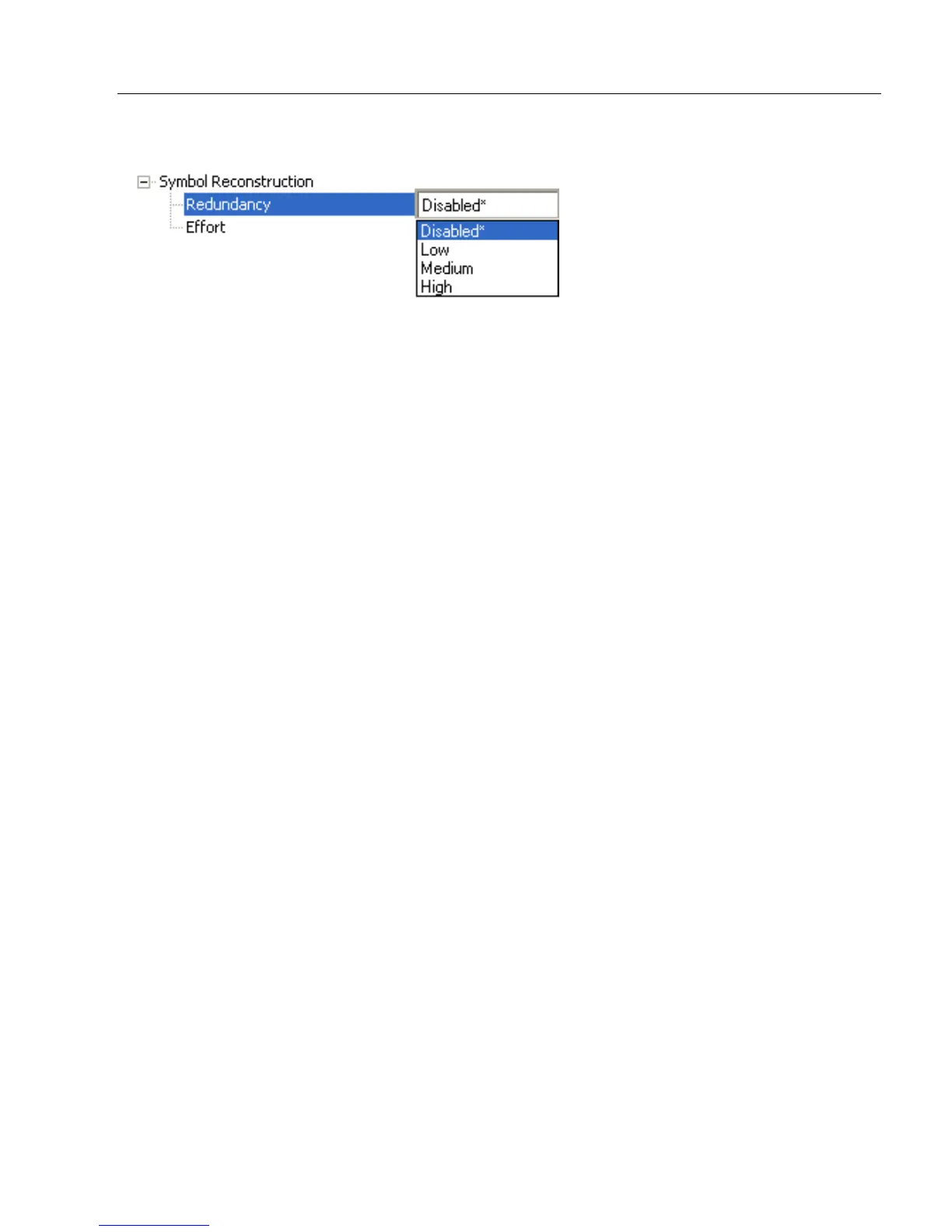
Symbol Reconstruction Redundancy
Disabled
When Symbol Reconstruction Redundancy is Disabled, the scanner will not attempt to
reconstruct symbols across multiple scan lines.
Low
When Symbol Reconstruction Redundancy is set to Low, the scanner will attempt to
reconstruct symbols across multiple scan lines. Only the minimum amount of redundancy
checking will be applied to qualify the reconstruction result. This can limit the Effort level
required to decode. However, this is the lowest level of proof required, so occasionally the
symbol’s level of data integrity may lead to a misread.
Note: Applications with low area coverage may be forced to use this setting.
Medium
When Symbol Reconstruction Redundancy is set to Medium, the scanner will attempt to
reconstruct symbols across multiple scan lines. A larger amount of redundancy checking
will be applied to qualify the reconstruction result. This may require the decode Effort level
to be increased. This level of redundancy checking is helpful in avoiding misreads.
Occasionally the symbol’s level of data integrity may lead to a misread, but this setting
requires enough matching data to protect the majority of data.
Note: Applications with average area coverage can use this setting.
High
When Symbol Reconstruction Redundancy is set to High, the scanner will attempt to
reconstruct symbols across multiple scan lines. A very large amount of redundancy
checking will be applied to qualify the reconstruction result. This will require the effort level
to rise to achieve a decode. This level of redundancy checking is helpful in avoiding misreads.
Occasionally the symbol’s level of data integrity may lead to a misread, but this setting
requires enough matching data to protect the majority of data.
Note: Applications with a large amount of area coverage can use this setting. However, as
aspect ratio decreases and line speed increases, High may not provide enough decodes
to be useful. The Effort level may also require more time in some cases.



 To Next Page