QX-830 Compact Industrial Scanner User’s Manual 5-119
Scanner Parameters
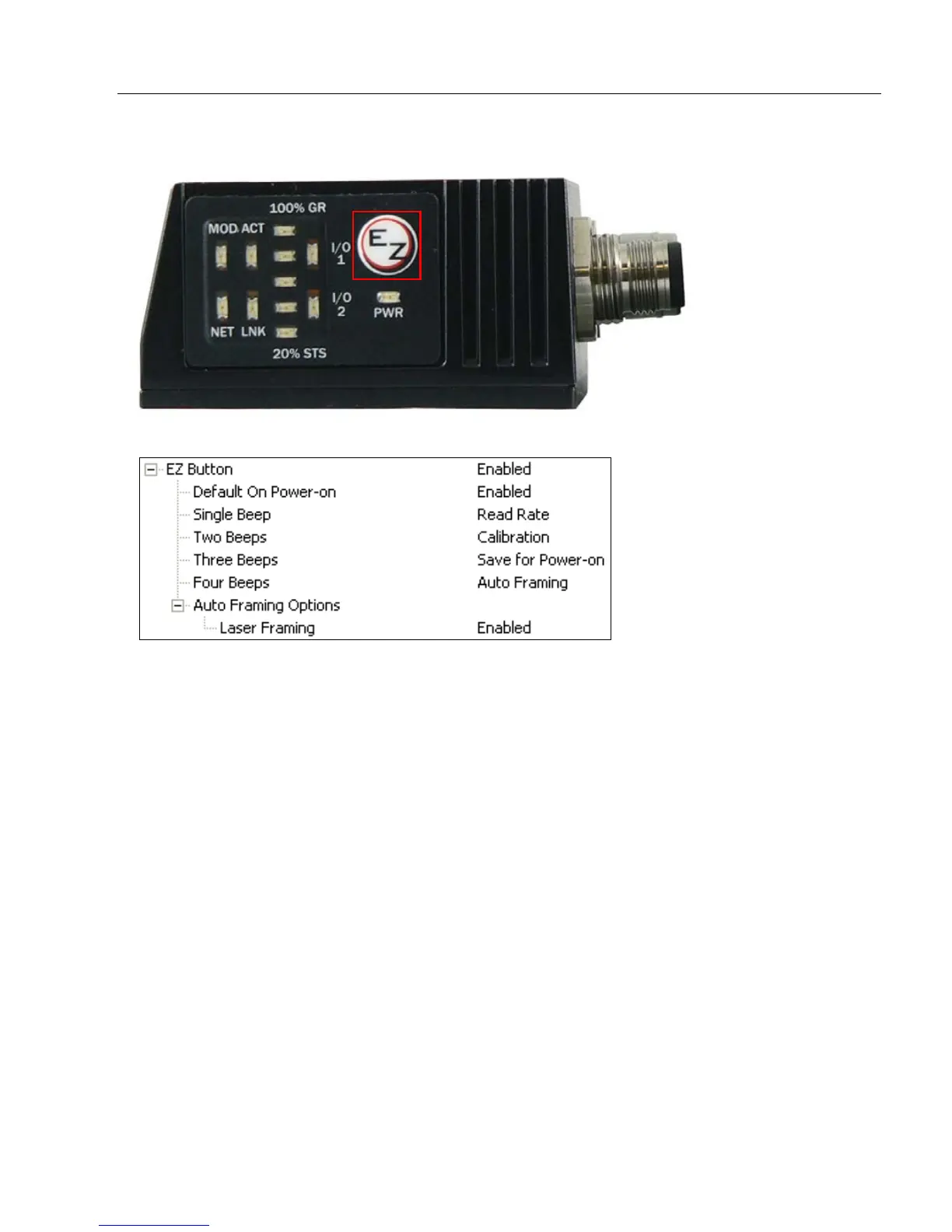
EZ Button
Serves as a master switch to enable/disable the EZ Button status.
The EZ Button has four positions: Single Beep, Two Beeps, Three Beeps, and Four
Beeps, selectable by the length of time the button is held down, and indicated by one,
two, three, and four beeps in succession. Each position can be programmed for any of
eight EZ Button Modes.



 To Next Page