QX-830 Compact Industrial Scanner User’s Manual 5-167
Scanner Parameters
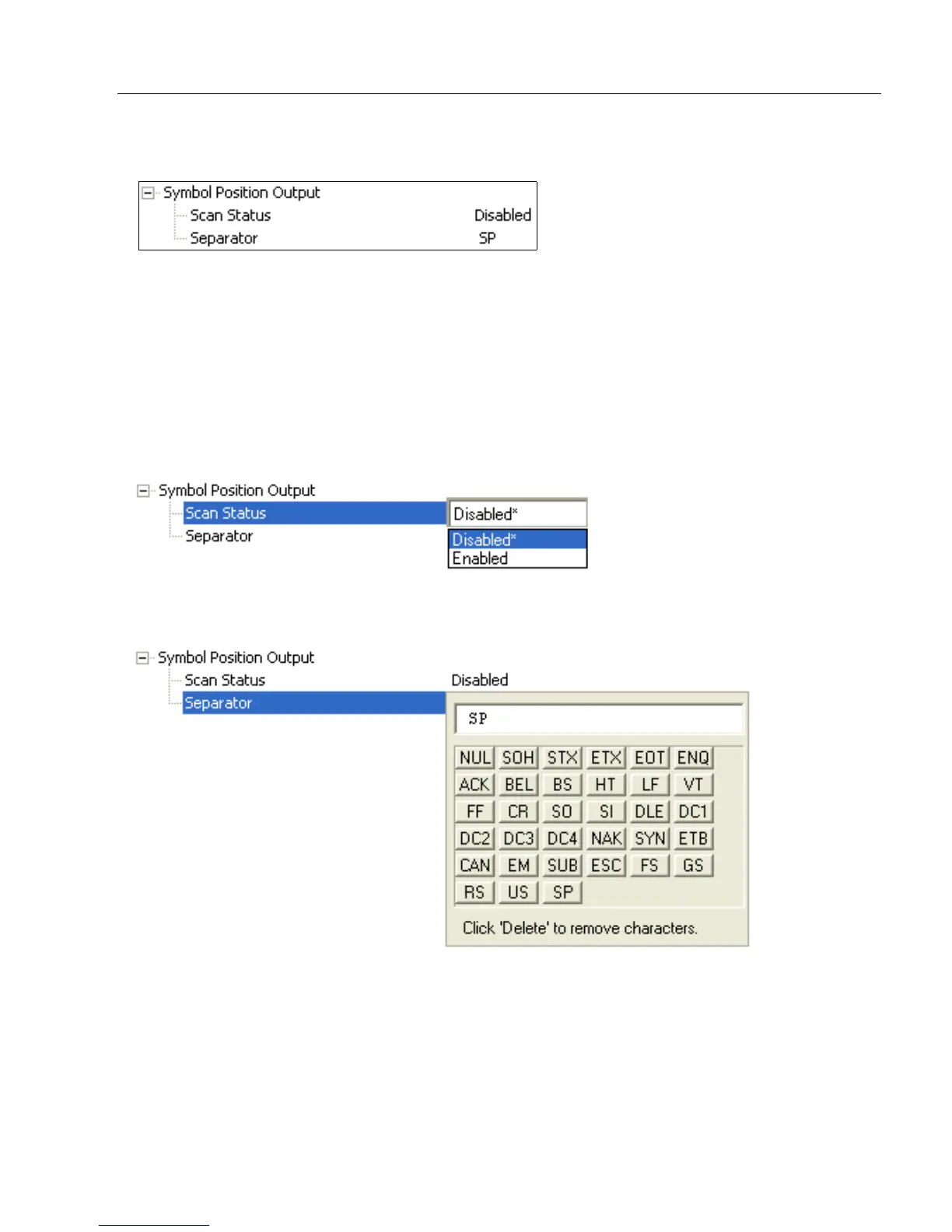
Symbol Position Output
Scan Status
When Enabled, the location of the symbol within the scan line is appended to the symbol
data output. The scan position is formatted with a leading identifier of “SP” plus two
zero-padded three digit numbers (corresponding to the first and last bar of the symbol for
most symbologies), separated by a colon. The scan position values correspond to the
configurable Laser On/Off position values in the Laser Setup command.
Example: Assume a symbol with the data “HELLO” is read when its first bar is at 20% of
the scan width. The width of the symbol is 13% of the scan line. The data output would be
“HELLO SP020:013”, assuming that no other outputs or formatting were enabled.
Separator
This character separates all other symbol information from the Scan Status data field.



 To Next Page