QX-830 Compact Industrial Scanner User’s Manual 5-21
Scanner Parameters
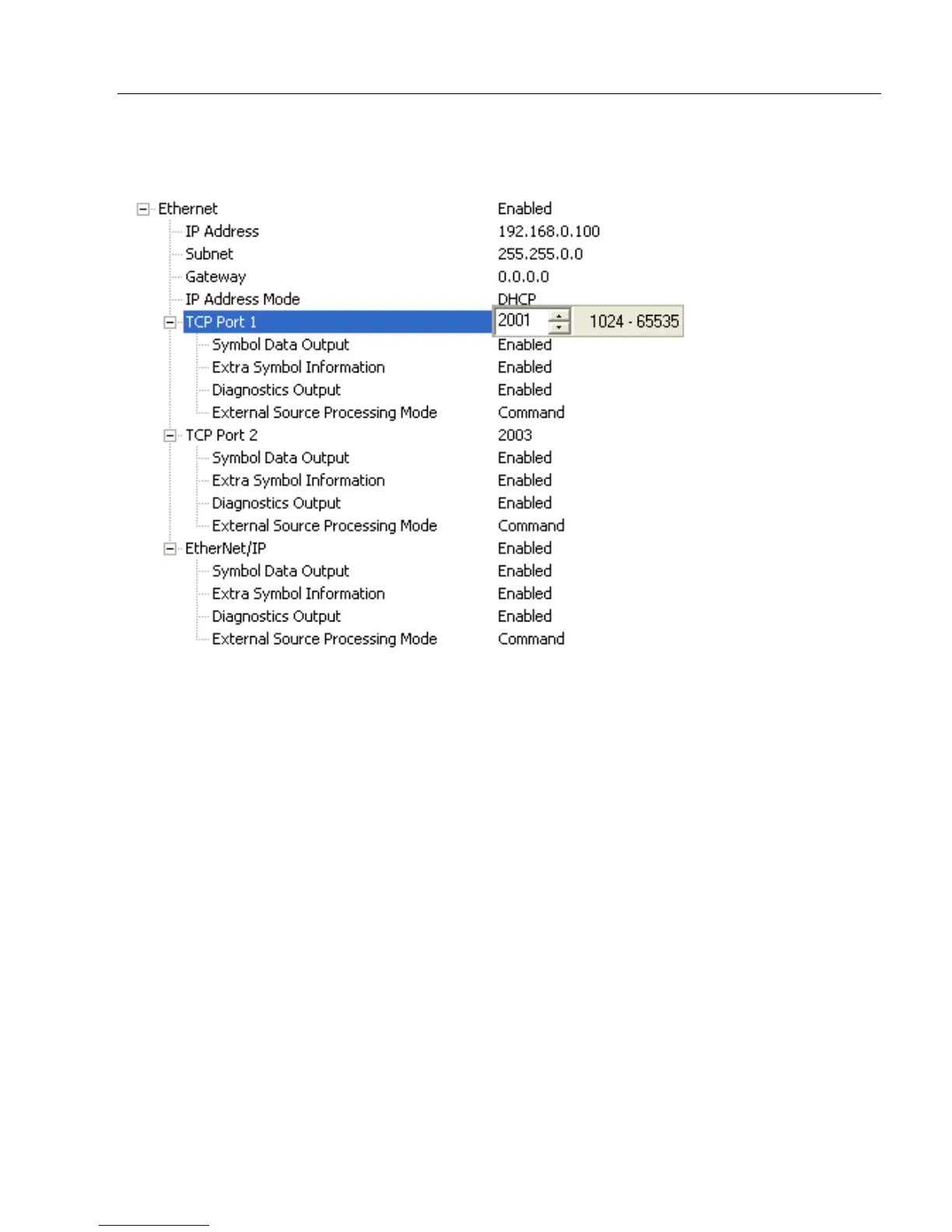
TCP Port 1
One of two TCP ports for Ethernet communication with the scanner. The default setting is
2001
.
Symbol Data Output
Enables or disables decoded symbol data output from the scanner.
Extra Symbol Information
Enables or disables extra symbol information output from the scanner.
Diagnostics Output
Enables or disables diagnostics output from the scanner.
External Source Processing Mode
Enables or disables processing of commands or data from sources external to the scanner.
Command
Command enables command processing in the scanner.
Data
Data enables Ethernet TCP Port 1 as a data source port.
Note: The data path between in the source port and out the source port is always two-way.
Data is copied from source data ports and all those source ports’ data is transmitted to the
destination port, and from the destination port to the source port.



 To Next Page