QX-830 Compact Industrial Scanner User’s Manual 5-27
Scanner Parameters
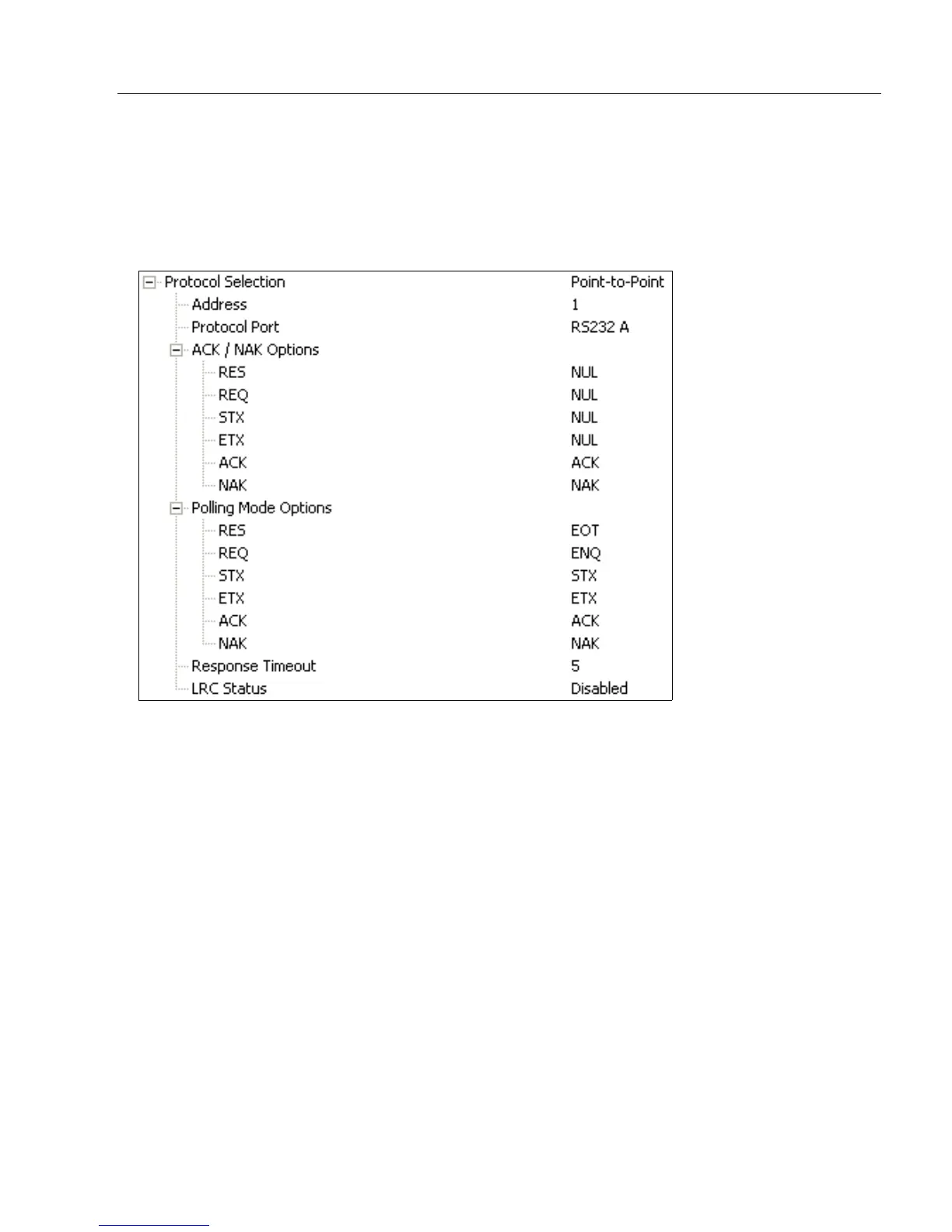
ACK / NAK Options
These parameters take effect for ACK/NAK on the main RS-232 or RS-422 ports (not on
the Auxiliary Port), and are completely independent of the Polling Mode Options.
The scanner always follows the protocol in both directions (to and from the host). There is
no option to disable it from either direction.
RES-NAK Defaults
RES: (Reset) NUL (0x00)
REQ: (Request) NUL (0x00)
STX: (Start of Text) NUL (0x00)
ETX: (End of Text) NUL (0x00)
ACK: (Acknowledge) ACK (0x06)
NAK: (Negative Acknowledge) NAK (0x15)



 To Next Page