106491_C User manual AVIOR-2 MIP-2_En.docx
MIRION TECHNOLOGIES (Canberra) S.A.S, BP249, ZI de Vauzelles, 3760
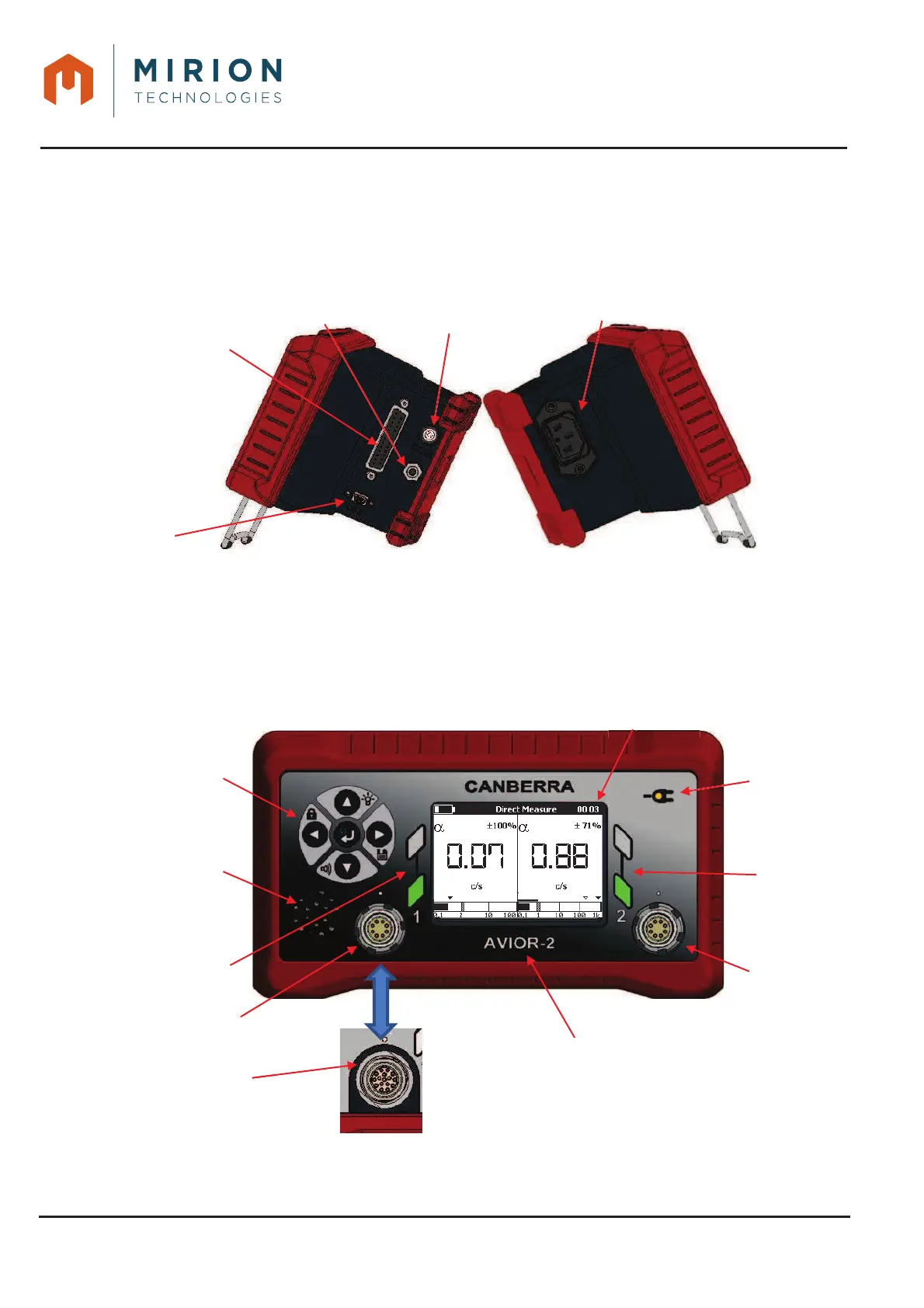
9.1 LEFT & RIGHT SIDES
The power supply is done on the left. The USB connection is on the right.
The mains connector is easily accessible for quick disconnection.
For AVIOR-2 I/O or MIP-2 I/O, the 24 VDC power supply, RS485 & I / O outputs and audio output
connectors are on the right.
AVIOR-2 I/O - MIP-2 I/O – Right and left side faces (Full options)Figure 2 :
9.2 FRONT PANEL
The front panel has the control interface. This interface is constituted by the keyboard, the display, the
loud speaker, the LEDs and the connectors of the interface 1 and the interface 2 for the probes of the
CSP type on the AVIOR-2/AVIOR-2 I/O version or the interface 1 for the Nardeux type probes and the
interface 2 for the CSP type probes on the MIP-2/MIP-2 I/O version.
AVIOR-2/AVIOR-2 I/O - MIP-2/MIP-2 I/O – Front panelFigure 3 :













 To Next Page