106491_C User manual AVIOR-2 MIP-2_En.docx
MIRION TECHNOLOGIES (Canberra) S.A.S, BP249, ZI de Vauzelles, 3760
11.8 LOCK FUNCTION
Hand / Foot mode can only be accessed from the « Technician » user level (To change the user level,
refer to 13.15).
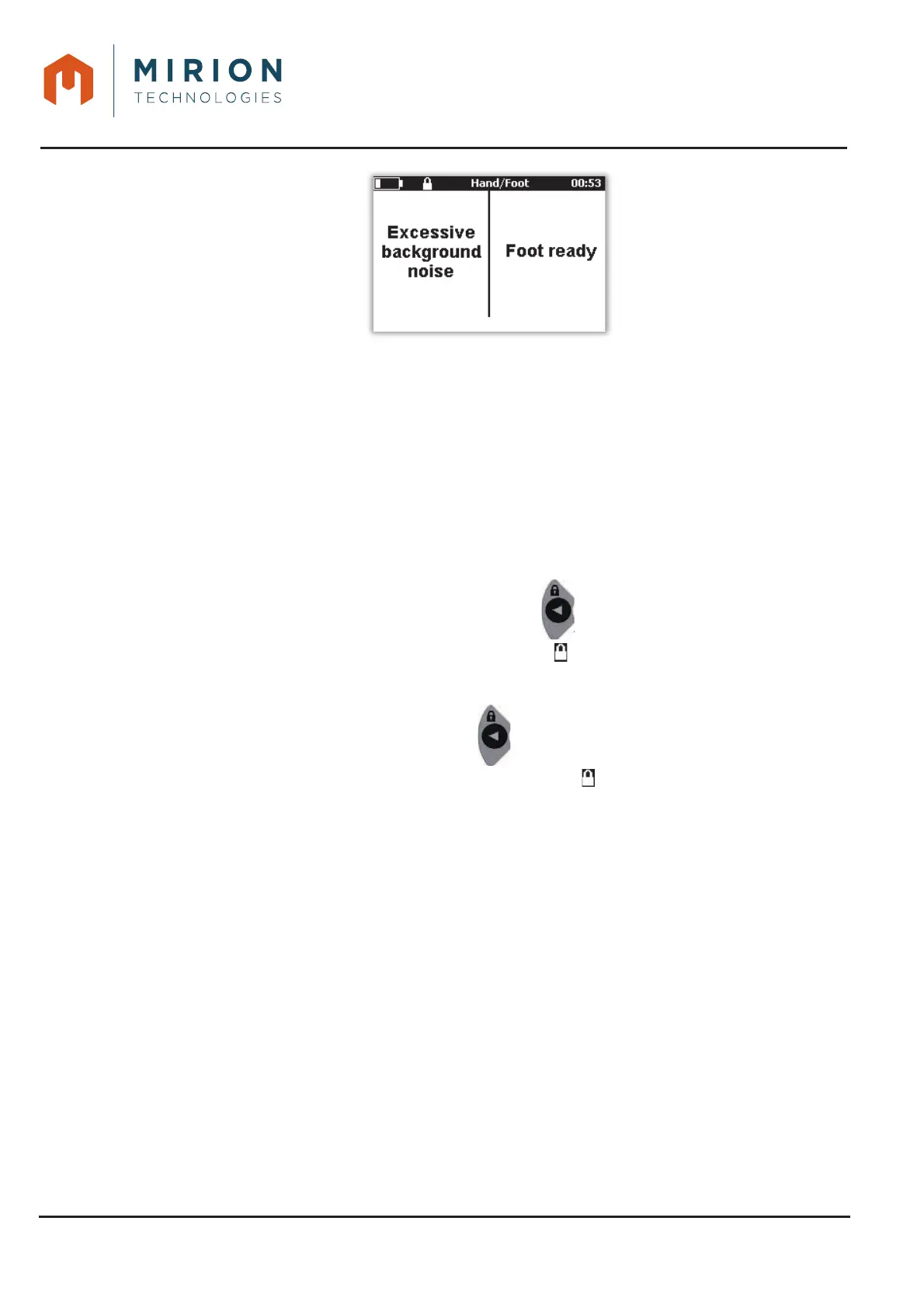
This function is used to lock the AVIOR-2 or MIP-2 in the selected measurement mode with the current
configuration (connected probes, measurement mode configuration, probe unit). When the device is
locked, the mode change is impossible.
In Hand / Foot measurement mode, locking is automatic after 30 seconds.
If the device turns off when it is restarted, it is positioned in the same lock configuration.
11.8.1 Lock
Locking in measuring mode is done by pressing the key for a long time, a message window is
displayed with a countdown of 3 seconds. Display of the icon .
11.8.2 Unlocking
The unlocking is done by a long press on the key , a window opens with a request of password of
the users « Technician » or « Administrator ». Erasing the icon .













 To Next Page