106491_C User manual AVIOR-2 MIP-2_En.docx
MIRION TECHNOLOGIES (Canberra) S.A.S, BP249, ZI de Vauzelles, 3760
11.5 SCREENING MODE
Screening mode is accessible by all user levels.
This function makes it possible to indicate very simply whether the object of the screening is clean or
contaminated.
Screening mode proposes three criteria:
– Clean for a normal activity, lower than the low alarm threshold,
– Contaminated for an activity higher than the low alarm threshold,
– High contamination for an activity higher than the high alarm threshold,
– Saturated for too much activity for the probe.
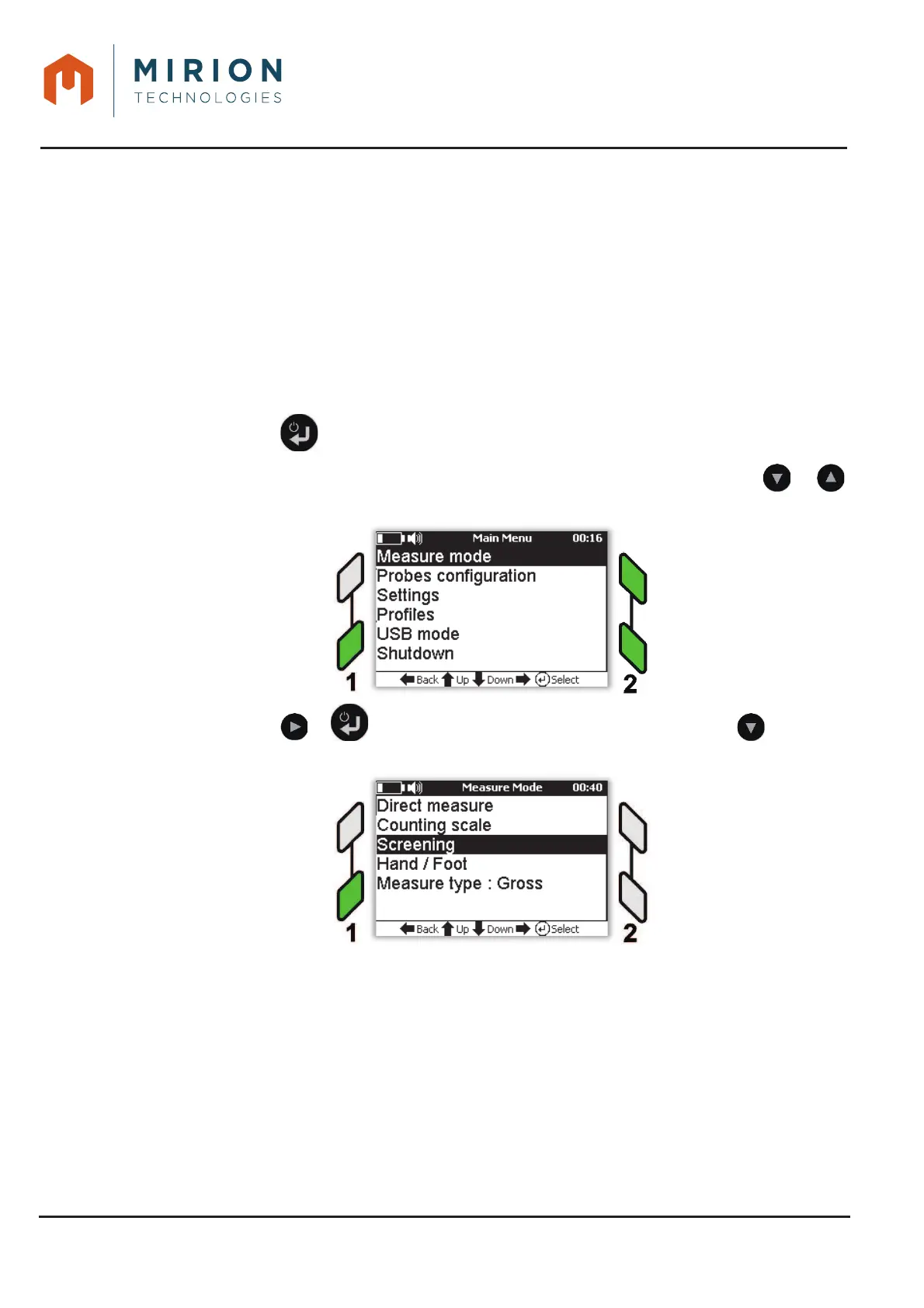
Press the key to access the main menu.1.
Note: The « Measurement Mode » line is selected by default. If necessary press the or
keys to select the line.
Press the key or to display the « Measure Mode » and press the key to select 2.
the line « Screening ».













 To Next Page