106491_C User manual AVIOR-2 MIP-2_En.docx
MIRION TECHNOLOGIES (Canberra) S.A.S, BP249, ZI de Vauzelles, 3760
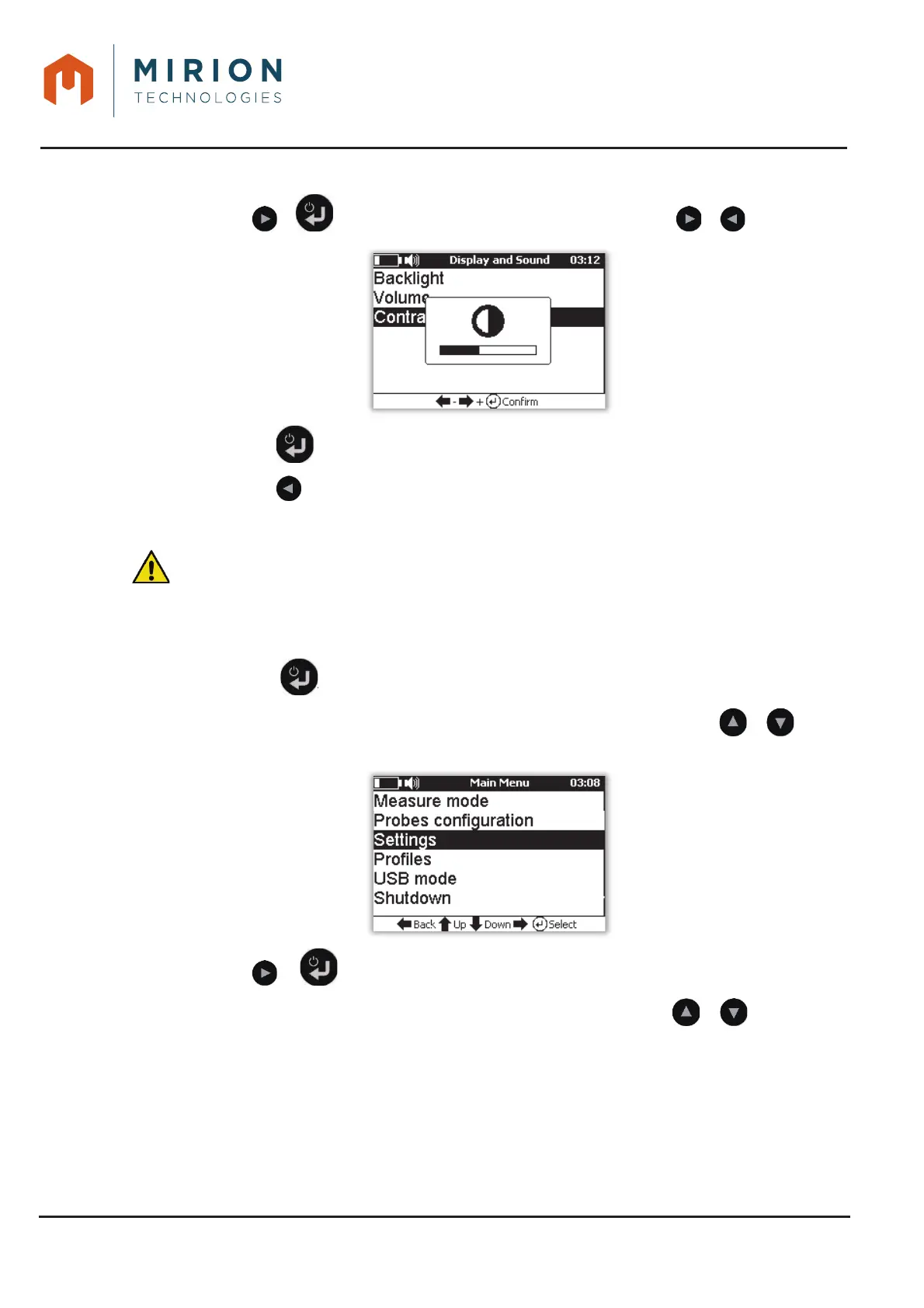
Press the or key to view the level bargraph and adjust with the or keys.4.
Press the key to keep the setting and return to the « Options » menu.5.
Press the key to return to the main menu.6.
14.6 ERASING LOG FILES
: This function deletes all the record files located in the « LOG » directory (See § 15 for
detailed content)
This function is only accessible at the « Administrator » user level (To change the user level, refer to
§ 13.15).
Press the key to access the main menu 1.
Note: The « Measure Mode » line is selected by default. If necessary press the or keys to
select the « Settings » line
Press the or key to view the « Settings » screen.2.
Nota : The line « Background noise » is selected by default. Press the or keys to select
the « Memory » line













 To Next Page