USER MANUAL
AVIOR-2/AVIOR-2 I/O & MIP-2/MIP-2 I/O
106491_C User manual AVIOR-2 MIP-2_En.docx
MIRION TECHNOLOGIES (Canberra)S.A.S, BP249, ZI de Vauzelles, 37602
9.2.1 Keyboard and menu bar functions
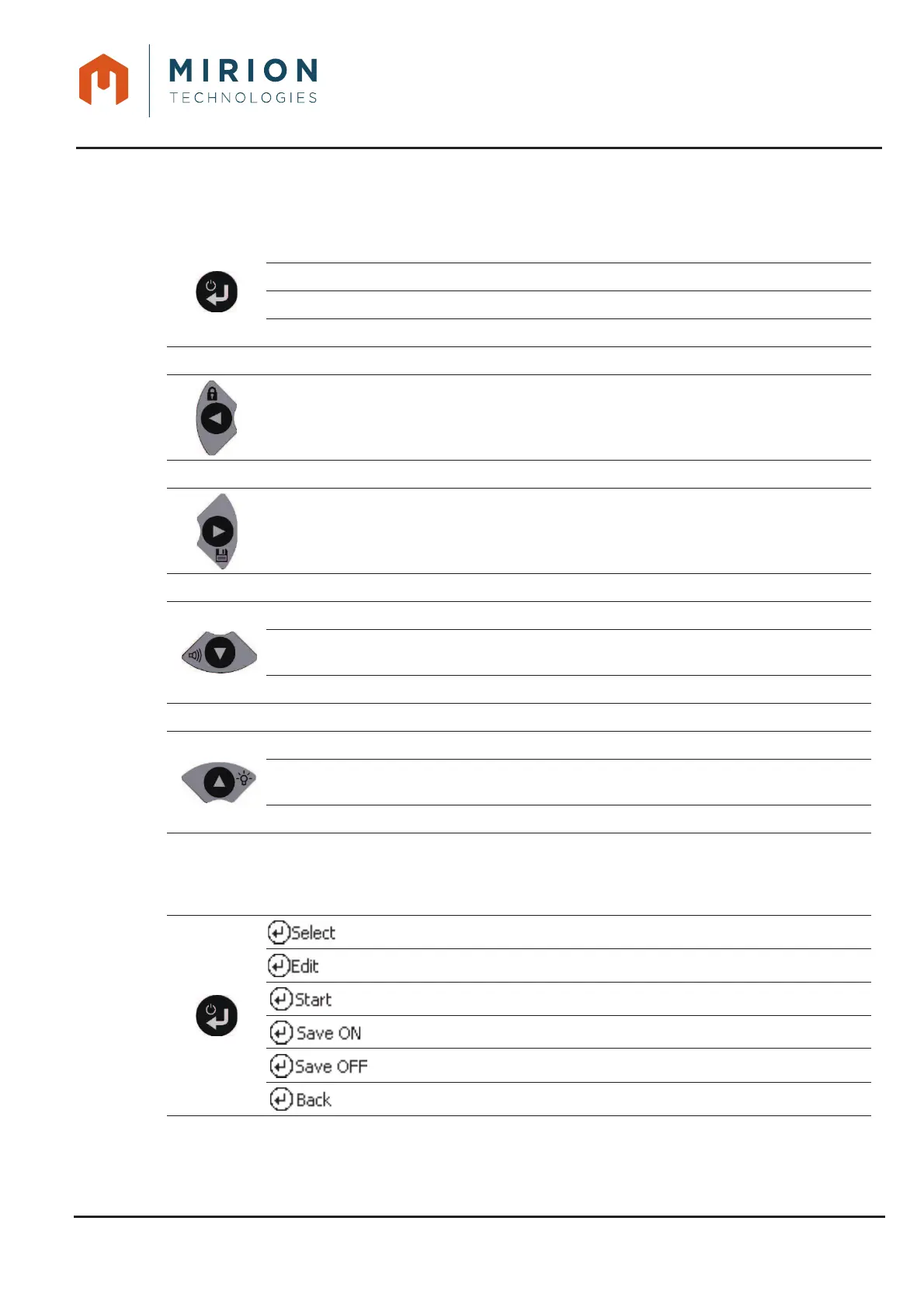
The keyboard, equipped with five keys, allows:
Stop/Start
Main menu entry / exit
Validation key (See table below)
Long press: Forced stop
Back left arrow in the menus
Long press Lock / unlock (with password) of the keyboard (Reserved for
Administrator and Technician users)
Right arrow of selection in the menus
Short press: Recording of the measurement (In « Direct measurement »)
Down navigation arrow in the menus
Short press: Simulated sound on / off (In « Direct measurement » or
« Screening » mode)
Long press: On/Off Simulated sound
Arrow up menu navigation
Short press: On / Off of the backlight (In « Direct measurement » or
« Screening » mode)
Long press: On/Off Backlight adjustment
Corresponding keyboard keys with screen information
Keys Bottom screen Function
Selection key
Edit key
Start key
Recording mode enabled
Recording mode disabled
Return key to previous menu













 To Next Page