USER MANUAL
AVIOR-2/AVIOR-2 I/O & MIP-2/MIP-2 I/O
106491_C User manual AVIOR-2 MIP-2_En.docx
MIRION TECHNOLOGIES (Canberra)S.A.S, BP249, ZI de Vauzelles, 37602
11.9 SHUTDOWN THE AVIOR-2 / MIP-2
The shutdown of the AVIOR-2 / MIP-2 is preferably done from the main menu.
: In the case of shutdown for storage, remove the battery, refer to the procedure for replacing
the battery in § 24.
If the AVIOR-2 / MIP-2 is blocked, a forced stop can be made by pressing and holding the key .
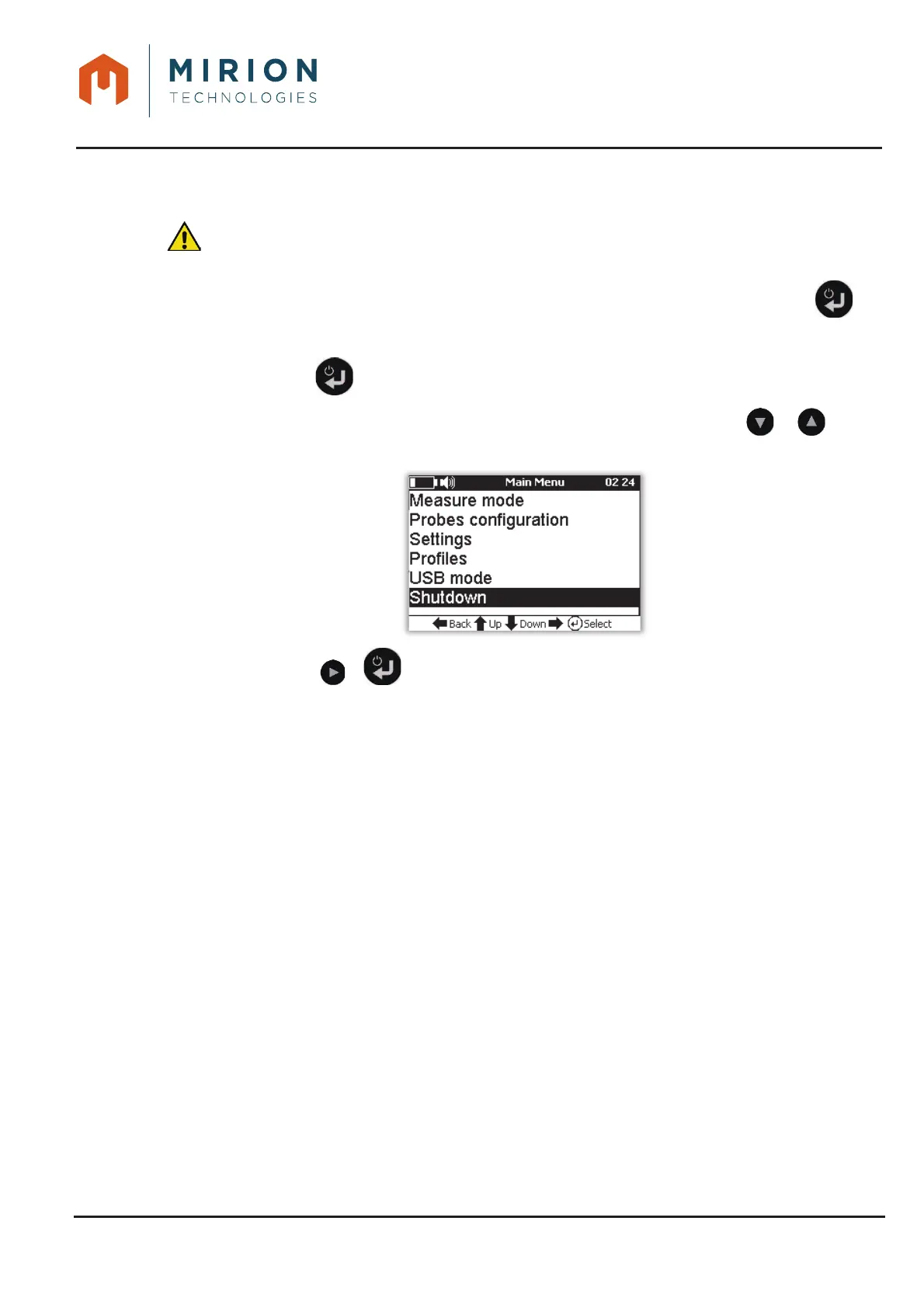
To stop the AVIOR-2 / MIP-2 from the menu:
Press the key to access the main menu.1.
Note: The « Measure Mode » line is selected by default. If necessary press the or keys to
select the line « Shutdown ».
Press the key or to shutdown.2.













 To Next Page