106491_C User manual AVIOR-2 MIP-2_En.docx
MIRION TECHNOLOGIES (Canberra) S.A.S, BP249, ZI de Vauzelles, 3760
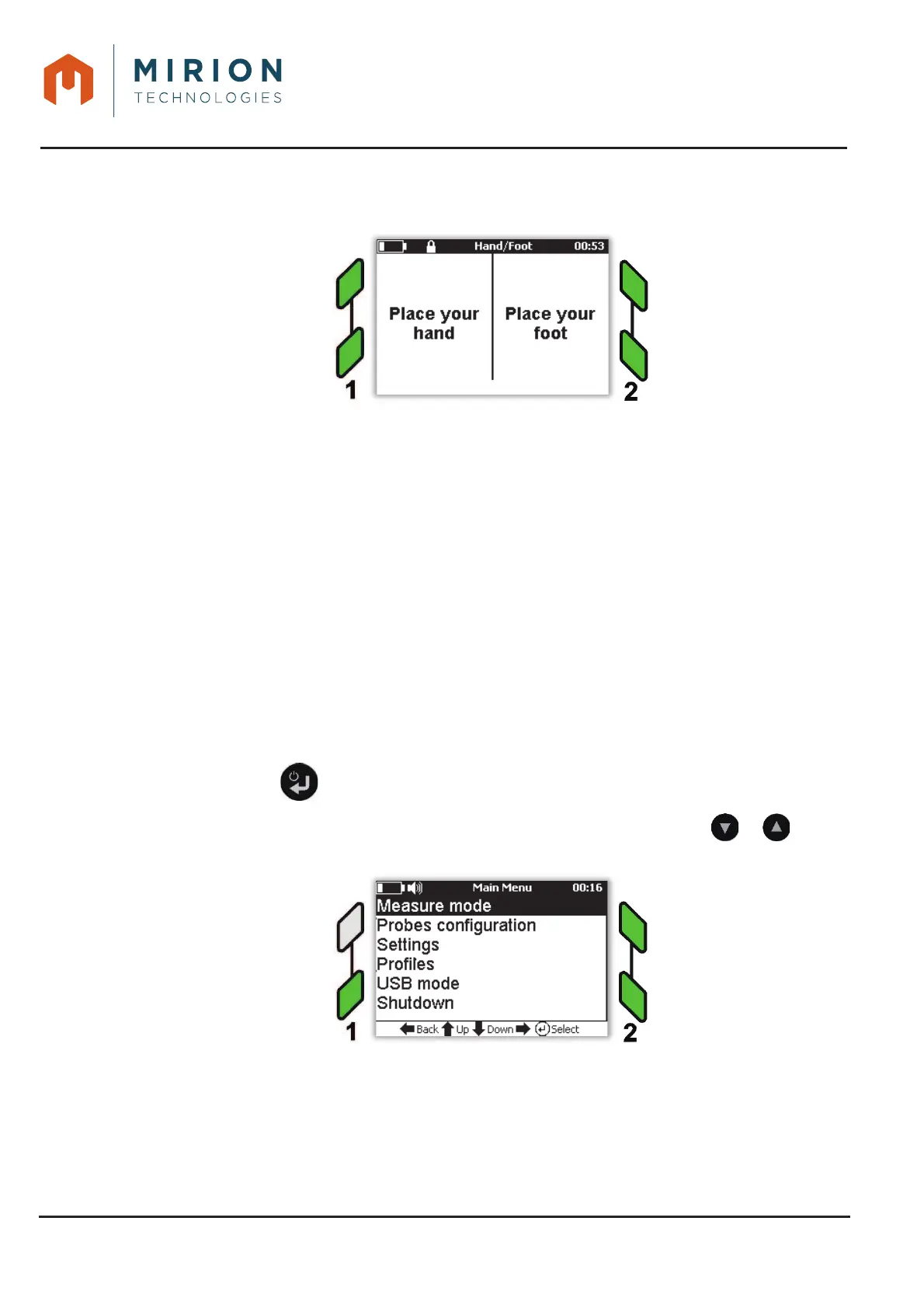
After 10 seconds after the release of the probes, the device recovers in the guest configuration 9.
to set foot on the probe and hand on the other probe. If during this time a person back on the
device restarts a new measure.
Note: The measures of the hand/foot mode are saved automatically.
The keyboard is locked after 30 seconds.
11.7 TYPE OF MEASURE
This mode allows you to configure a measurement mode with subtraction of background noise (« Net »
mode) or without subtraction of background noise (« Gross » mode).
Note: The Hand / Foot measurement mode is always configured with BKG (« Net » mode).
The measurement in « Net » mode is corrected according to the formula:
NetMeasure = GrossMeasure - (R
bgk
x Screen Factor)
With:
NetMeasure is the corrected value
GrossMeasure is the real value
R
bgk
is the average of the background noise in c / s
Screen factor is the coefficient of reduction of the background noise representing in % the surface not
absorbed by the user (Example, a value of 80% corresponds to a reinjection of 20% of the background
noise).
Press the key to access the main menu.1.
Note: The « Measure Mode » line is selected by default. If necessary press the or keys to
select the line.













 To Next Page