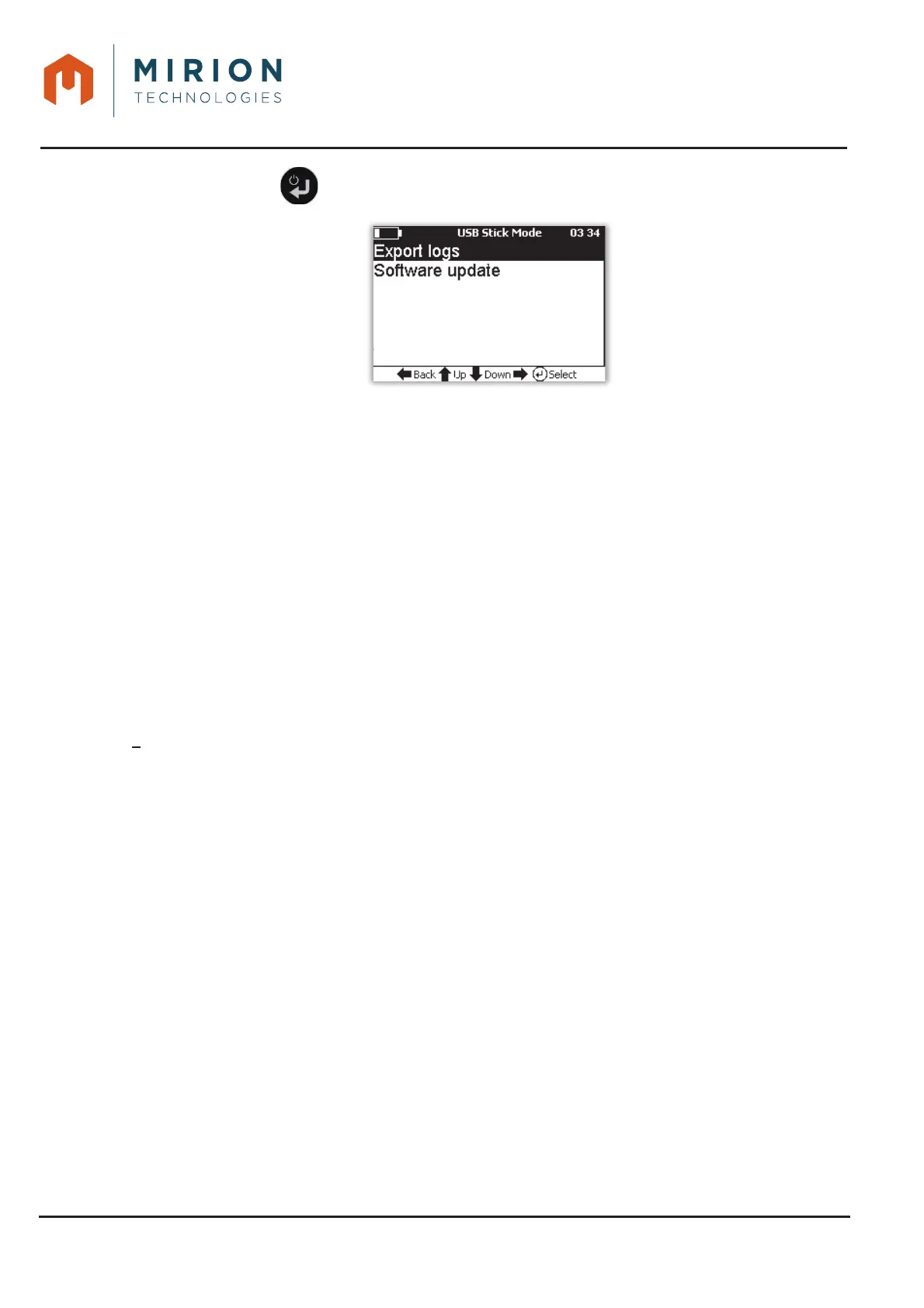
Press the key to display the « USB Stick Mode » menu.3.
For detailed information, refer to:
x § 15.2.1 for the export and detail of Log files,
x § 16 for updating the software.
16 SAVING DATA (LOG FILES)
The AVIOR-2 is capable of storing more than 100 days of data at the rate of one point per minute. In
case of full memory, the first records are erased.
Overrun and overflow alarms and alerts are timestamped by the second.
A separate, dated file is recorded on demand for each measurement mode.
A file is also saved automatically for each event (Alarms, Alert) and the current measurement.
The file names are generated automatically with the default prefix « MIP-AVIOR ». Only the prefix is
editable, up to 10 characters, when the AVIOR-2 is connected in USB mode to a computer (See
§ 14.1).
The log files are stored in a « LOG » directory (see § 14.1) containing 4 subdirectories:
AUTO
x « MIP-AVIOR_DIRECTMEASURE_0001_2016-01-01_1.csv » for automatic data logging
of the (default) direct measurement mode.
x « MIP-AVIOR_ALARM_0001_2016-07-13_1.csv » for automatic logging of threshold
exceeded alarm files.
x « MIP-AVIOR_ALERT_0001_2016-07-13_1.csv » for automatic recording of saturation,
failure and malfunction alert files.
– COUNTING_SCALE:
x « MIP-AVIOR_COUNTINGSCALE_0001_2016-07-21_1.csv » for on-demand recording of
count scale mode.
– DIRECT_MEASURE:
x « MIP-AVIOR_DIRECTMEASURE_0001_2016-01-01_1.csv » for on-demand recording of
direct measurement mode.
– HAND_FOOT:
x « MIP-AVIOR_HFMEASURE_0001_2016-07-13_1.csv » for on-demand recording of the
hand / foot measurement mode.













 To Next Page