106491_C User manual AVIOR-2 MIP-2_En.docx
MIRION TECHNOLOGIES (Canberra) S.A.S, BP249, ZI de Vauzelles, 3760
14.7 INTERNAL MEMORY FORMAT
: This function deletes all the record files located in the « LOG » directory (see § 15) and the
configuration files of the Nardeux type probes. The IPC and CPC information of the AVIOR-2
is retained. The factory settings are also restored.
This function is only accessible at the « Administrator » user level (To change the user level, refer to
§ 13.15).
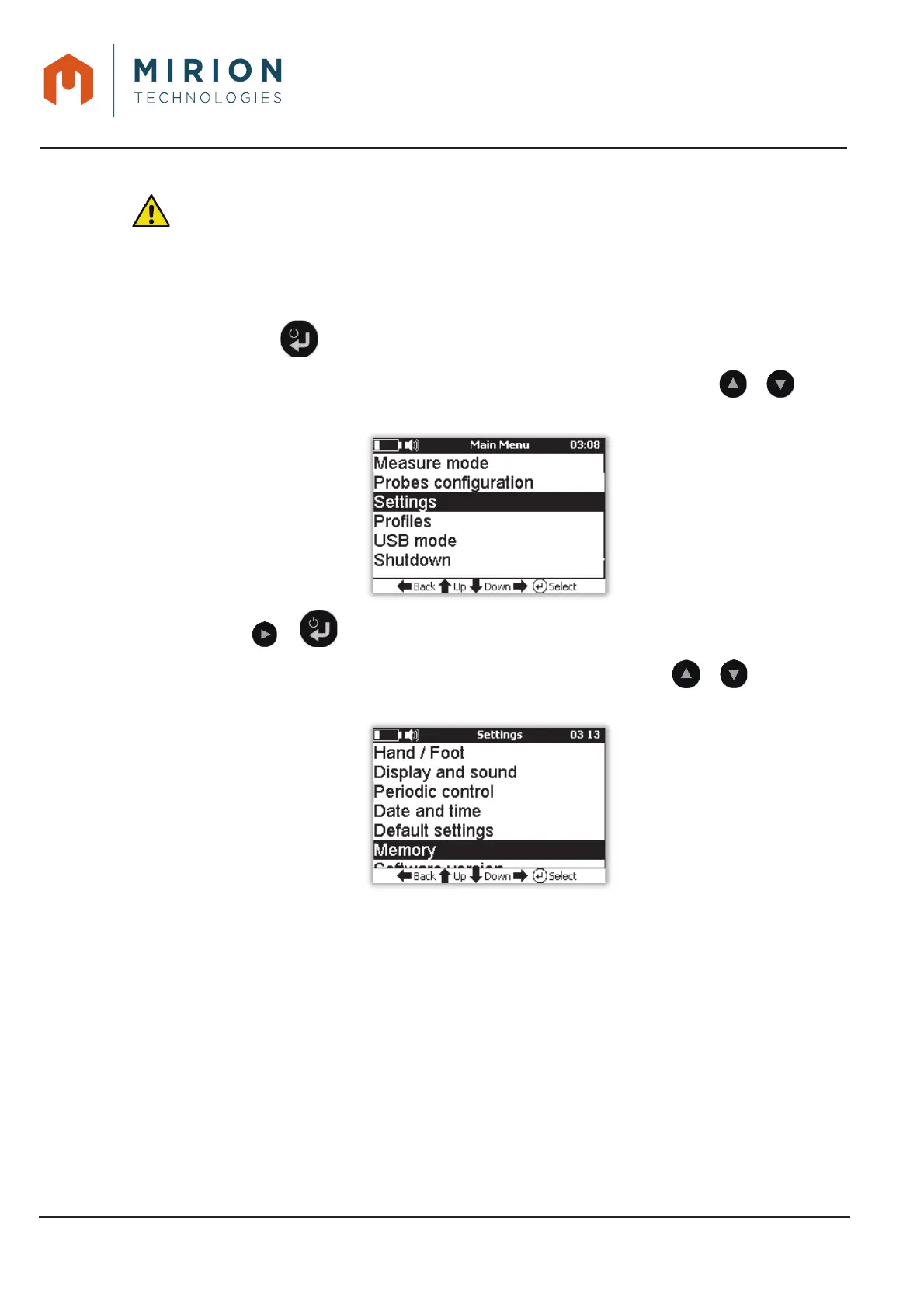
Press the key to access the main menu 1.
Note: The « Measure Mode » line is selected by default. If necessary press the or keys to
select the « Settings » line
Press the or key to view the « Settings » screen.2.
Nota : The line « Background noise » is selected by default. Press the or keys to select
the « Memory » line













 To Next Page