106491_C User manual AVIOR-2 MIP-2_En.docx
MIRION TECHNOLOGIES (Canberra) S.A.S, BP249, ZI de Vauzelles, 3760
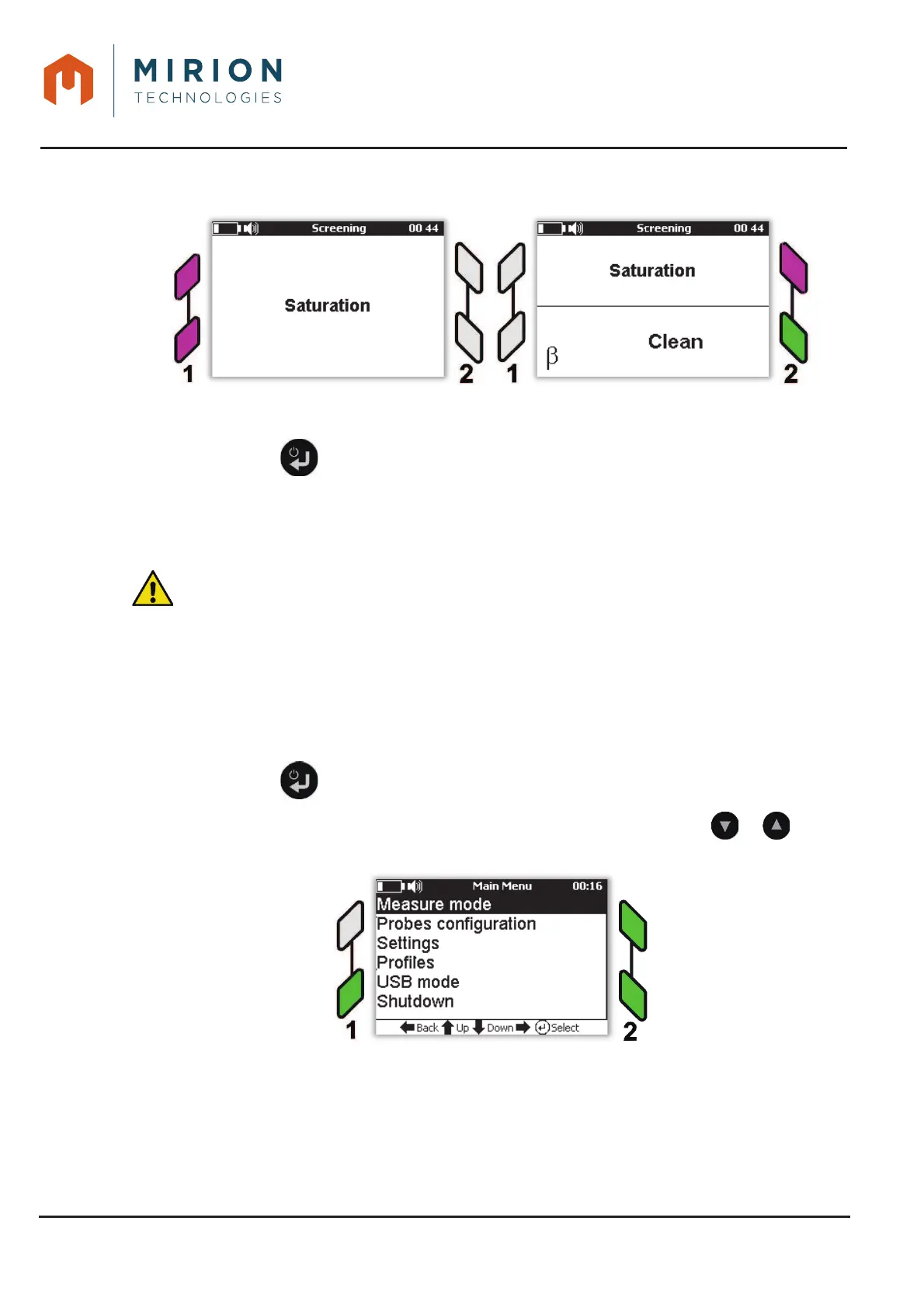
In case of saturation, the AVIOR-2 / MIP-2 activates an audible alarm, interface lights are flashing
purple.
Press a key on the keyboard to temporarily inhibit the sound. The sound is reactivated automatically at
exit of the measuring mode.
Press the key to exit the test mode and return to the « Measuring Mode » screen. Mode 4.
Main/Pied
11.6 HAND / FOOT MODE
Hand / Foot mode is accessible from level « Technician » (To change the user level, refer to § 13.15).
: The Hand / Foot mode requires the use of the optional Hand / Hand or Hand / Foot stand,
capable of receiving probes (SAB-250 and SAB-464) equipped with presence detector of the
body part to be controlled in order to differentiate the counting of the measurement of the
background noise.
This mode allows a contamination measurement using one or two probes; an alpha and / or beta hand
probe and an alpha and / or beta foot probe. The combination of two hand probes or two foot probes is
possible with the optional stands.
Note: For MIP-2 only one probe is used on interface 2, either a hand probe or a foot probe.
Press the key to access the main menu.1.
Note: The « Measure Mode » line is selected by default. If necessary press the or keys to
select the line.













 To Next Page