106491_C User manual AVIOR-2 MIP-2_En.docx
MIRION TECHNOLOGIES (Canberra) S.A.S, BP249, ZI de Vauzelles, 3760
Starting continues following one of two cases:
With a probe already connected,
No probe connected.
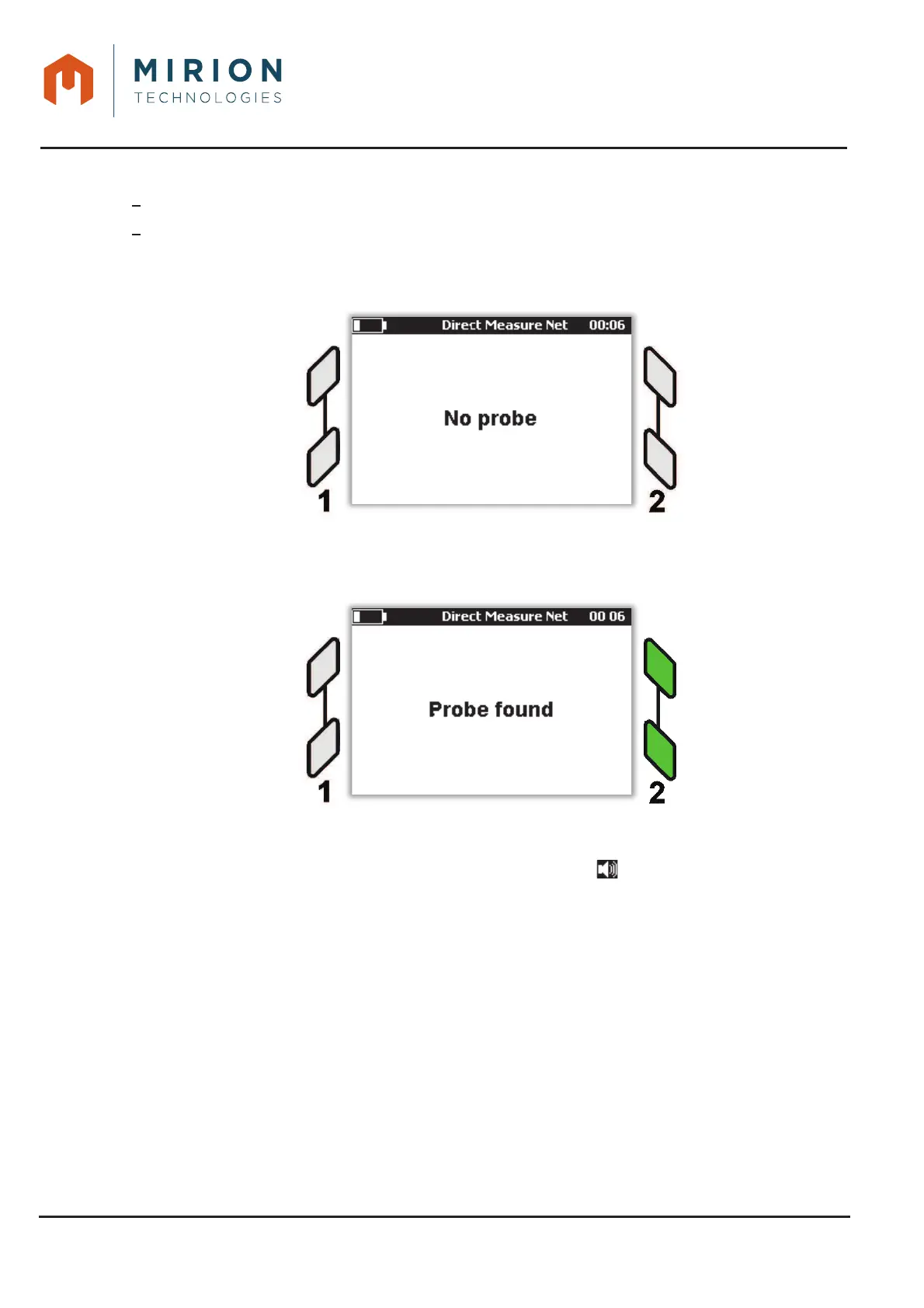
No probe connected
Four LEDs remain off with the message « No probe » on the screen:
With probe connected
By connecting a probe to the interface 2, the two LEDs associated will flash with on the screen the
message « Search »... then « Probe found »:
At the end of the probe search, AVIOR-2 / MIP-2 is in Direct Measure Net Mode and the lights are
fixed green on the connected interface.
The simulated sound is disabled by default (Absence of the symbol at the top of the screen).
If the AVIOR-2 / MIP-2 have been turned off with the sound turned on, the sound remains on when
restarted.













 To Next Page