106491_C User manual AVIOR-2 MIP-2_En.docx
MIRION TECHNOLOGIES (Canberra) S.A.S, BP249, ZI de Vauzelles, 3760
« Invalid settings »
In counting scale mode, IPC probe calculation and /
or uncertainty stop, enter the « Integration time »
field in the « Stop measurement on: » settings.
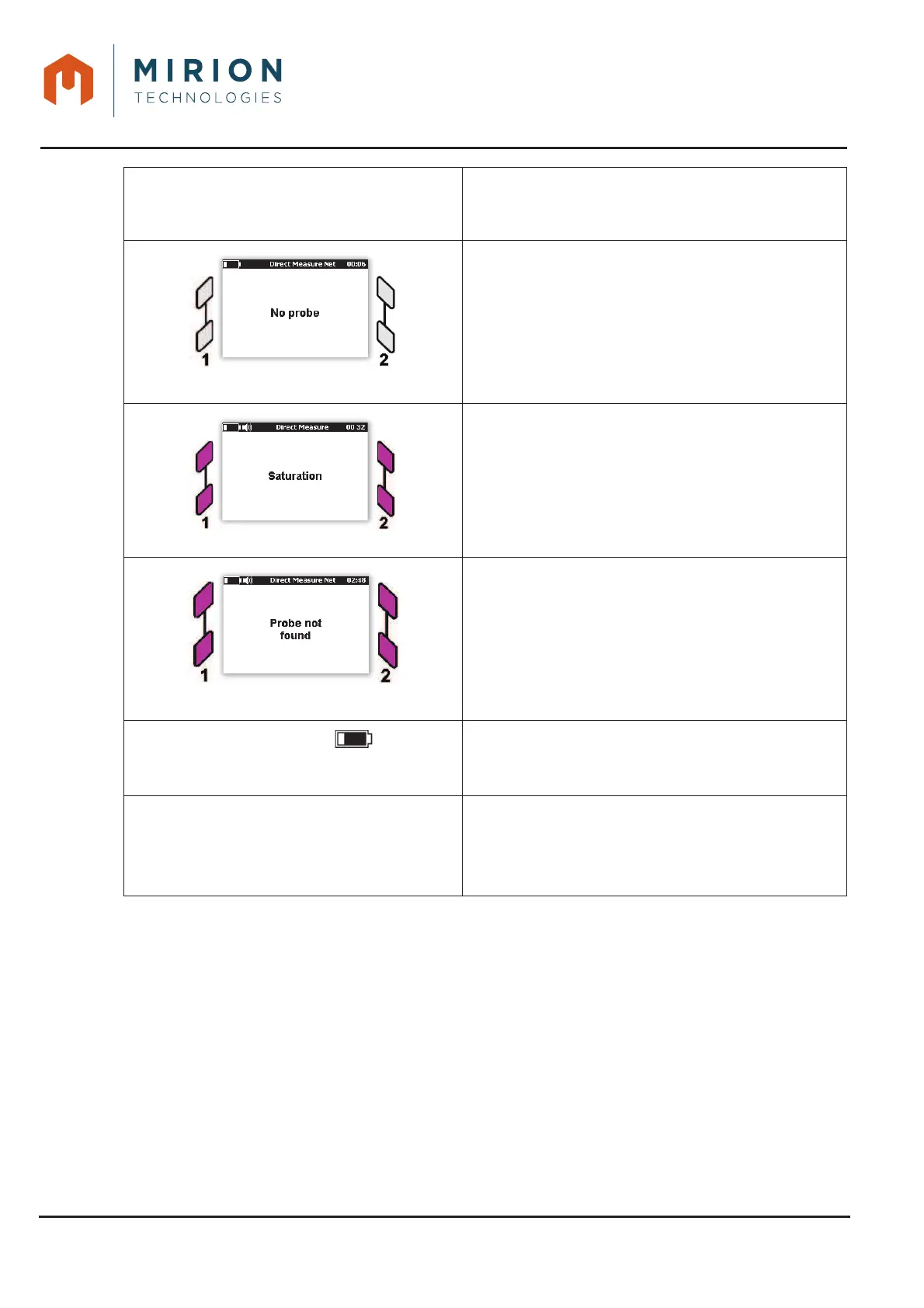
LEDs off
Connect a probe to the interface connector 1 or 2
(see § 10.1)
Flashing LEDs and audible alarm
Probe saturated, move the probe away from the
source until the LEDs return to the green state
Flashing LEDs
Connect the cable to the probe.
Flashing symbol
with an audible alarm and
« Low battery » message
Recharge the battery (see § 9)
Probe not compatible
When the probe is not compatible with the current
mode and configuration of the monitor.
Change the background noise settings or change the
probe.













 To Next Page