USER MANUAL
AVIOR-2/AVIOR-2 I/O & MIP-2/MIP-2 I/O
106491_C User manual AVIOR-2 MIP-2_En.docx
MIRION TECHNOLOGIES (Canberra)S.A.S, BP249, ZI de Vauzelles, 37602
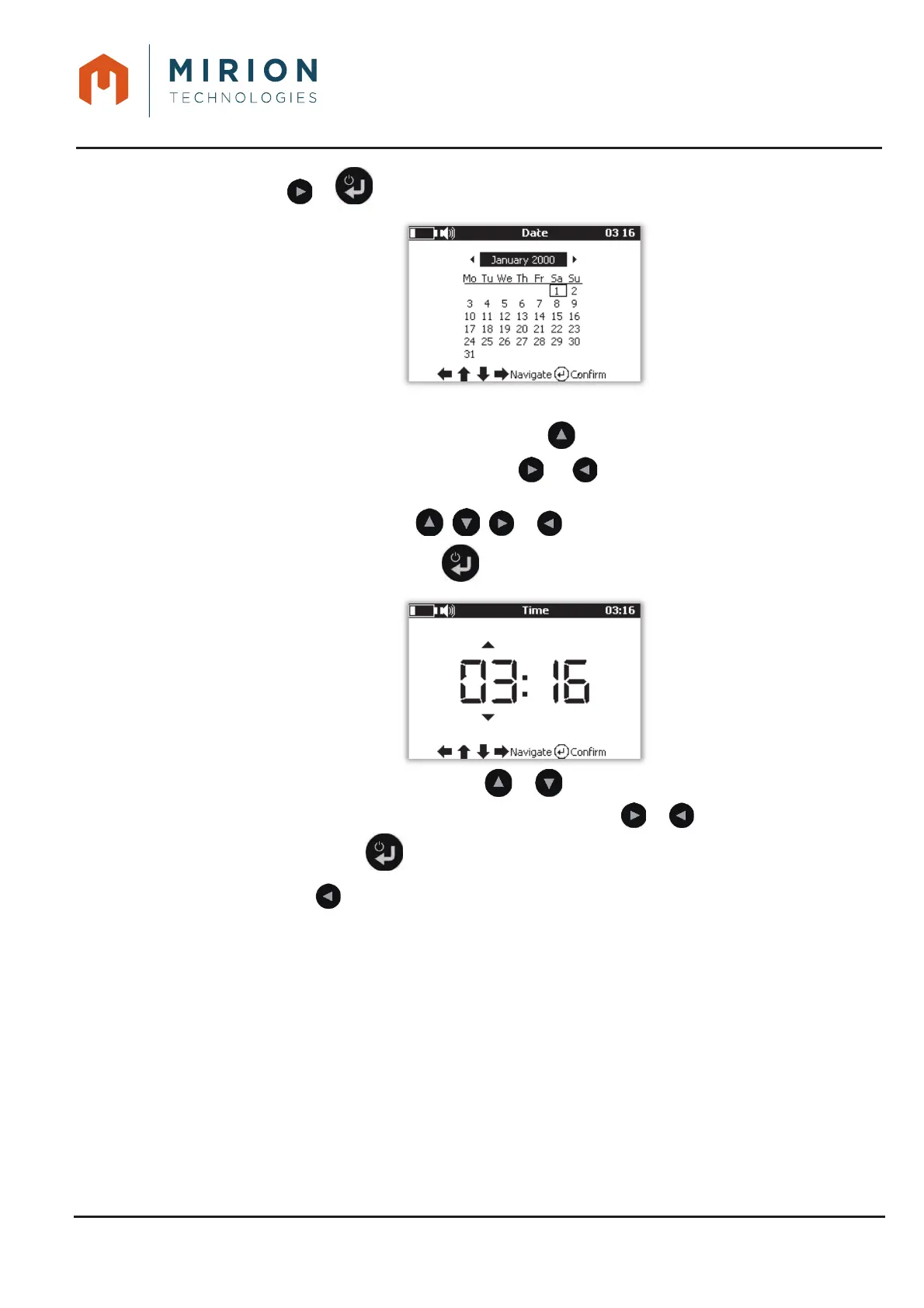
Press the or key to display the calendar4.
To update the date and time:
x Move the cursor to the month with the key ,
x Select the month and year with the or keys. A long press scrolls through the
years, a short press scrolls through the months.
x Select the day with the , , or keys.
x Save the date with the key and change to the time setting,
Select the hour or minutes with or ,
Change between the hour or minutes with the keys or ,
Press the key to save the date and time and return to the « Options » menu.
Press the key to return to the main .5.













 To Next Page