97
C
ONFIGURING SOFTKEYS RECEIVED CALLERS LIST KEY
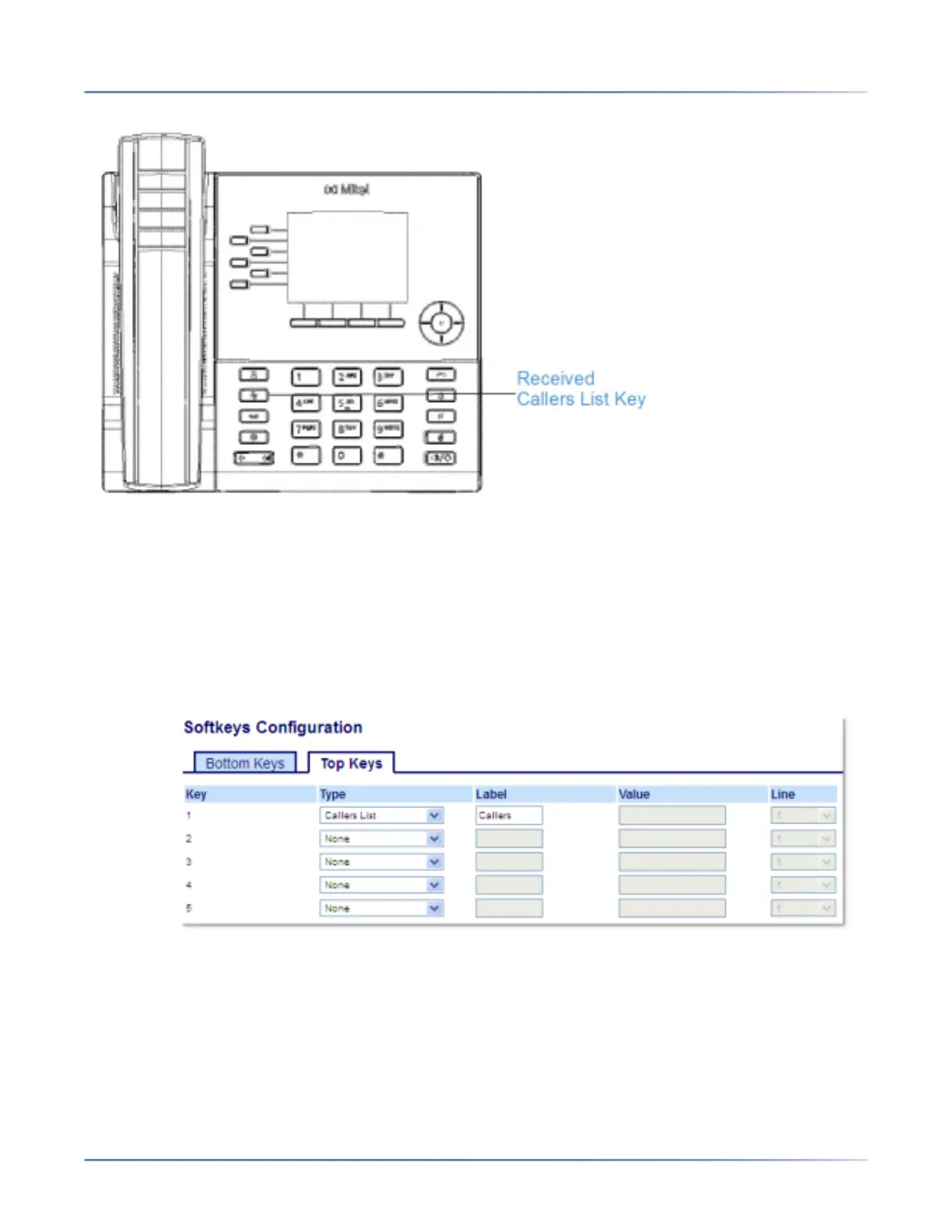
The Received Callers List is a stored log of your incoming calls. You can use the Received Callers List
key to access a list of callers that called your phone.
Configuring a Received Callers List Key Using the Mitel Web UI
1. Click on Operation > Softkeys and XML.
or
Click on Operation > Expansion Module <N>.
Softkeys
2. Select from Key 1 through Key 20 on the Top keys.
or
Select from Key 1 through Key 18 on the Bottom keys.
3. In the Type field, select Callers List.
4. In the Label field, enter a label to apply to this key.



 To Next Page