18
G
ETTING STARTED UI OVERVIEW
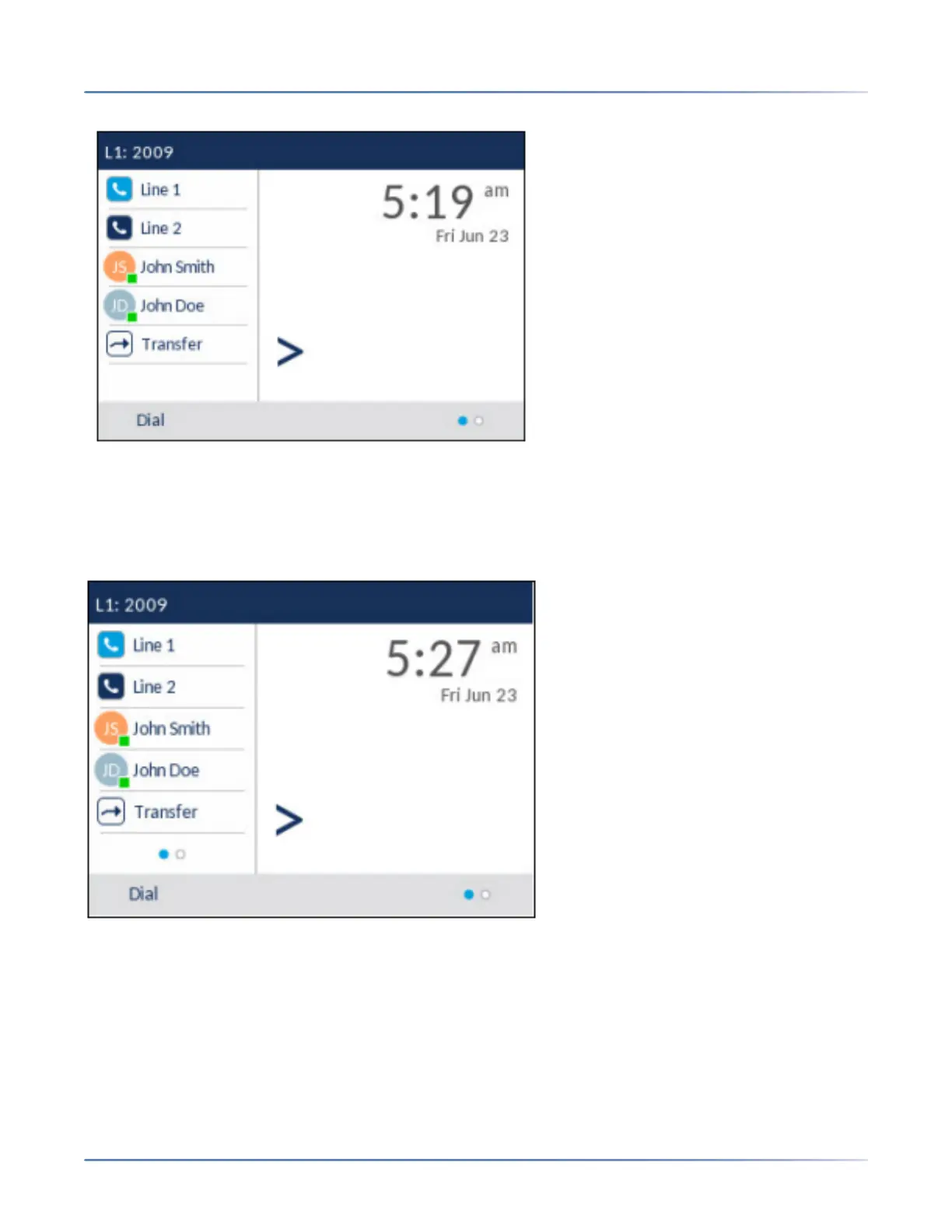
This screen displays the Dial key at the bottom. This key is context-sensitive and cannot be changed.
The More softkey is also displayed if you have any configured bottom softkeys. For example, in the
previous figure, the 6920 has three softkeys configured that are viewable on the next softkey page.
Pressing the More softkey toggles between the first and additional pages to display all the rest of the
configured softkeys (as per the figure below).
Call screen
During an incoming or outgoing call and when on an active call, all the essential information regarding the
call is displayed on screen, including the caller’s avatar, name, number, and call duration timer. The
context-sensitive softkeys also change allowing you access to more call handling features (such as Xfer
and Conf during an active call).



 To Next Page