191
M
ODEL M695 EXPANSION MODULE USING THE EXPANSION MODULES
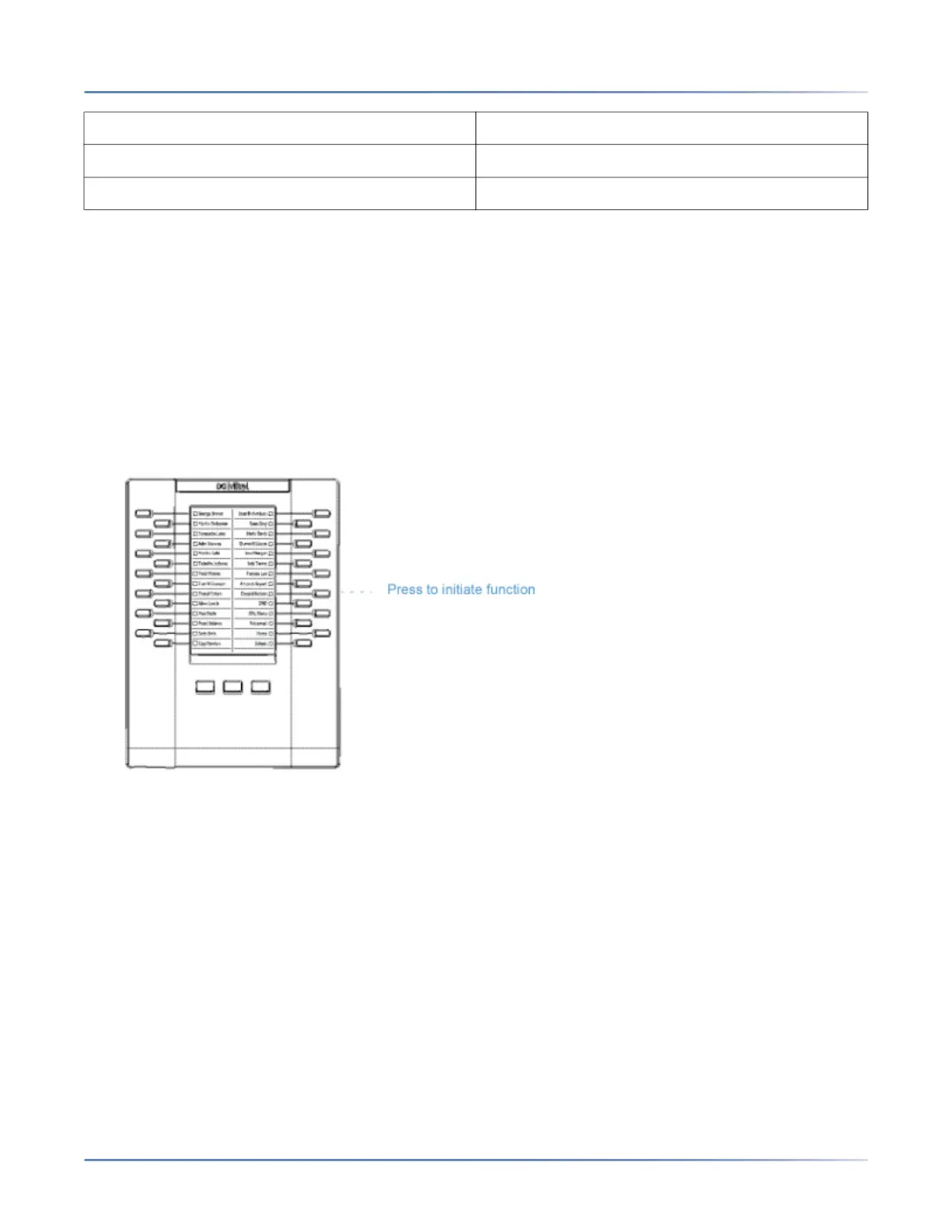
You can configure the keys using the Mitel Web UI at the path, Operation > Expansion Module <N> when
an Expansion Module is attached to the 6920 IP phone.
NOTE: For more information about configuring the expansion module keys with these functions, see the
“Configuring Softkeys” on page 67.
Using the Expansion Modules
After configuring the softkeys on the expansion module, press the key you want to use when applicable.
NOTE: For more information about installing the M695 Expansion Module on your phone, see the Mitel
M695 Expansion Module Installation Guide.
Press-and-Hold to Create a Speed Dial Key
You can press and hold an expansion module key to create a speed dial key and configure it the same
way you configure a speed dial key on the phone. For details on creating a speed dial key, see “Speed
Dial Key”.
• Call Forward • Call History
• BLF/Xfer • Empty
• Speed Dial/Xfer



 To Next Page