133
H
ANDLING CALLS CONFERENCING CALLS
Creating a Conference Call by Joining Two Existing Calls
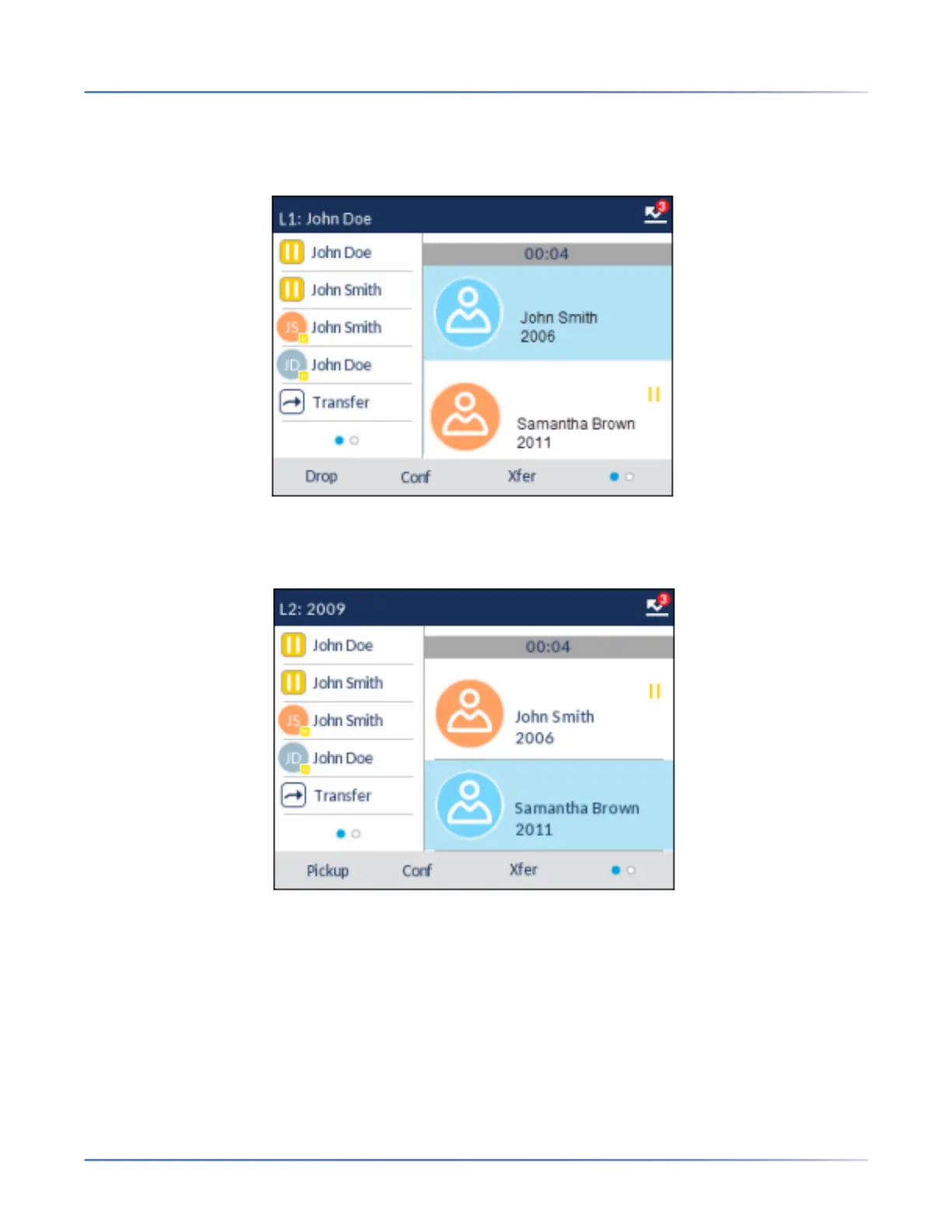
1. Ensure you are on an active call with one of the parties with whom you wish to create a conference
(the other party should be placed on hold).
NOTE: Direct conferencing can be performed in either the Multi-View Call screen or Detailed View
Call screen.
2. Press the up and down navigation keys to highlight the party you wish to conference in.



 To Next Page