113
M
AKING CALLS USING A HEADSET
Contact your telephone equipment retailer or distributor to purchase a compatible headset.
NOTE:
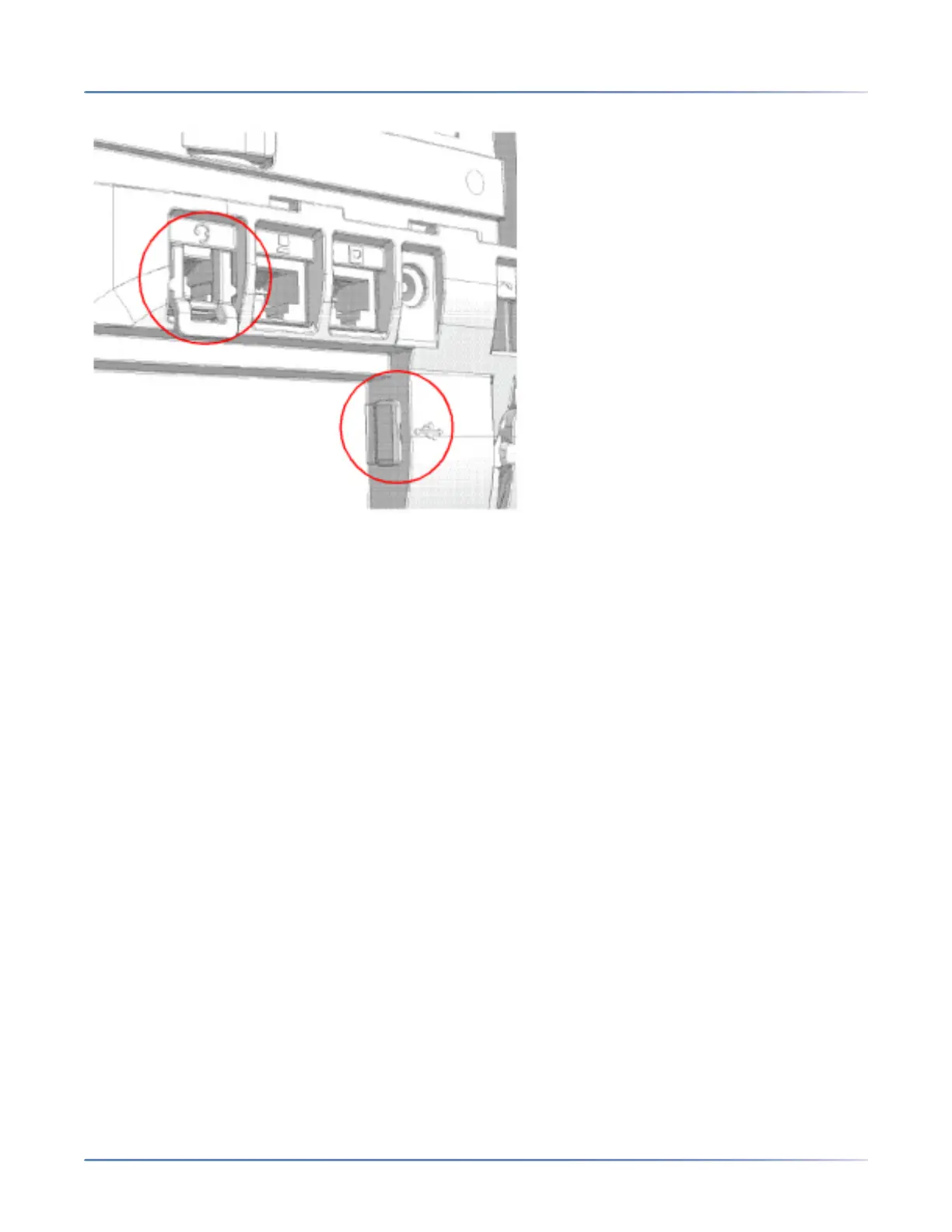
1. The RJ22/R45 headset port is for headset use only. Plugging any other devices into this port may
cause damage to the phone and will void your warranty.
2. Customers should read and observe all safety recommendations contained in headset operating
guides when using any headset.
3. Contact your System Administrator for questions regarding supported headsets.
4. If both an analog (non-DHSG) headset and a USB headset are connected to the phone, the USB
headset will take precedence over the analog headset (i.e. the USB headset will be functional while
the analog headset will not be functional).
5. If both a DHSG headset and a USB headset are connected to the phone and DHSG is enabled, the
DHSG headset will take precedence over the USB headset.
Volume Controls for the Headset Microphone
On the 6920, there are three options for the headset microphone volume: Low, Medium, and High. For
information about configuring the headset microphone volume, see “Headset”.



 To Next Page