153
M
ANAGING CALLS RECEIVED CALLERS LIST
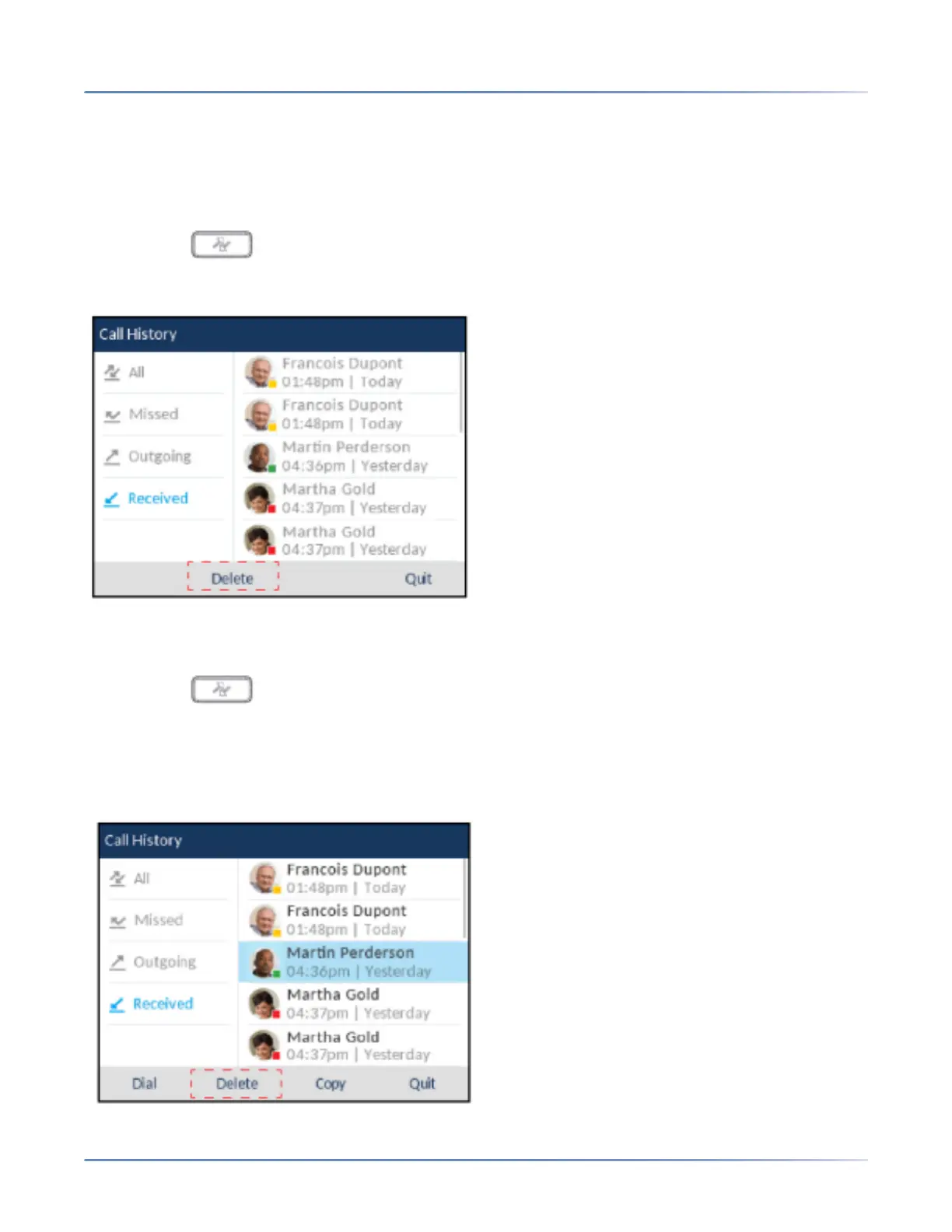
Deleting Entries from the Received Callers List
You can delete individual entries from the Received Callers List or you can simply delete all entries in the
Received Callers List.
To delete all entries from the Received Callers List
1. Press the key.
2. Press the Delete softkey.
3. Press the Delete softkey to erase all items.
To delete an individual entry from the Received Callers List
1. Press the key.
2. With Received highlighted press the right navigation key to move to entry column.
3. Use the up and down navigation keys to scroll through the entries in the Received Callers List.
4. Press the Delete softkey.



 To Next Page