21
C
USTOMIZING YOUR PHONE PHONE OPTIONS VIA IP PHONE UI
Customizing your phone
There are two ways to customize specific options on your phone:
• Using the Options key on the IP phone.
• Using the Mitel Web UI in an Internet browser window from your PC.
Phone Options via IP Phone UI
You can customize your phone and view your phone status by pressing the (Options) key,
opening the Settings menu. This menu provides a single location to access all your phone settings. The
following phone settings can be configured through the Settings menu:
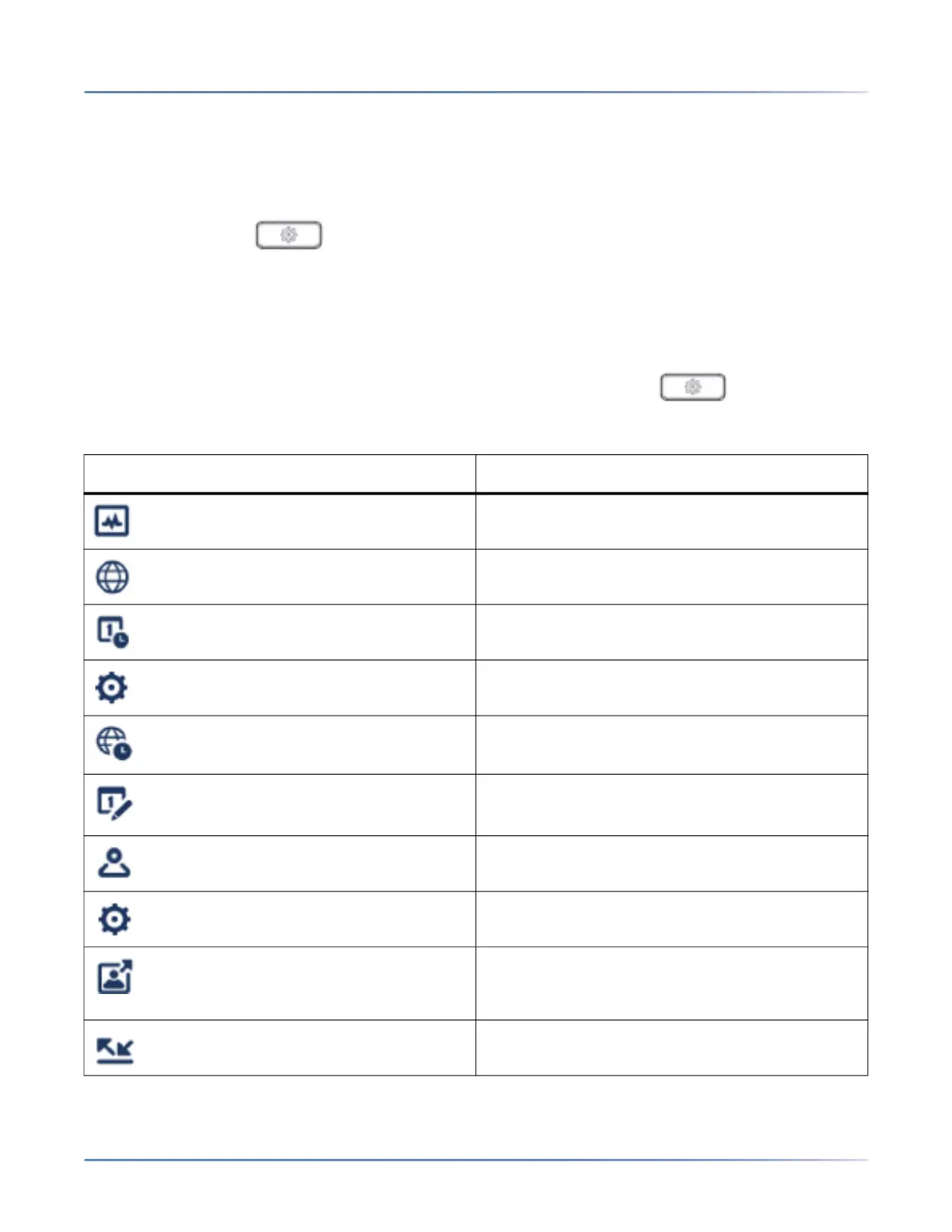
Icon Option
Status
Language
Time and Date
Settings
Time Zone
Set Date and Time
Directory
Settings (available only if external directory
sources are configured by your Administrator)
External Sources (available only if external
directory sources are configured by your
Administrator)
Call Forward



 To Next Page