29
C
USTOMIZING YOUR PHONE PHONE STATUS VIA IP PHONE UI
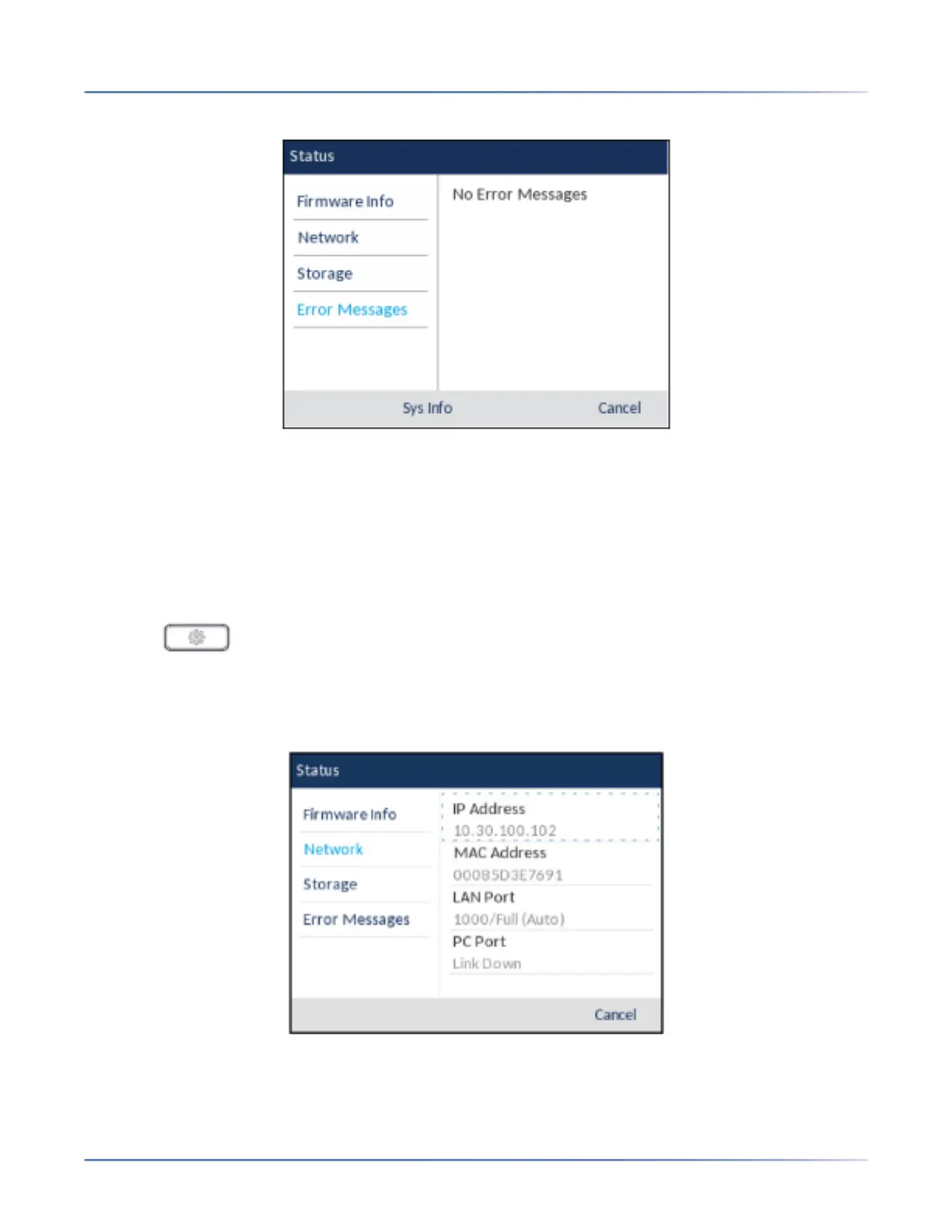
– Error Messages
To view more information on the selected status item, press the right navigation key and press the down
navigation key to scroll through the information.
Finding Your Phone’s IP Address
If you want to access your phone’s options using an Internet browser, you need to enter the IP address
of the phone in the browser to open the Mitel Web UI. Use the following procedure to find your phone’s
IP address.
1. Press to enter the Options List.
2. Press the select button or Select softkey to enter the Status menu.
3. Use the down navigation key to highlight Network.
The IP address of your 6920 displays in the IP Address field in the right column.



 To Next Page