173
A
DDITIONAL FEATURES XML BEEP SUPPORT
Configuring Stuttered Dial Tone
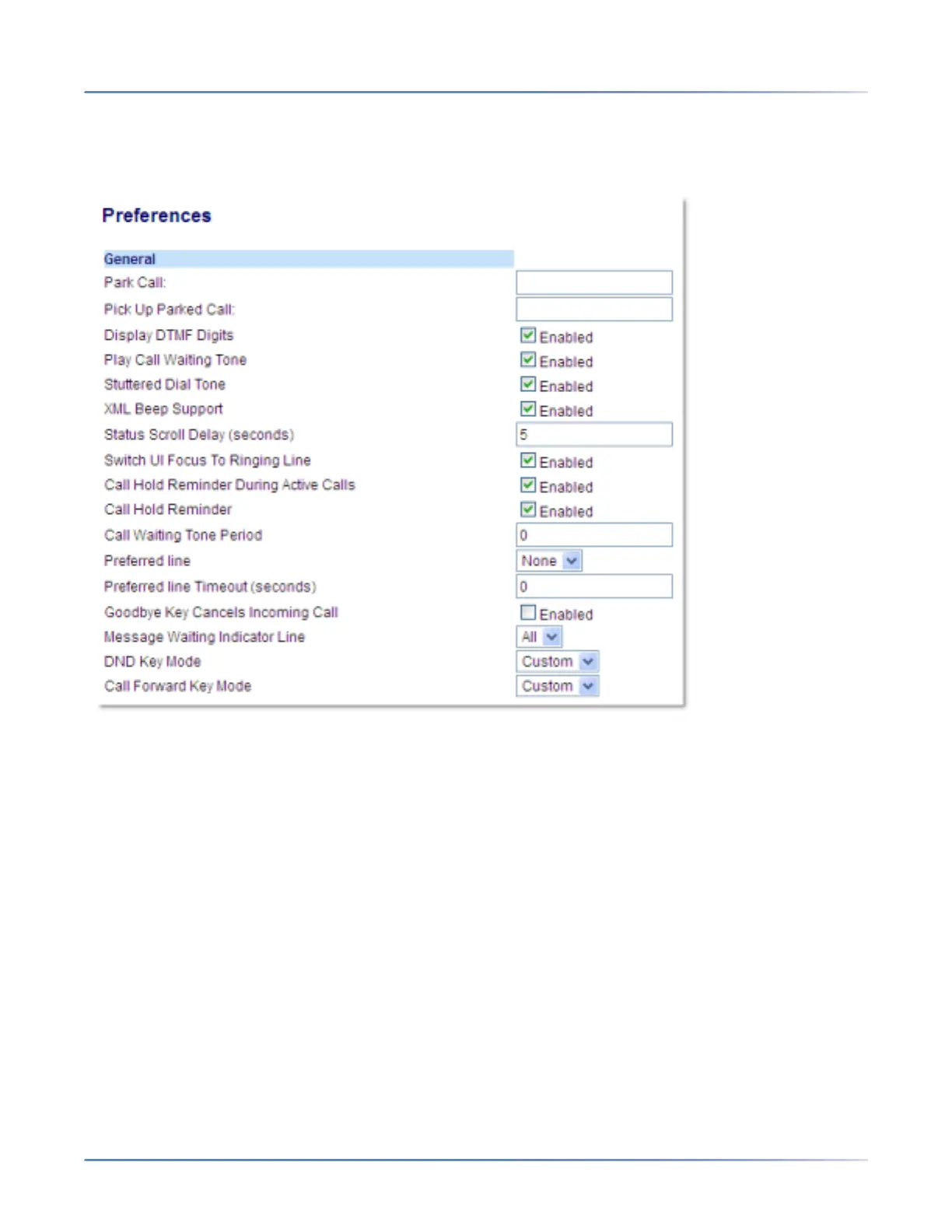
1. Click on Basic Settings > Preferences > General.
2. The Stuttered Dial Tone field is enabled by default. To disable this field, uncheck the box.
3. Click Save Settings to save your settings.
XML Beep Support
Using the Mitel Web UI, you can enable or disable a beep to be audible when the phone receives an XML
application using the XML Beep Support field at the path Basic Settings > Preferences > General. If you
disable this feature, then no beep is heard when the XML application arrives to the phone.
If your System Administrator has set a value for this feature in a custom XML application or in the config-
uration files, the value you set in the Mitel Web UI overrides the Administrator’s setting. Setting and saving
the value in the Mitel Web UI applies to the phone immediately.



 To Next Page