79
C
ONFIGURING SOFTKEYS BUSY LAMP FIELD (BLF) KEY
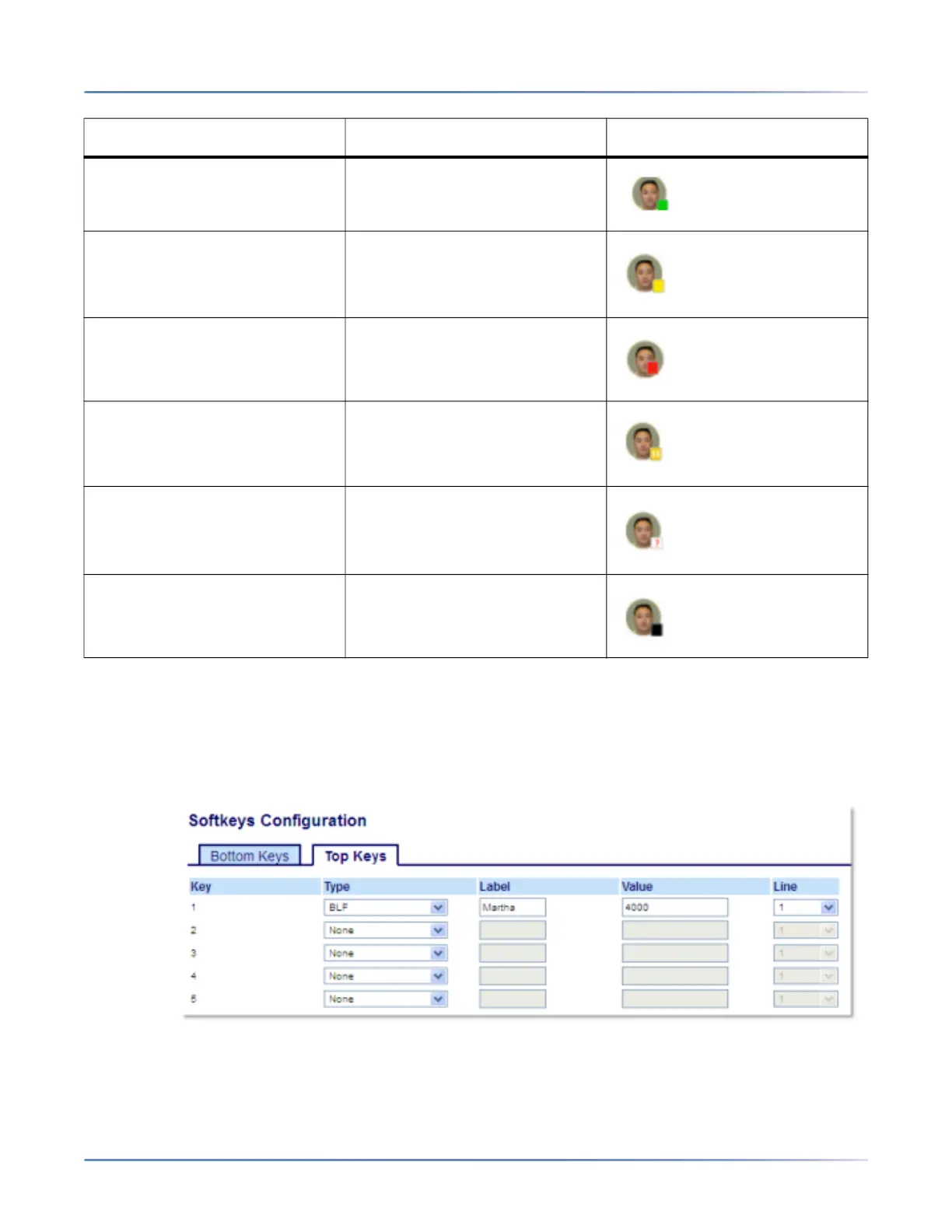
Configuring a BLF Key Using the Mitel Web UI
1. Click on Operation > Softkeys and XML.
or
Click on Operation > Expansion Module <N>.
Softkeys
2. Select from Key 1 through Key 20 on the Top keys.
3. In the Type field, select BLF to apply to the key.
BLF State LED Behavior Softkey Icon
Idle Off
Ringing Fast Flashing Red
Connected Solid Red
On Hold Slow Flashing Red
Unknown Off
Not monitored Off



 To Next Page