186
A
DDITIONAL FEATURES SHARED CALL APPEARANCE (SCA) CALL BRIDGING
ignored. The behavior for the incoming calls in this case is also based on the setting for the Allow Barge
In parameter. The incoming call is handled as if there were an existing call already on the phone.
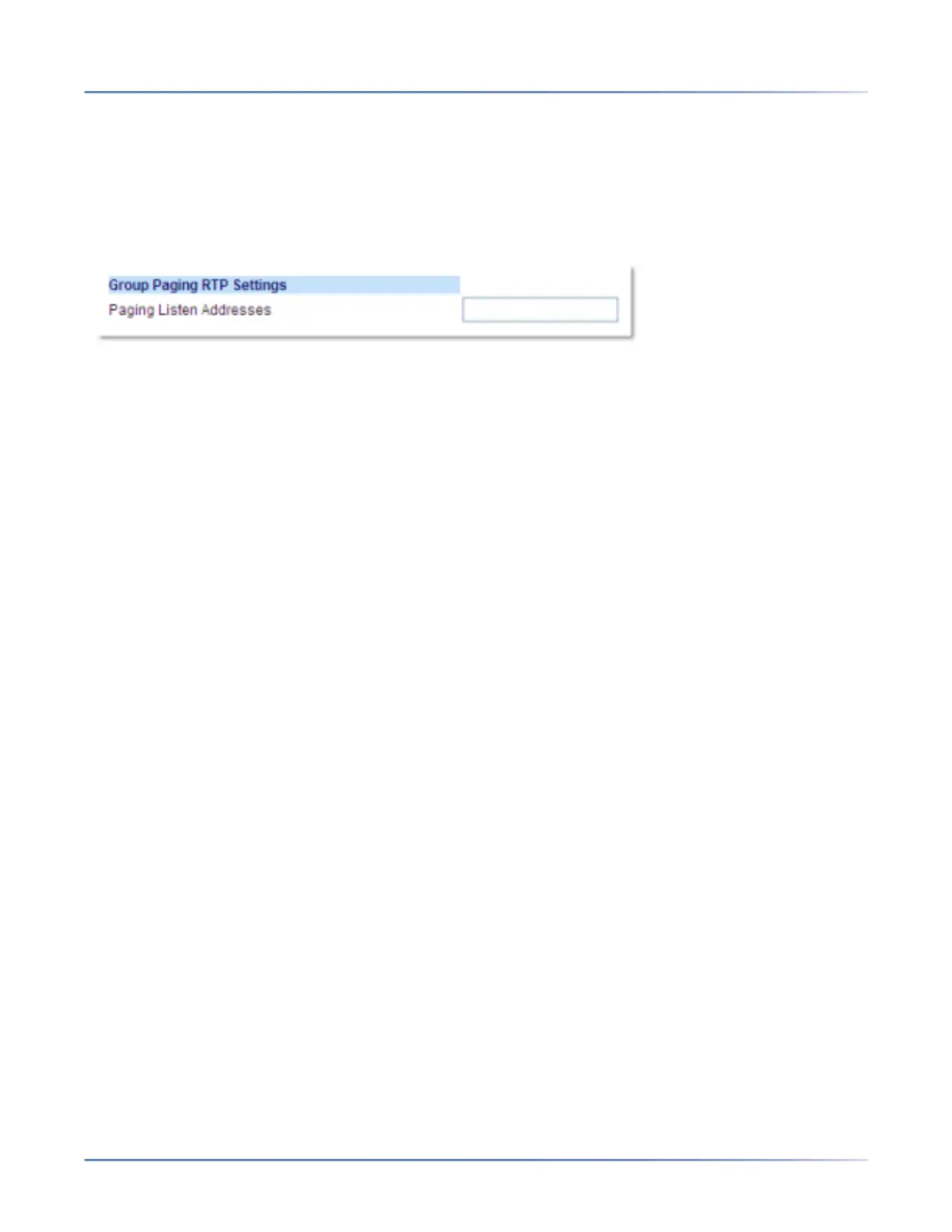
Configuring Group RTP Paging
1. Click on Basic Settings > Preferences > Group Paging RTP Settings.
2. In the Paging Listen Addresses text box, enter the multicast IP address(es) and port number on
which the phone listens for incoming multicast RTP packets. Enter the IP address in dotted decimal
format (for example, 239.0.1.15:10000,239.0.1.20:15000) You can enter up to 5 listening multicast
addresses.If this field is blank, the paging listening capability is disabled on the phone.
NOTE:
a. Recipient of a paging call can set a global DND to ignore any incoming pages.
b. For incoming paging, the phone uses the Intercom configuration settings. The incoming page is
dependent on the Allow Barge In parameter setting and the idling/on call state.
3. Click Save Settings.
Shared Call Appearance (SCA) Call Bridging
Shared Call Appearance (SCA) is when incoming calls are presented to multiple phones simultaneously.
For example, it is the ability to assign the boss' extension to a button on the secretary's phone. Calls can
be transferred between two phones with the same extension button by simply putting the call on hold at
one phone and picking it up on the other. Status LEDs light and flash in unison, allowing all people sharing
the extension to see the status at a glance.
The phones include an enhanced SCA for the call managers that support call bridging and allows two or
more SCA users to be connected in a call with a third party.
Refer to the following example.



 To Next Page