19
G
ETTING STARTED UI OVERVIEW
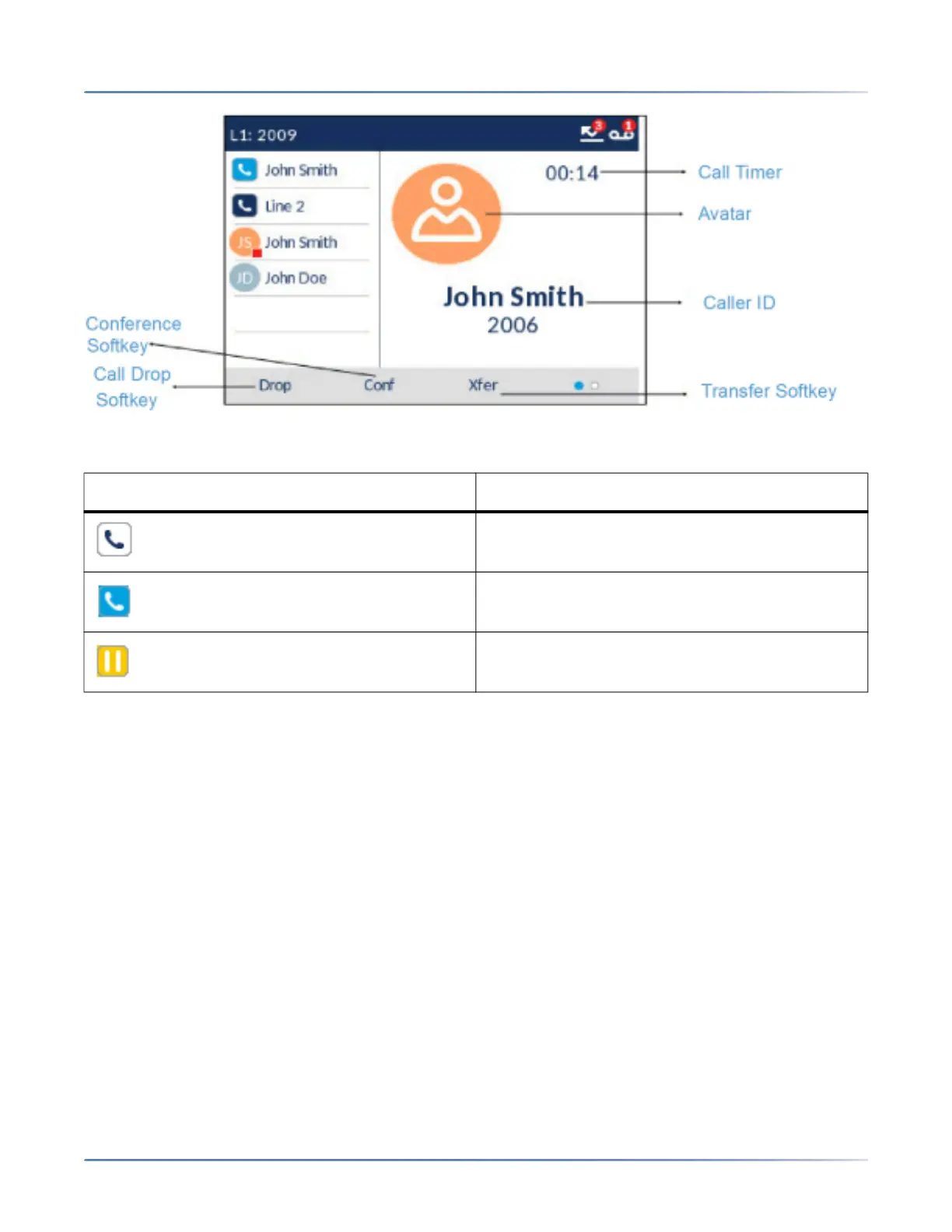
Additionally during an incoming call, the focused Line key changes to reflect the status of the line as per
the following table.
UI navigation
UI navigation is performed using the navigation keys located to the right of the softkeys.
Icon Description
Indicates the line is ringing due to an incoming
call.
Indicates the line is busy or connected.
Indicates the call on the focused line is on hold.



 To Next Page