8
P
HONE KEYS E.164 SUPPORT
When entering characters in the various Settings menus or in different applications (for example, when
adding a contact to your Contacts application), advanced characters can be entered using the dialpad
keys.
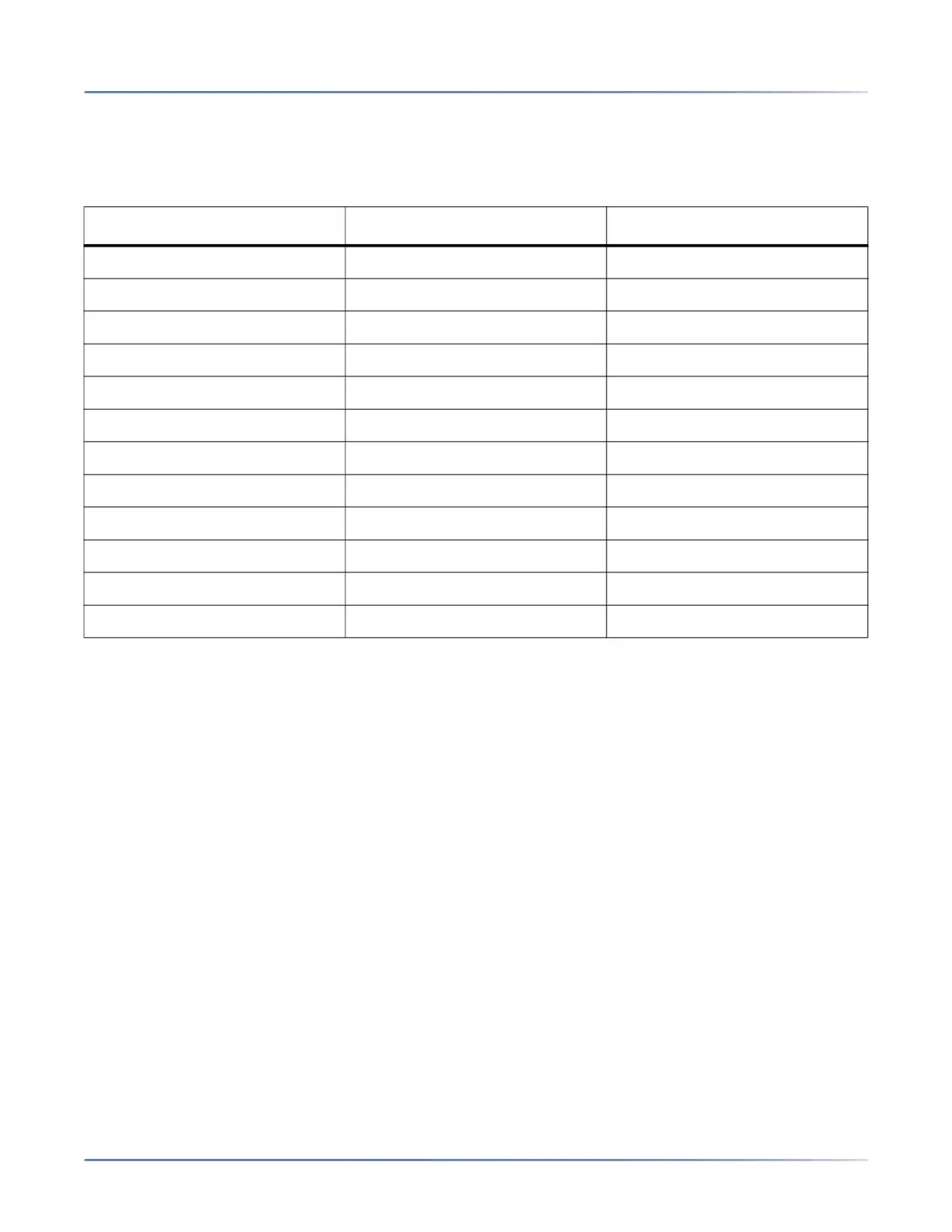
The following tables identifies the characters that you can use and the order in which they are accessible.
E.164 support
E.164 is the international telephone numbering plan that ensures each device on the PSTN has a globally
unique number. E.164 numbers are formatted as [+] [country code] [subscriber number including area
code], and can have a maximum of 15 digits.
Users can dial E.164 numbers from 6920 IP phones. The support for inserting the '+' symbol is provided
to users in the following ways:
• When dialing from the phone, users can insert the '+' symbol by a long-press of the '0' key.
• When entering an E.164 number as a number entry in the directory from the phone UI, users can insert
the '+' symbol by a long-press of the '0' key.
• When entering an E.164 number as a number entry in the keypad Speed dial from the phone UI, users
can insert the '+' symbol by a long-press of the '0' key.
Key Uppercase Characters Lowercase Characters
0 0 + 0 +
1 1 . : ; =_ , - ' & ( ) $ ! 1 . : ; =_ , - ' & ( ) $ !
2 A B C 2 a b c 2
3 D E F 3 d e f 3
4 G H I 4 g h i 4
5 J K L 5 j k l 5
6 M NO 6 m n o 6
7 P Q R S 7 p q r s 7
8 T U V 8 t u v 8
9 W X Y Z 9 w x y z 9
* * <SPACE> * <SPACE>
# # / \ @ # / \ @



 To Next Page