134
H
ANDLING CALLS CONFERENCING CALLS
3. Press the Conf softkey. The two parties will connect with you to form a conference call.
Joining Additional Parties to Active Conferences
In centralized conferencing, you can join multiple incoming or outgoing calls to active conferences. Before
following this procedure, at least one active conference must exist on your phone.
1. As Party 1, pickup the handset or press the key.
A line opens up.
2. Call Party 2 by dialing their number (or answer an incoming call of a party).
3. Wait for Party 2 to answer. When Party 2 answers, you can consult with them before adding them to
the conference.
4. Press the Conf softkey.
5. Press the Line key that contains the active conference or highlight a party that is part of the active
conference and press the Conf softkey again to join the parties to the active conference. For example,
Line 1 and Line 2 both have active conferences. Pressing Line 1 or highlighting a party from Line 1
will join Party 1 and Party 2 to the conference on Line 1. Pressing Line 2 or highlight a party from Line
2 will Party 1 and Party 2 to the conference on Line 2.
Ending a Conference and Transferring Remaining Parties
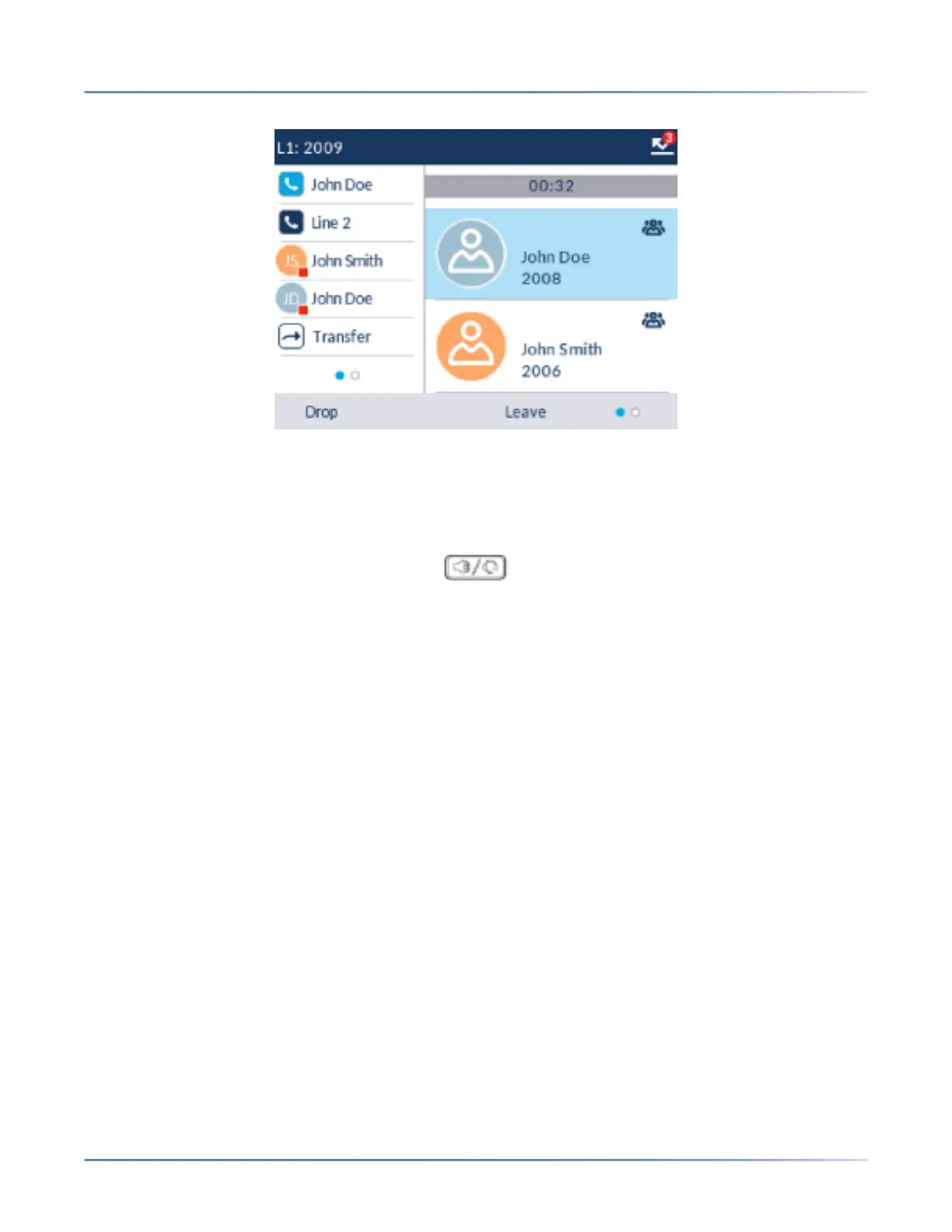
The 6920 allows a host to easily leave a three-way conference call without disrupting the connection of
the other two remaining parties. If you are the host of a conference call and want to leave the conference,
simply press the Leave softkey on the phone. Your phone leaves the three-way conference call but the
remaining parties are still connected together.



 To Next Page