47
C
USTOMIZING YOUR PHONE LOCK
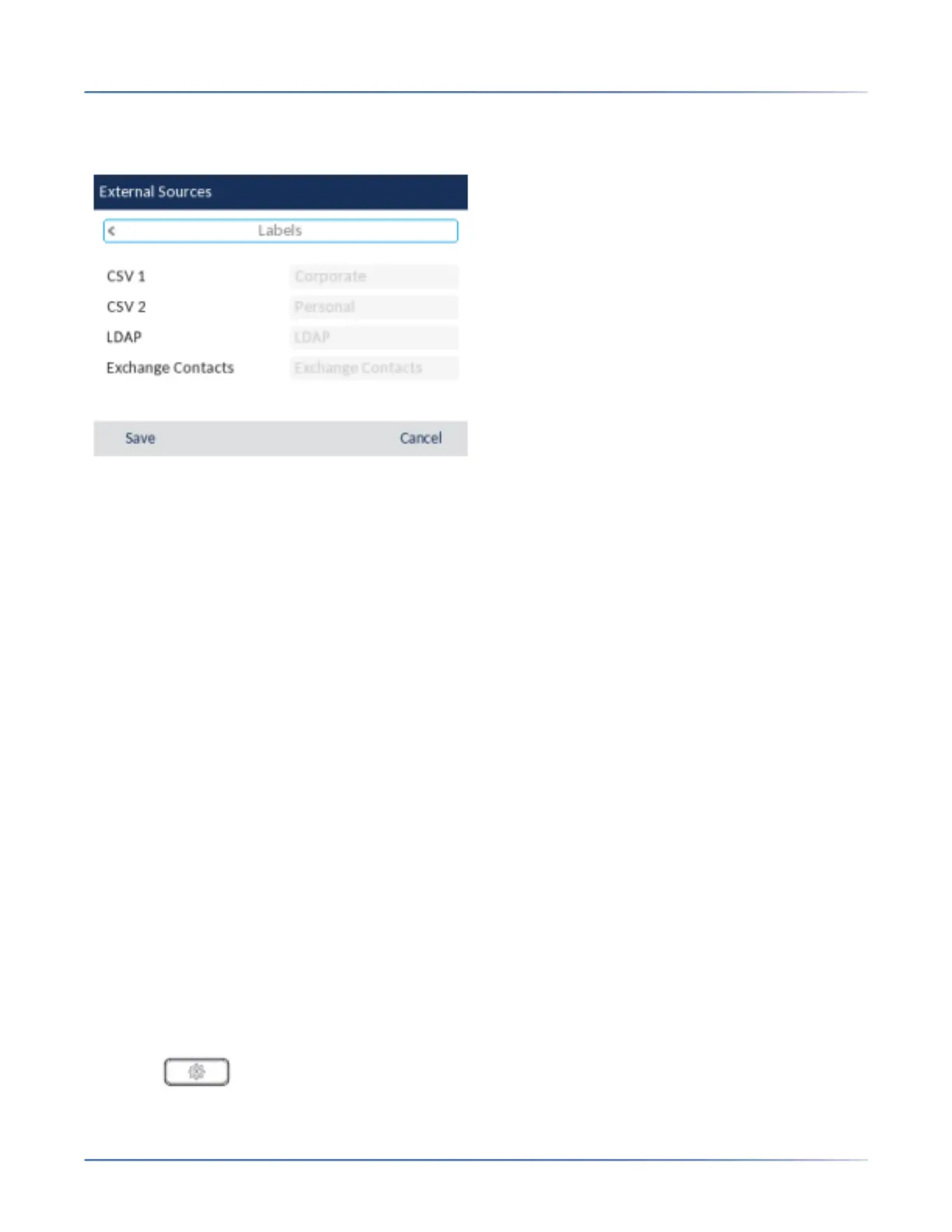
4. Press the down navigation key to navigate to the Enable/Disabletab, and press the right navigation
key to switch to the Labels tab.
5. Use the up and down navigation keys to navigate through the list of Directory source labels and using
the dialpad keys enter in a name for the respective directory folders.
6. Press the Save softkey to save your changes.
Lock
Password
This category allows you to change the user password for your phone. Changing your password ensures
that only you can alter your phone settings and helps keep your system secure. You can change your
user password using the IP phone UI or the Mitel Web UI.
CONFIGURING A USER PASSWORD
If unsupported characters are present in the user password or if the password length exceeds 15 charac-
ters in the configuration file then the phone uses the default password. The default password for user is
blank.
The following full character sets are supported:
• 0-9
• A-Z
• a-z
• +.:;=_,-'&()$!*/@
NOTE: User password does not support space and pound in the configuration file.
Setting a User Password Using the IP Phone UI
1. Press on the phone to enter the Options List.
2. Navigate to the Lock > Password option and press the select button or Select softkey.



 To Next Page