32
C
USTOMIZING YOUR PHONE LANGUAGE
• Italian
• Dutch
• Dutch (Netherlands)
• Norwegian
• Polish
• Portuguese
• Portuguese Brazilian
• Romanian
• Russian
• Slovak
• Swedish
• Turkish
• Greek
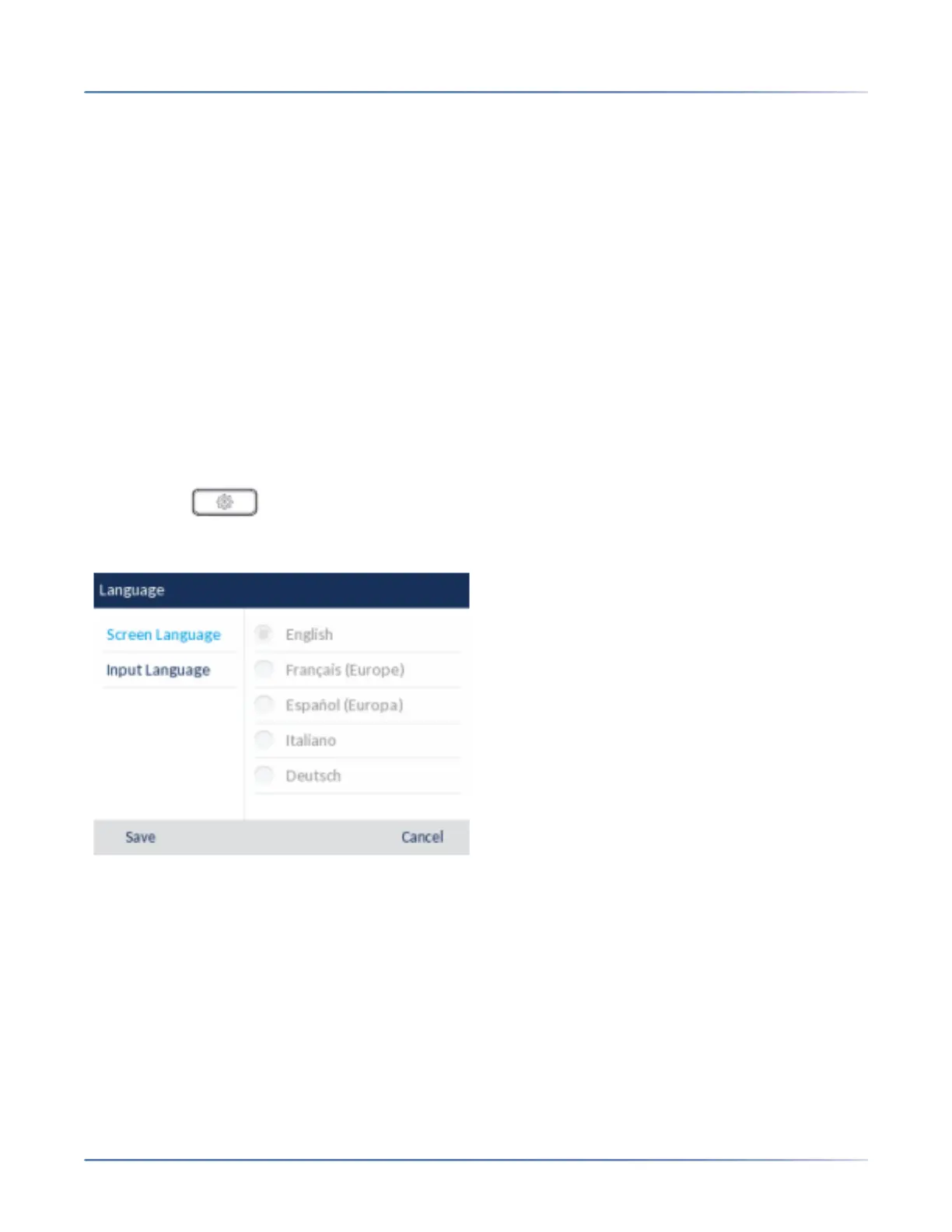
Specifying the Language to Use Using the IP Phone UI
1. Press the (Options) key on the phone to enter theSettings menu.
2. Navigate to the Language setting and press the Select button or Select softkey.
3. With Screen Language highlighted, press the right navigation key to move to selection column.
4. Use the up and down navigation keys to scroll through and choose the desired screen language.
NOTE: English is the default language and cannot be changed or removed. For more information
about loading language packs, see your System Administrator.
5. Press the Save softkey to save your changes. The change is dynamic. When you exit the Options
List, the phone will display all menu items in the language you selected.



 To Next Page