108
C
ONFIGURING SOFTKEYS NONE KEY
7. Click Save Settings.
None Key
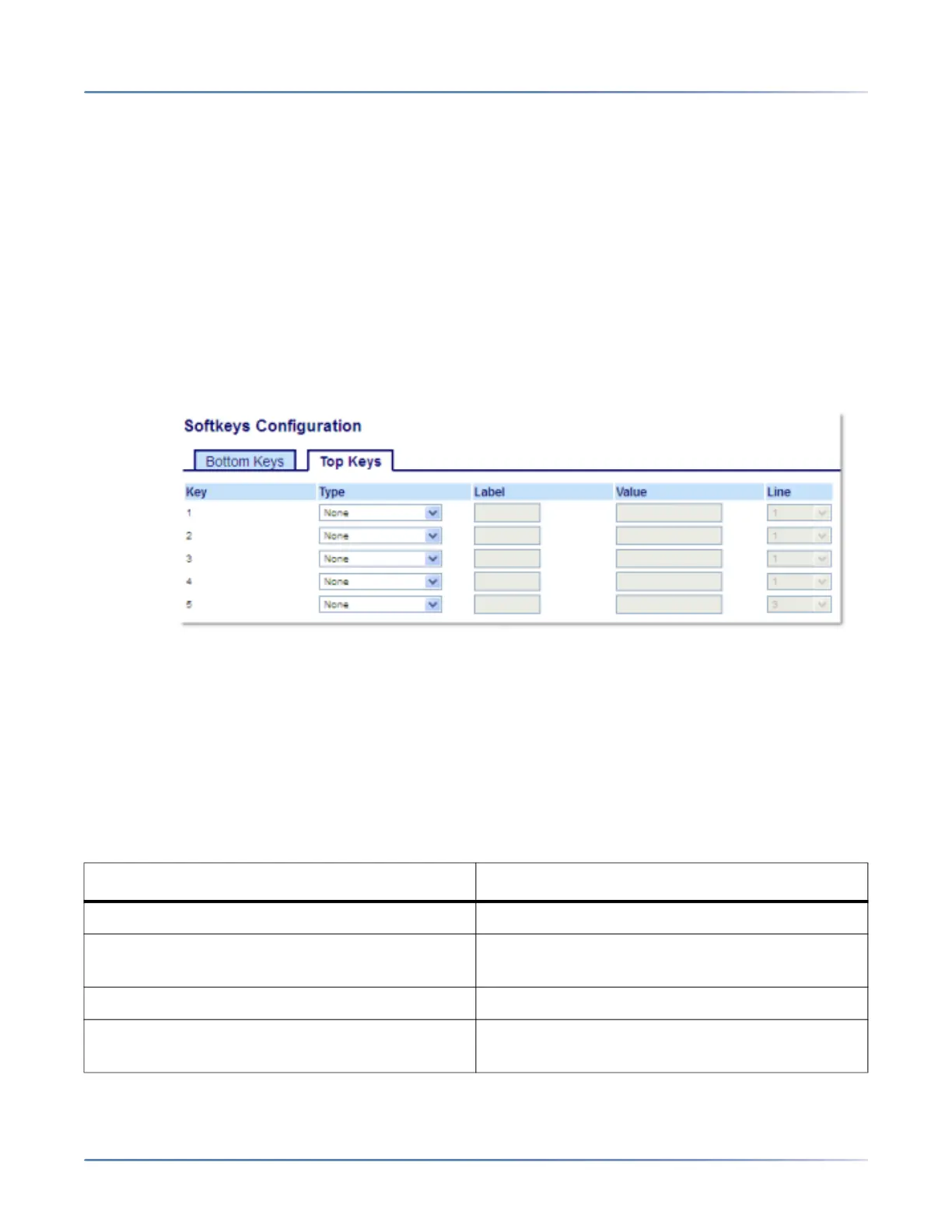
Use the following procedure to delete a key’s functionality on the 6920 IP phone.
Deleting a Key’s Function Using the Mitel Web UI
1. Click on Operation > Softkeys and XML.
or
Click on Operation > Expansion Module <N>.
2. Choose the key you want to delete from the phone or expansion module.
3. In the Type field, selectNone.
4. Click Save Settings.The key function is deleted from the IP phone memory.
State-Based Softkeys
On the 6920 bottom softkeys, you can configure a specific state to display when a softkey is being used.
The following table describes the states available to configure for the softkeys.
State Description
Idle The phone is not being used.
Connected The current line is in an active call (or the call is
on hold).
Incoming The phone is ringing.
Outgoing The user is dialing a number, or the far-end is
ringing.



 To Next Page